2-4
Document Handling
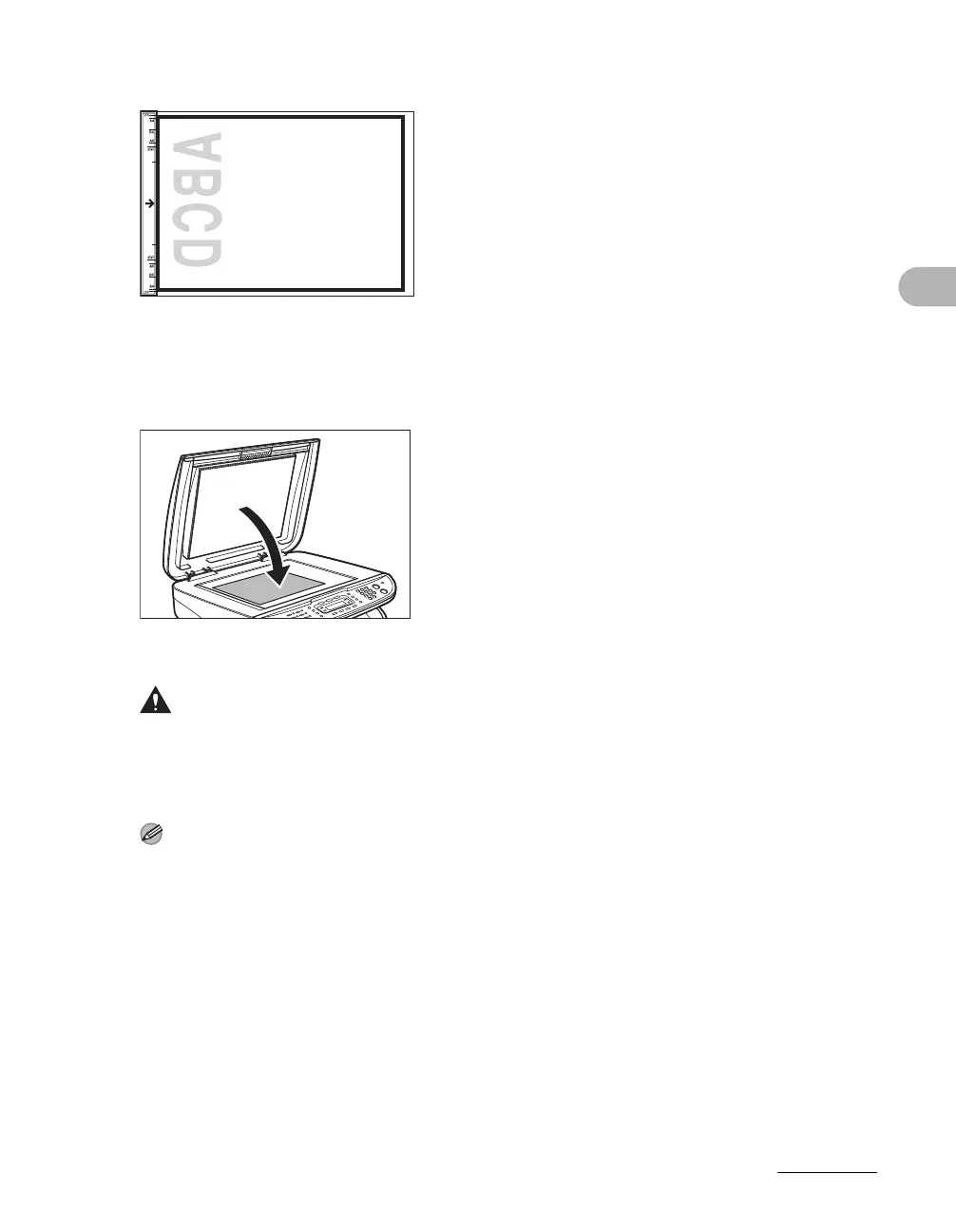
3 Align the document with the appropriate paper size marks.
If your document does not match any of the paper size marks, align the center of your document
with the arrow mark.
4 Gently lower the platen glass cover.
The document is ready for scanning.
CAUTION
– When closing the platen glass cover, be careful not to get your fingers caught, as this
may result in personal injury.
– Do not press down the platen glass cover forcefully, as this may damage the platen glass
and cause personal injury.
NOTE
Remove the document from the platen glass when scanning is complete.










 To Next Page