3-8
Print Media
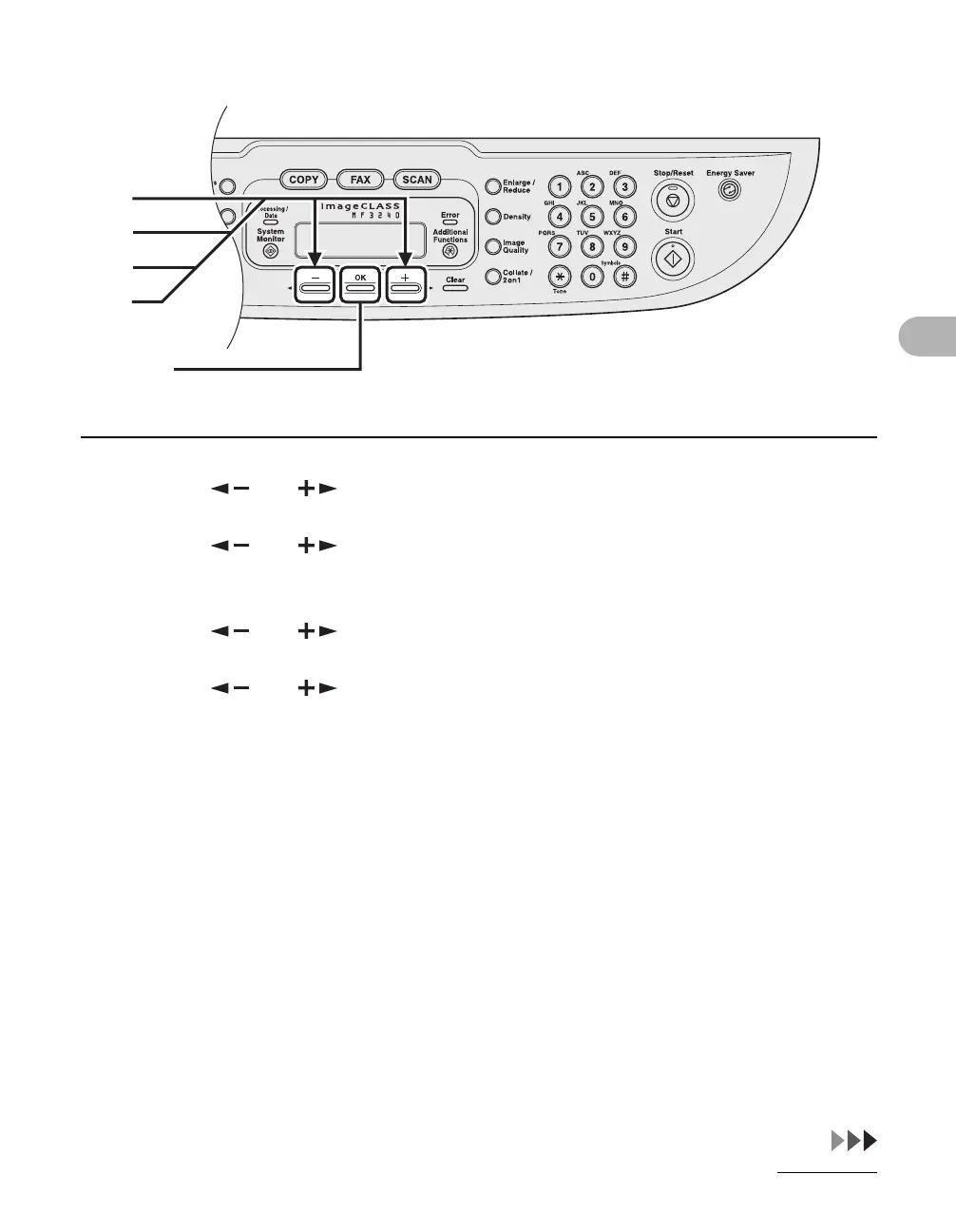
3 Press [ ] or [ ] to select <PAPER SETTINGS>, then press [OK].
4 Press [ ] or [ ] to select <CASSETTE> or <MP TRAY>, then press
[OK].
5 Press [ ] or [ ] to select <PAPER SIZE>, then press [OK].
6 Press [ ] or [ ] to select the paper size, then press [OK].
<LTR>, <LGL>, <A4>, <B5>, <A5>, <EXECUTIVE>, <COM10>, <MONARCH>, <DL>, <ISO-C5>
[OK]
4
3
6
5










 To Next Page