Maintenance
10-16
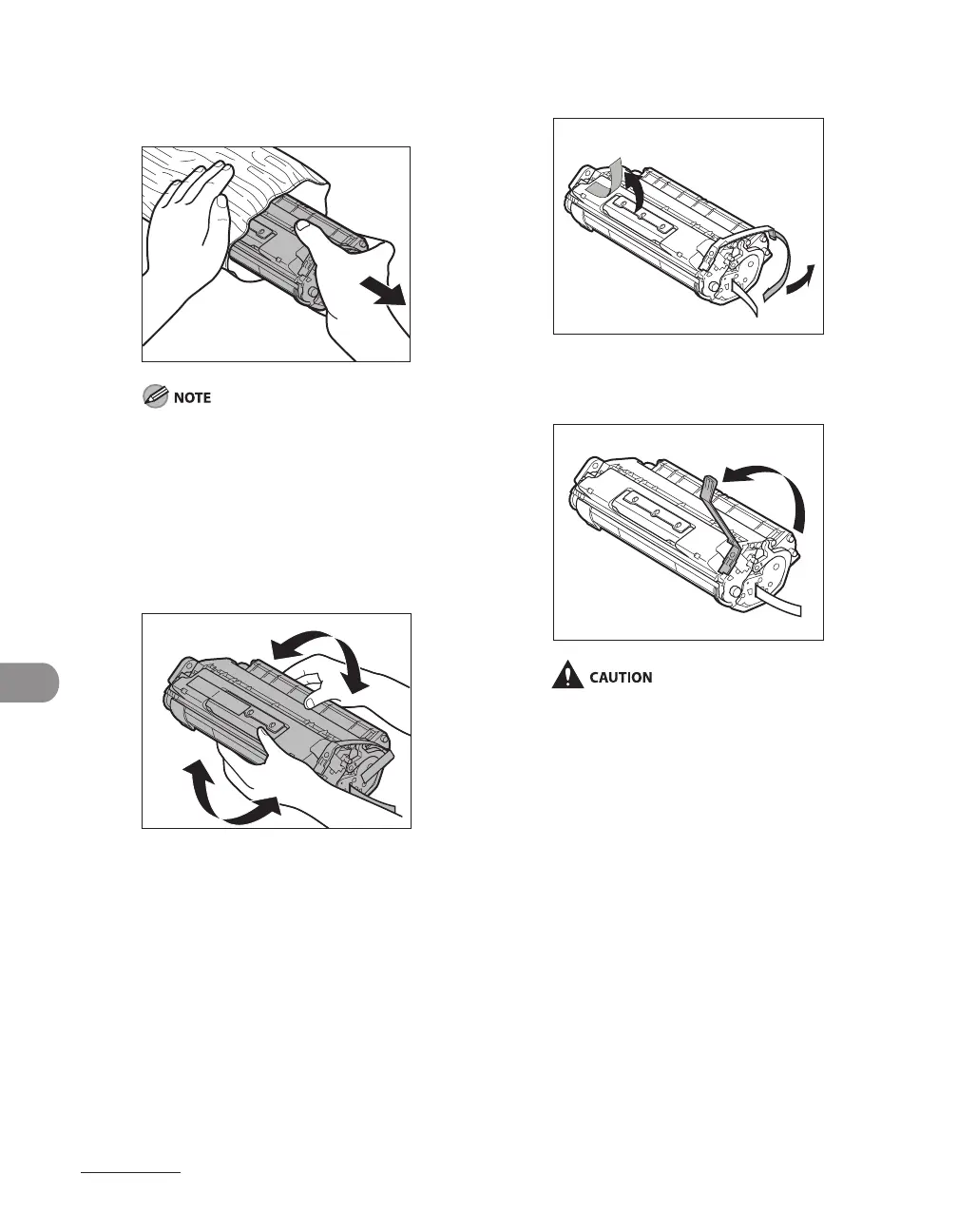
5 Remove the new toner cartridge
from the protective material.
Save the protective bag. You may need it
later when you remove the toner cartridge
from the machine.
6 Gently rock the toner cartridge
several times to evenly distribute
toner inside.
7 Remove the seals (2 places).
8 Bend back the blue plastic pull tab.
Do not remove the pull tab as it is used to
pull out the toner when the cartridge needs
replaced.










 To Next Page