Document and Paper
2-20
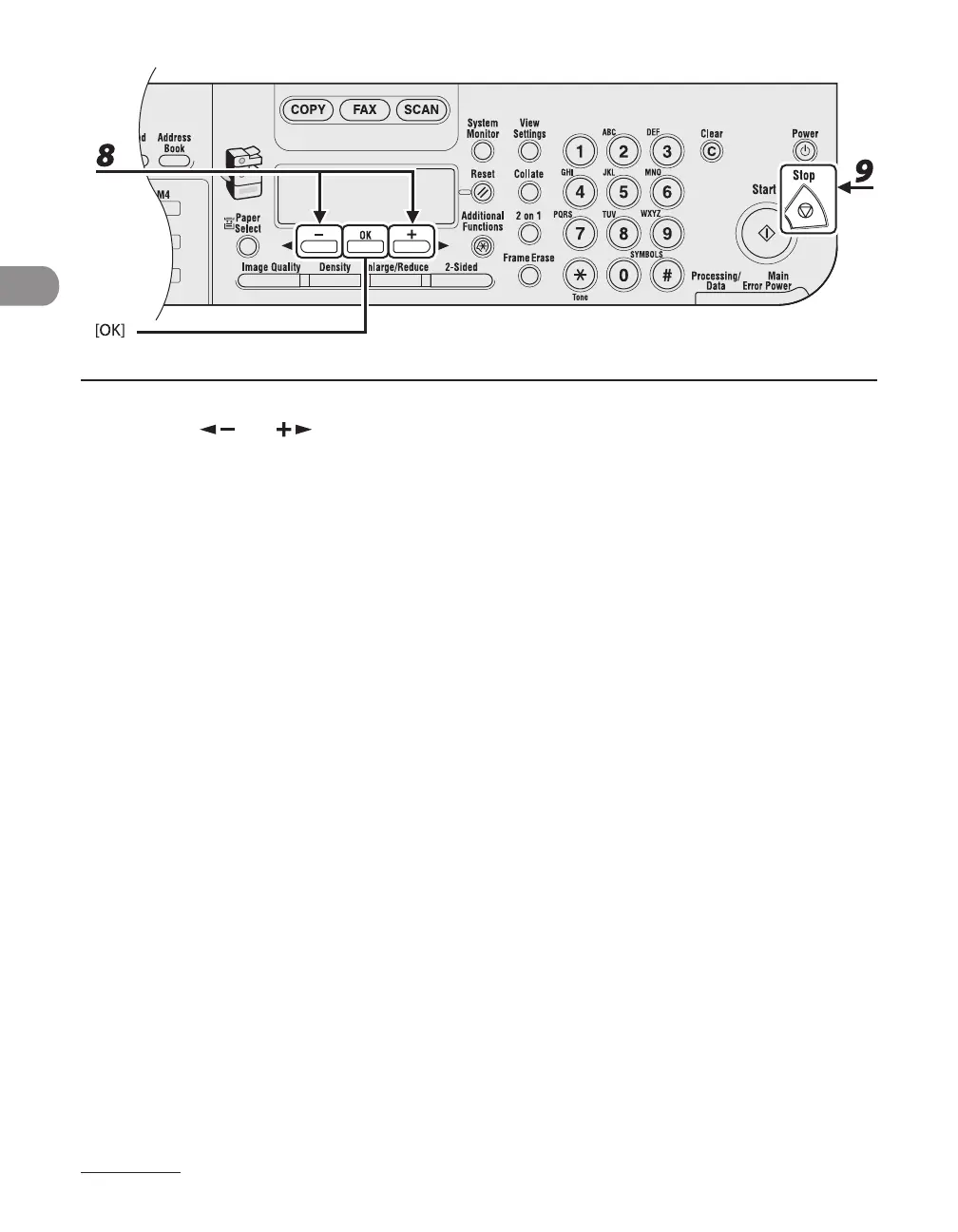
8 Press [ ] or [ ] to select the paper type, then press [OK].
<PLAIN PAPER>, <COLOR>, <RECYCLED>, <HEAVY PAPER 1>, <HEAVY PAPER 2>, <HEAVY PAPER 3>,
<BOND>, <3HOLE PUNCH PAPER>, <TRANSPARENCY>, <LABELS>, <ENVELOPE>
9 Press [Stop] to return to the standby mode.










 To Next Page