The Features of Color imageRUNNER Enlargement Copy .............................................................................. 201
Starting Color imageRUNNER Enlargement Copy .......................................................................................... 201
Color imageRUNNER Enlargement Copy Dialog Box ...................................................................................... 202
Hot Folder ...................................................................................................................................................... 203
Creating a New Hot Folder ............................................................................................................................. 203
Specifying an Existing Shared Folder as a Hot Folder ..................................................................................... 206
Setting the Print Parameters ........................................................................................................................... 208
Printing Enlargements of Scanned Originals from a Color imageRUNNER ...................................................... 209
The Features of Color imageRUNNER Enlargement Copy
The Features of Color imageRUNNER Enlargement Copy
•
•
•
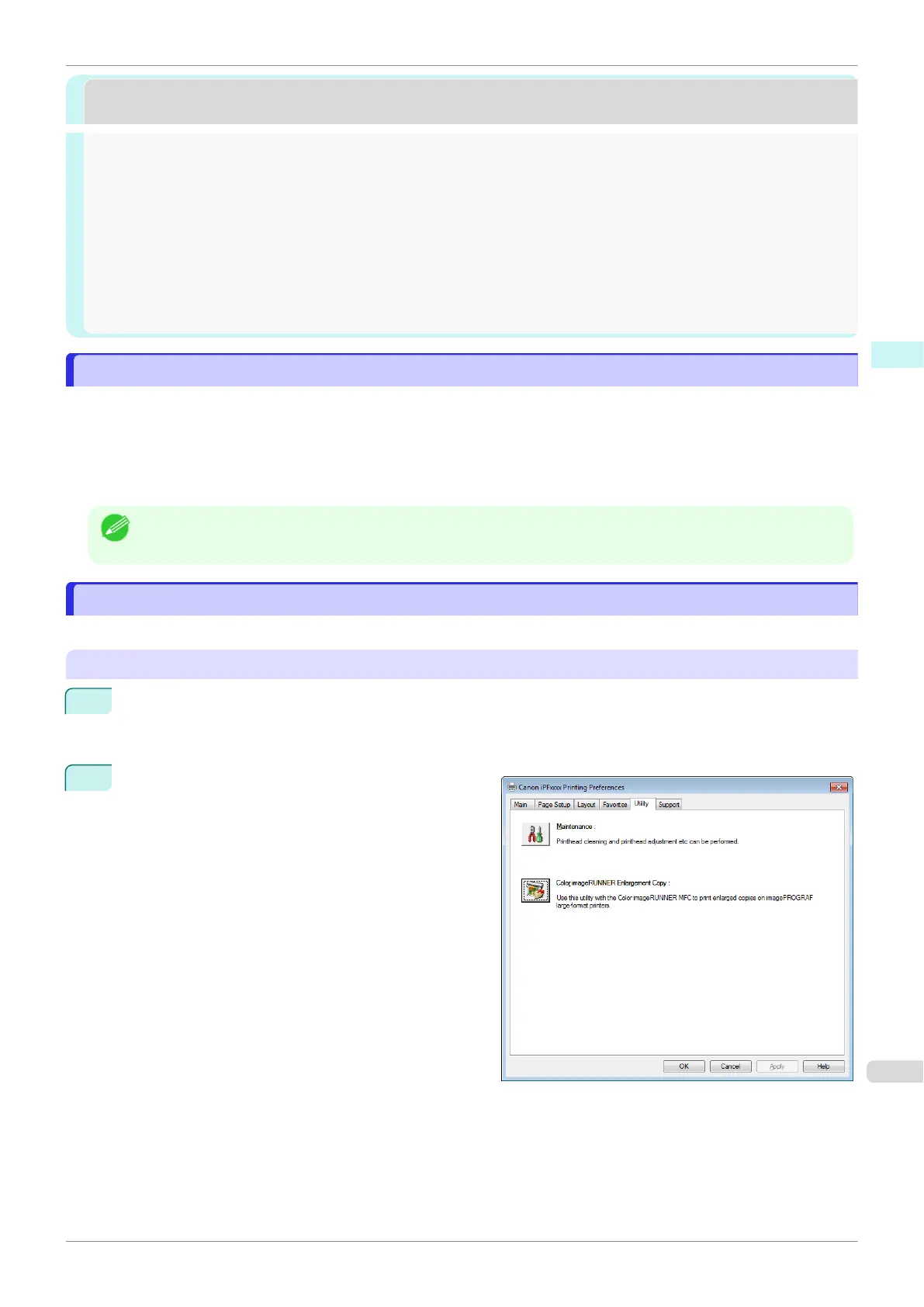
Starting Color imageRUNNER Enlargement Copy
Starting Color imageRUNNER Enlargement Copy
Devices and Printersstart
1
startDevices and Printers
2
Printing Pref-
erencesPrinting Preferences
UtilityColor imageRUNNER
Enlargement Copy
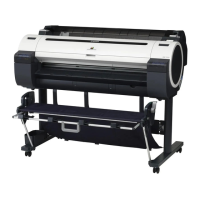
iPF770
The Features of Color imageRUNNER Enlargement Copy
User's Guide
Windows Software Color imageRUNNER Enlargement Copy
201


 To Next Page
 Loading...









