2
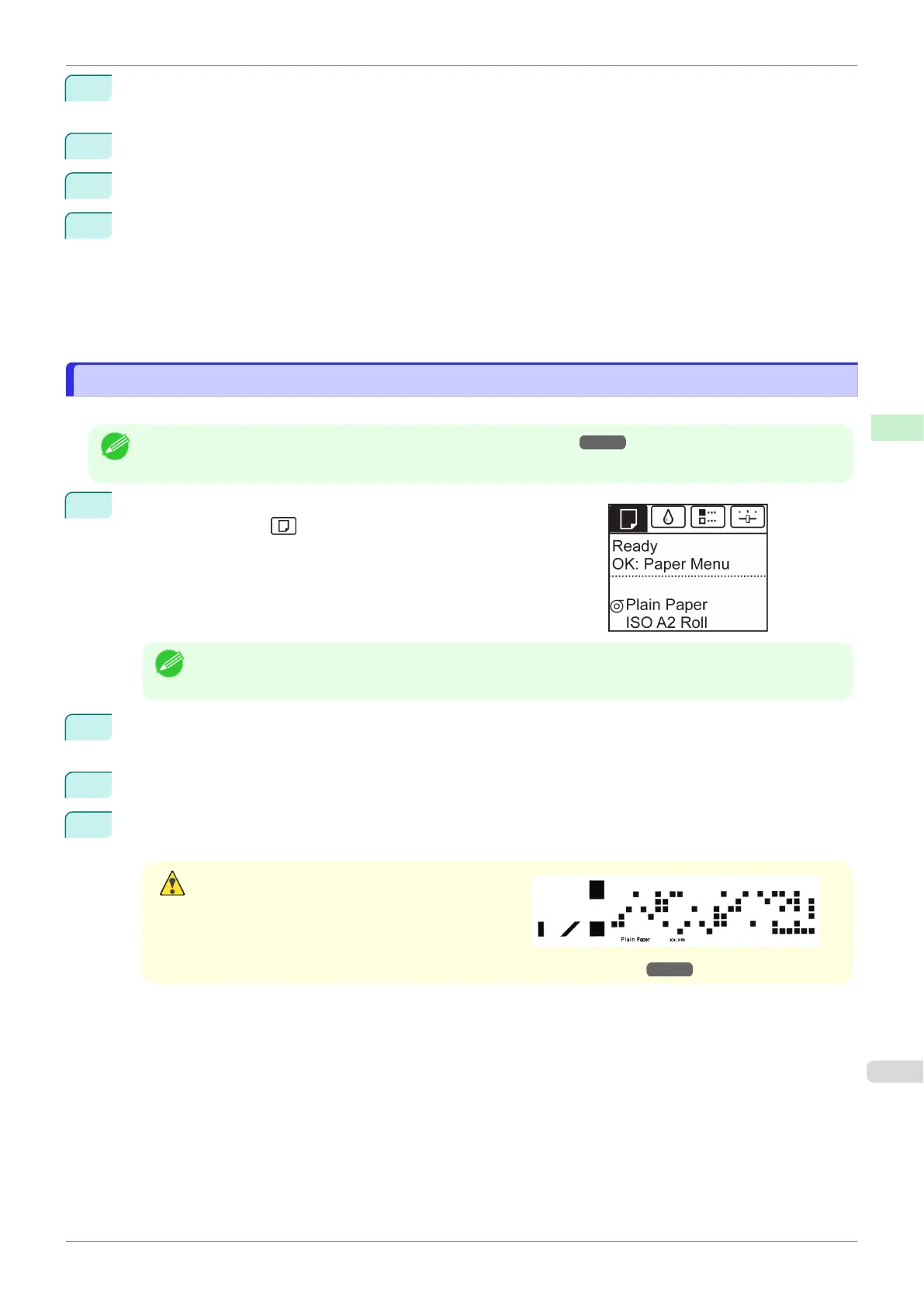
OK
Paper Menu
3
▲▼Chg. Paper SizeOK
4
▲▼Roll LengthOK
5
▲▼OK
1.
◀▶
2.
▲▼
3.
OK
Removing the Roll from the Printer
Removing the Roll from the Printer
•
➔
1
Tab Selection screen◀▶
•
Tab Selection screenMenu
2
OK
Paper Menu
3
▲▼Eject PaperOK
4
▲▼YesOK
•
ManageRemainRollOn
➔
iPF770
Removing the Roll from the Printer
User's Guide
Handling and Use of Paper Handling rolls
327


 To Next Page
 Loading...