2.
➔
3.
4.
Not finished printing. Finish printing remaining jobs?
OK
Insufficient paper for job
Insufficient paper for job
ManageRemainRollOn
▲▼Print
OK
▲▼Change Paper
OK
Paper Source
GL2 SettingsPaper Source
➔
➔
▲▼Stop Printing
Stop
This paper cannot be used.
This paper cannot be used.
➔
Roll printing is selected.
Roll printing is selected.
▲▼Load Roll PaperOK
➔
➔
▲▼Stop PrintingStop
Roll printing is selected, but sheets are loaded.
Roll printing is selected, but sheets are loaded.
1.
▲▼Eject Cut SheetOK
➔
2.
➔
▲▼Stop PrintingOK
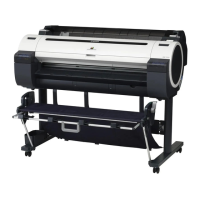
iPF770
Insufficient paper for job
User's Guide
Error Message Messages regarding paper
559


 To Next Page
 Loading...









