The Data lamp on the Control Panel does not light up .................................................................................... 536
The printer does not respond even if print jobs are sent .................................................................................. 536
Ink Filling.. is displayed ................................................................................................................................... 536
The display screen indicates Agitating ............................................................................................................ 536
The Data lamp on the Control Panel does not light up
The Data lamp on the Control Panel does not light up
Power
•
Select PrinterPrinter
•
Printer
•
1.
Devices and Printers
2.
See what's printing
3.
Pause PrintingPrinter
1.
Printers and FaxesPrinters
2.
Resume Printing
•
1.
Print & ScanPrinters & ScannersPrint & Fax
2.
3.
Open Print Queue
4.
Resume PrinterResume
The printer does not respond even if print jobs are sent
The printer does not respond even if print jobs are sent
Pause PrintOn Pause PrintOff
➔
Use USBUse EthernetOff Use USBUse EthernetOn
➔
Ink Filling.. is displayed
Ink Filling.. is displayed
The display screen indicates Agitating
The display screen indicates Agitating
The Data lamp on the Control Panel does not light up
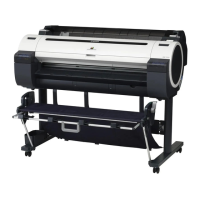
iPF770
User's Guide
Troubleshooting Printing does not start
536


 To Next Page
 Loading...









