CHAPTER 13 TROUBLESHOOTING
COPYRIGHT
©
2002 CANON INC. 2000 CANON iR1600/iR2000 REV.1 JAN. 2002
13-13
2.4 Checking the Sensors
2.4.1 Checking the Sensors
To find out whether a photointerrupter is good or faulty, use ‘SENSOR’ under ‘TEST
MODE’ in service mode as follows:
1) Press the additional function key and the ID (#) key in sequence to start service mode.
2) Using the cursor key, select ‘TEST MODE’.
3) Press ‘6’ on the keypad to select ‘6: FACULTY TEST’.
4) Press ‘3’ on the keypad to start sensor chec k mode, indicated by the following screen:
F13-204-01
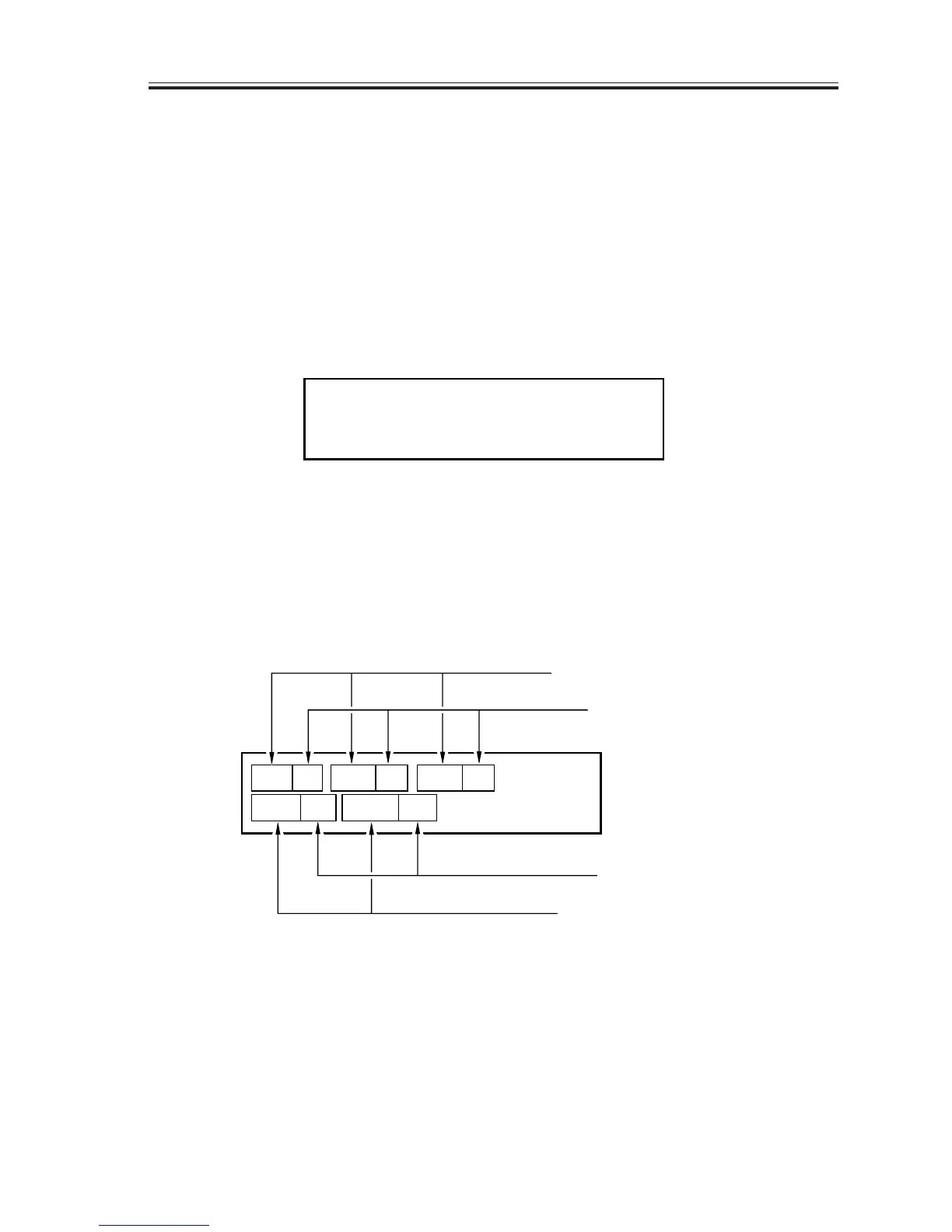
5) While the above screen is indicated, press ‘1’, ‘2’, ‘3’, ‘4’, and ‘5’ on the keypad so that
the Status screen of each respective sensor will appear; for instance, when ‘1’ is pressed
on the keypad,
F13-204-02
CRG
on
DCVS
on
DS of of
DES
A4
DOC
Sensor name
Current sensor status
Sensor name
Current sensor status
6-3:SENOR
[1] - - - [7]



 To Next Page