Operation Examples When Using a Computer
94WS-0HU
When using the machine fr
om a computer, you must congure the settings of the computer according to the function
you are using. In addition, you may need the computer information to view the information set on the machine.
In this case, use the operation examples below to check the required settings and information on the computer.
Creating a Shared Folder(P. 587)
Enabling Network Discovery(P. 589)
Displaying a Shared Printer in the Print Server(P. 589)
Viewing the System Information of the Computer(P. 590)
Viewing the Network Connection Information of the Computer(P. 592)
Viewing the Printer Port(P. 594)
Viewing Two-way Communication(P. 595)
Printing a Test Page(P. 595)
Creating a Shared Folder
When Using Windows(P. 587)
When Using macOS(P. 588)
◼ When Using Windo
ws
1
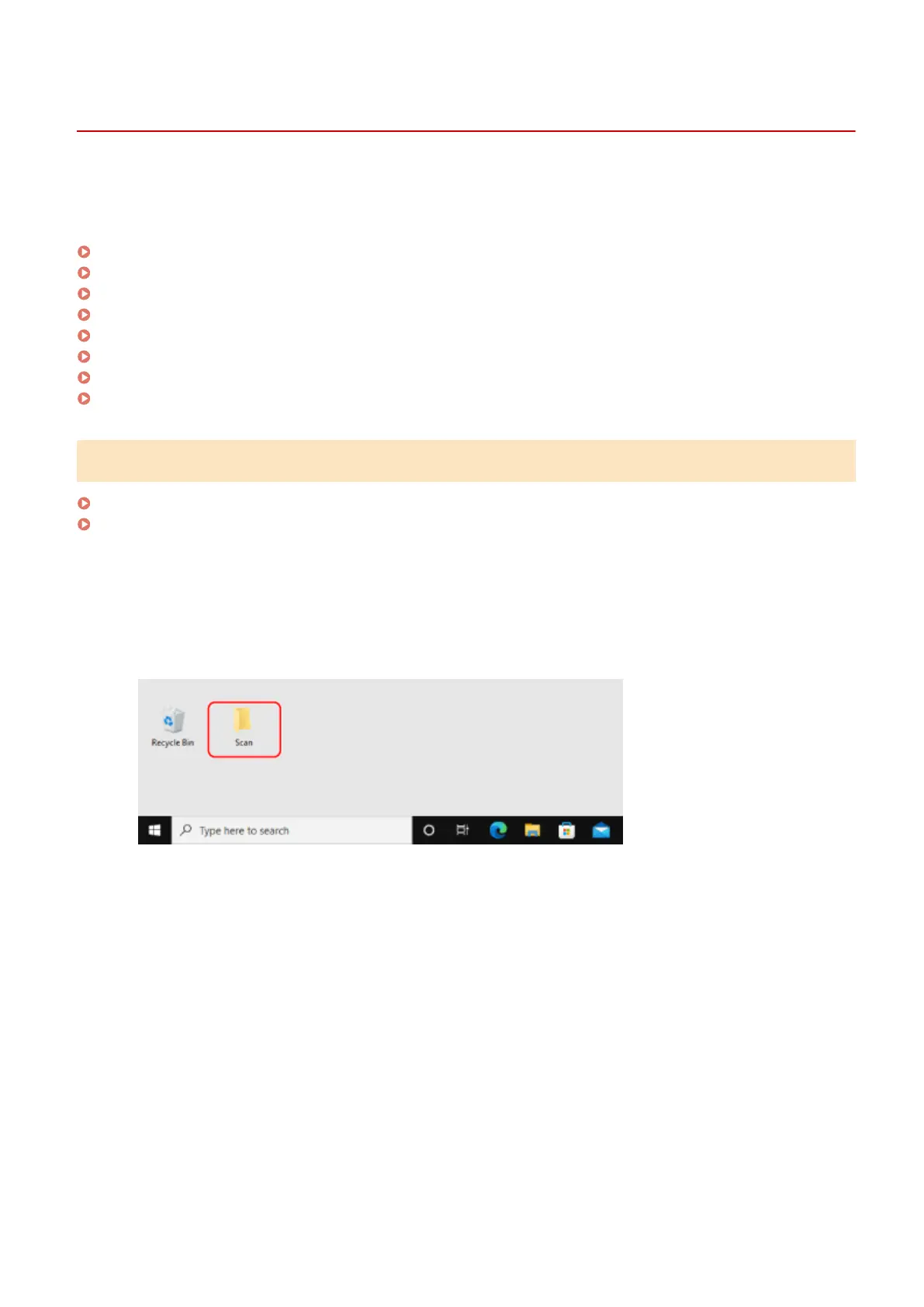
Create a folder in any location (such as Desktop).
2
Right-click the created folder, and click [Properties].
3
On the [Sharing] tab, click [Advanced Sharing].
➠ The [Advanced Sharing] scr
een is displayed.
4
Select the [Share this folder] checkbox, and click [Permissions].
5
Congure the access privilege.
Appendix
587











 To Next Page