49
Using the Full Range
of Features
E
Customizing the Camcorder
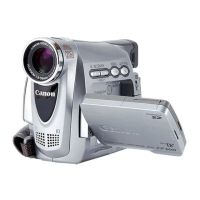
You can personalise your camcorder by customizing the start-up image and the sound
it makes for start-up, shutter*, start/stop and self-timer (collectively called the My
Camera settings).
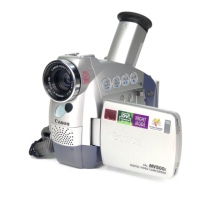
* MV650i and MV630i only. With the MV650i and MV630i, you can also create your
own start-up image. See Creating a Start-up Image ( 129).
Changing the My Camera Settings
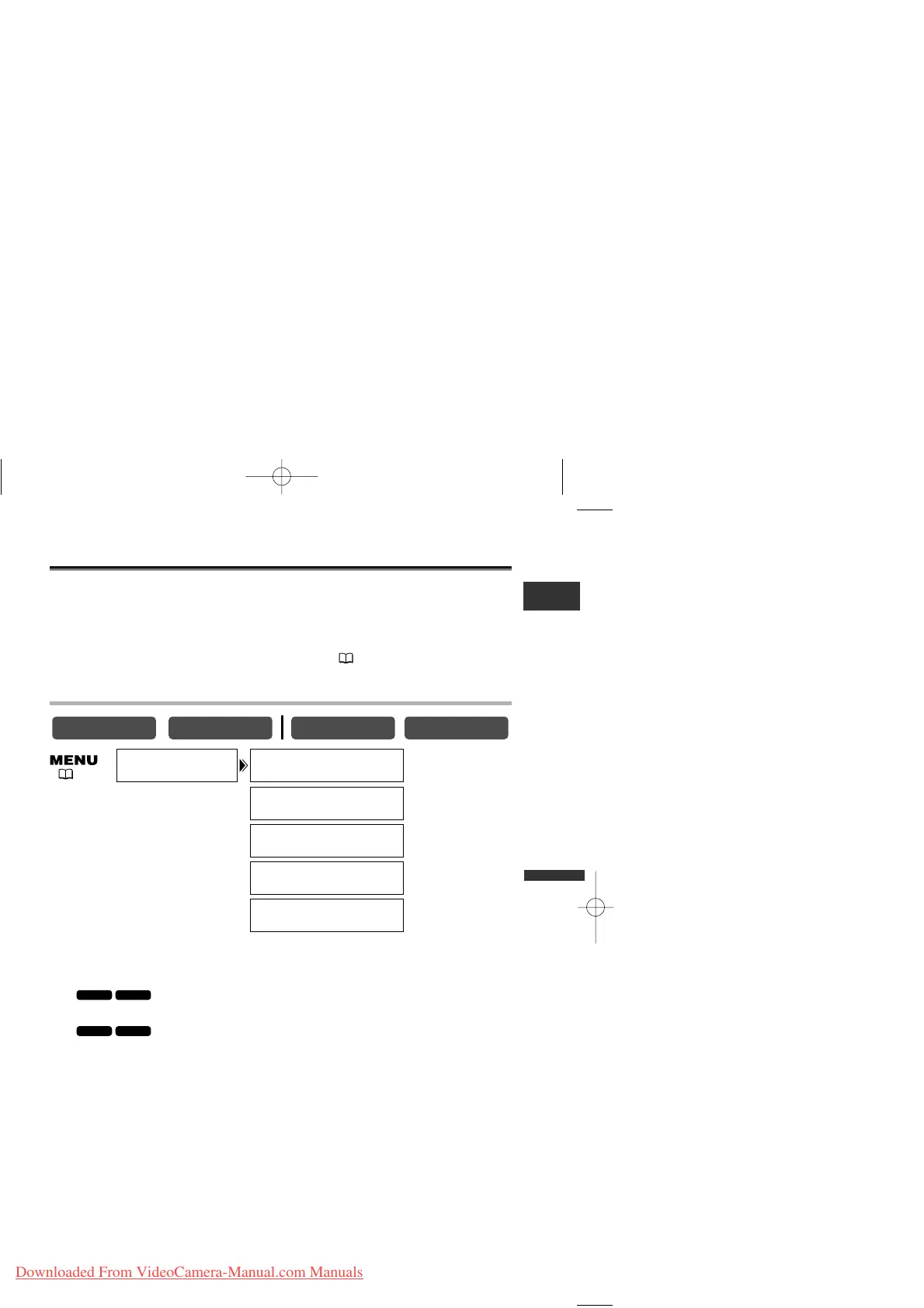
1. Open the menu and select [MY CAMERA].
2. Select the menu item you wish to change.
• When selecting a start-up image (only in CARD PLAY (VCR) mode):
[NO IMAGE], [CANON LOGO] and [MY IMAGE] appears.
• When selecting a start-up image: [OFF] and [ON] appears.
• When selecting a sound: [PATTERN1], [PATTERN2] and [PATTERN3] appear.
3. Select a setting option and close the menu.



 To Next Page