76
Using the Full Range
of Features
E
Adjusting the AE Shift
You can adjust the AE (auto exposure) function to lighten or darken the image. This
allows you to compensate for backlit or overexposed scenes. Available Levels: –2 to +2,
in 0.25 intervals (excluding –1.75 and +1.75).
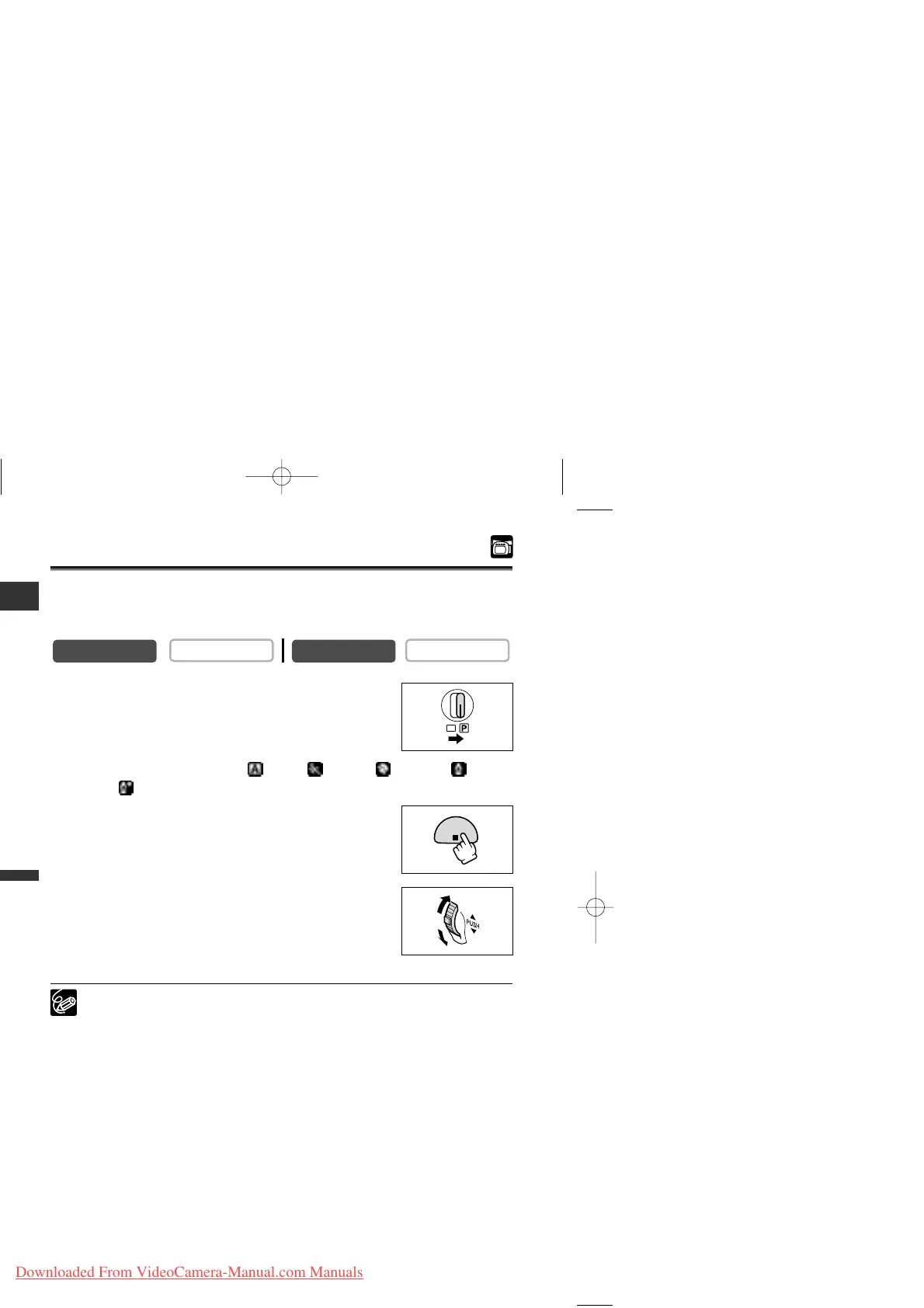
1. Set the program selector to Q.
2. Set the program AE mode to Auto, Sports, Portrait, Low
Light or Low Light Plus (MV650i) mode.
3. Press the AE SHIFT button.
“AE ±0” appears in light blue.
4. Turn the selector dial to adjust the AE shift level.
• Turn the selector dial up to lighten the image and down to
darken the image.
• If “MF” is displayed in light blue, AE shift cannot be adjusted.
Press the AE SHIFT button again to display “AE ±0” in light blue.
❍ The camcorder retains the setting even if you turn it off or change the program
AE mode.
❍ The camcorder resets to the auto setting when you switch the program
selector to [.



 To Next Page