52
Using the Full Range
of Features
Demonstration Mode
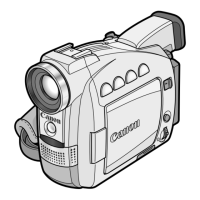
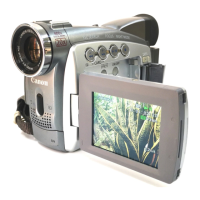
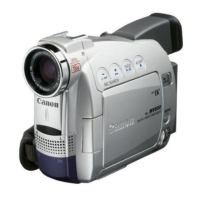
The demonstration mode displays the camcorder’s main features. It starts
automatically when you leave the camcorder turned on without loading a cassette
(MV650i/MV630i: and without inserting a memory card) for more than 5 minutes. You
can also start the demonstration mode through the menu.
With no cassette (MV650i/MV630i: and memory card) inserted, open the
menu and select [DISPLAY SET UP]. Select [DEMO MODE], set it to [OFF]
and close the menu.
To cancel the demo mode, press any button, turn off the camcorder, load a cassette
(MV650i/MV630i: or insert a memory card).



 To Next Page