56
Using the Full Range
of Features
E
Using the Recording Programs
The camcorder is equipped with the Easy Recording program and several program AE
modes. The availability of functions differs depending on the selected mode.
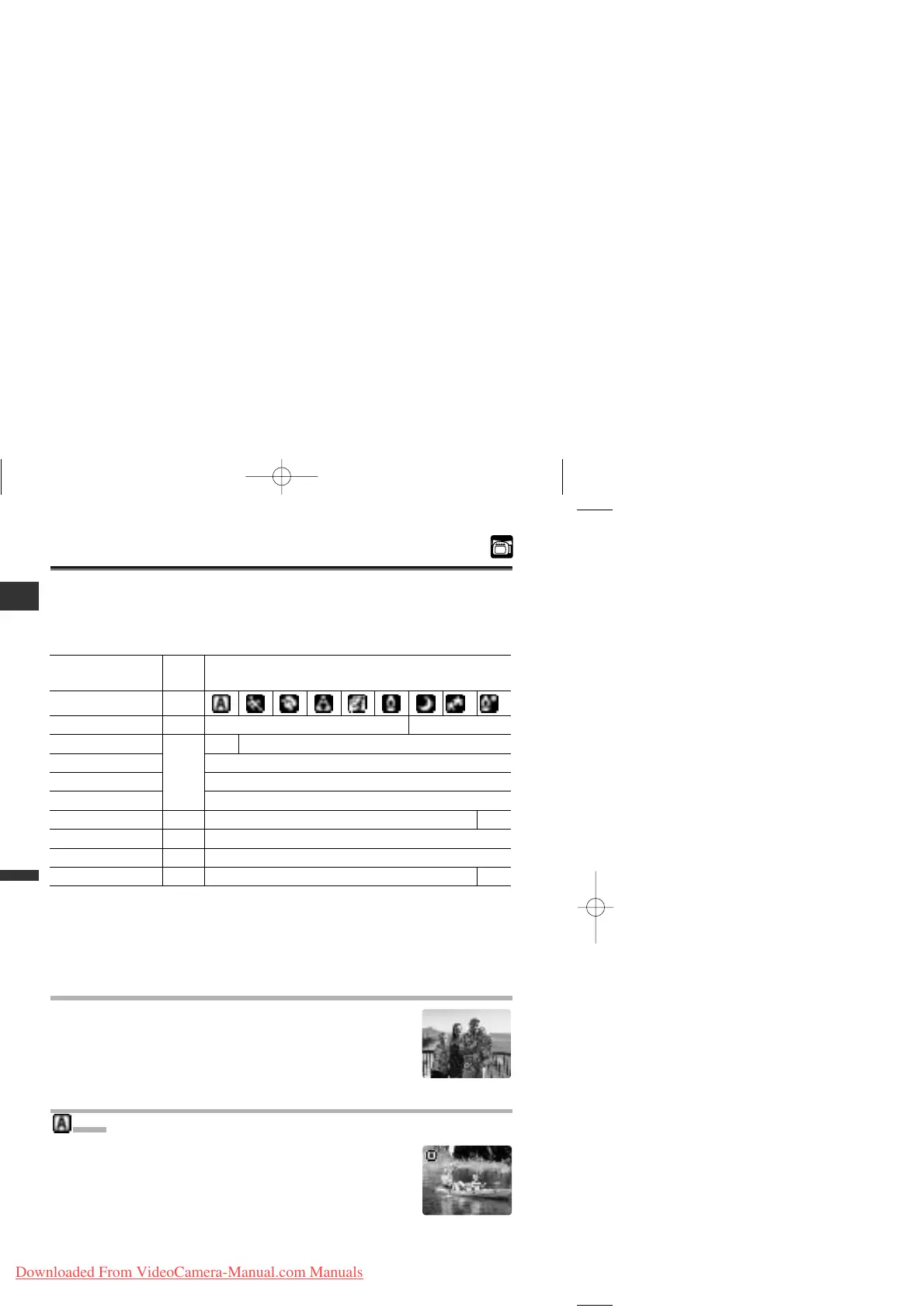
Availability of Functions in Each Mode:
A: Auto setting h: Available ×: Not available
*1 MV650i only.
*2 The image stabilizer cannot be used in CARD CAMERA mode.
*3 Available effects depend upon the program AE mode.
*4 MV650i and MV630i only.
Easy Recording Program
The camcorder adjusts focus, exposure and other settings
automatically, allowing you to just point and shoot.
Program AE Modes
Auto
The camcorder adjusts focus, exposure and other settings
automatically. However, you have the option of adjusting the
settings manually.
[



 To Next Page