74
Using the Full Range
of Features
E
Adjusting the Focus Manually
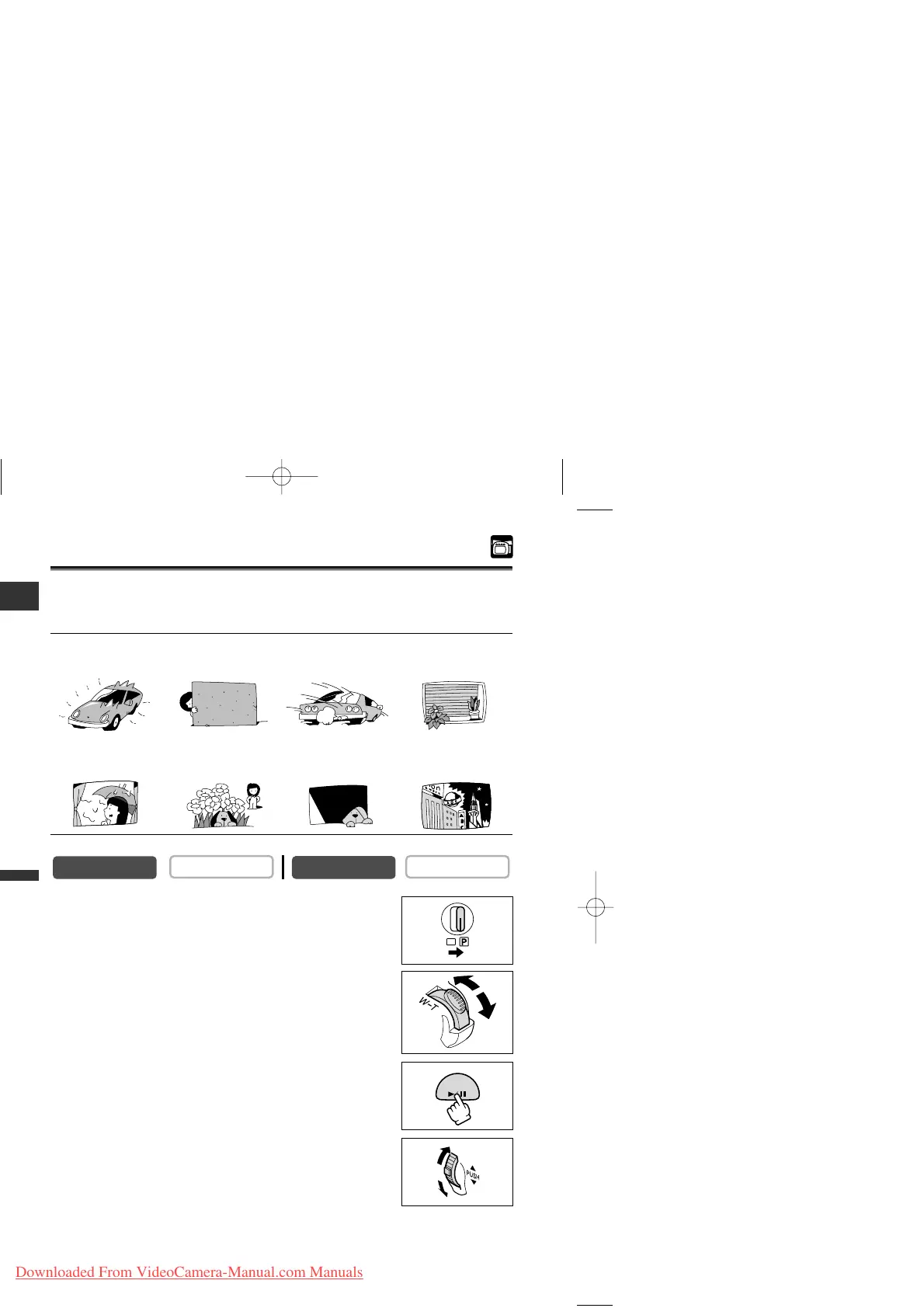
Some subjects may not be suitable for autofocus. In such case, focus manually.
Autofocus may not work well on the following subjects:
1. Set the program selector to Q.
2. Adjust the zoom.
When you operate the zoom after adjusting the focus, the
subject may not stay in focus. Adjust the zoom before the focus.
3. Press the FOCUS button.
“MF” appears in light blue.
4. Turn the selector dial to adjust the focus.
• Turn the selector dial up or down until the image appears
focused.
• If “AE ±0” appears in light blue, focus cannot be adjusted.
Press the FOCUS button again to display “MF” in light blue.
(e.g. White Wall)



 To Next Page