50
Using the Full Range
of Features
E
Setting the Light-up Buttons
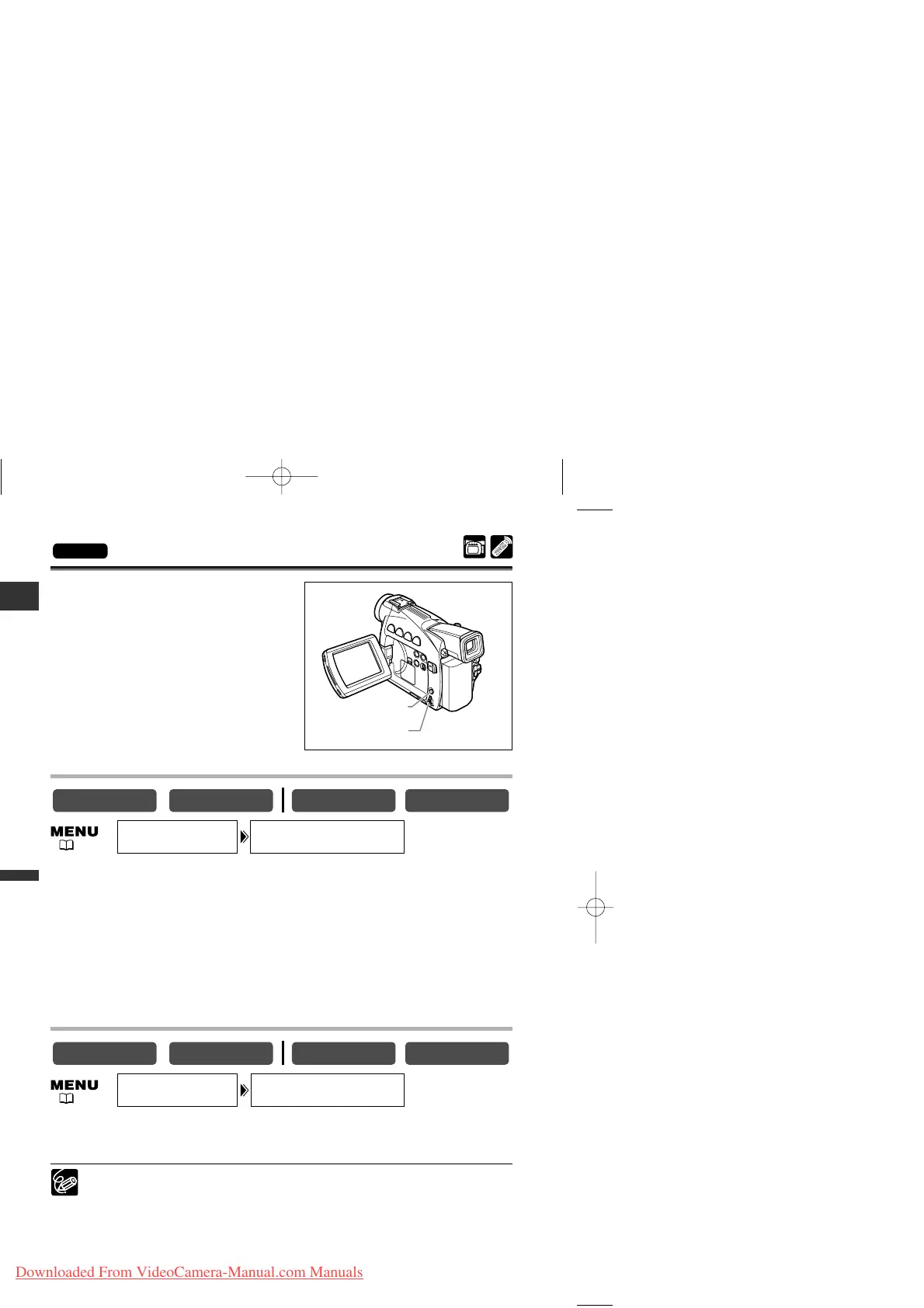
The buttons above the LCD panel light up
when the camcorder’s power is on, or when
you press a button. This is helpful if, for
example, you wish to play back a tape in dark
places.
You can select the colour of the light-up
buttons from green, orange, blue, yellow,
turquoise and purple.
Selecting the Light-up Setting
Open the menu and select [SYSTEM]. Select [BUTTONLIGHT], set it to
[PUSH ON] or [OFF] and close the menu.
• ON: The buttons light up while the camcorder is turned on. The colour changes when
you press a button and turns back when you release the button.
• PUSH ON: The buttons light up when you press a button and turn off when you release
the button.
• OFF: Buttons do not light up.
Selecting the Colour of the Buttons
Open the menu and select [SYSTEM]. Select [LIGHT COLOR], set it to the
desired colour and close the menu.
You cannot change the colour of the buttons when [BUTTONLIGHT] is set to
[OFF].



 To Next Page