116
Using a Memory Card
E
Card Jump Function
You can locate still images/movies without displaying them one by one. The number in
the upper right of the screen indicates the image number of the current image by the
total number of images.
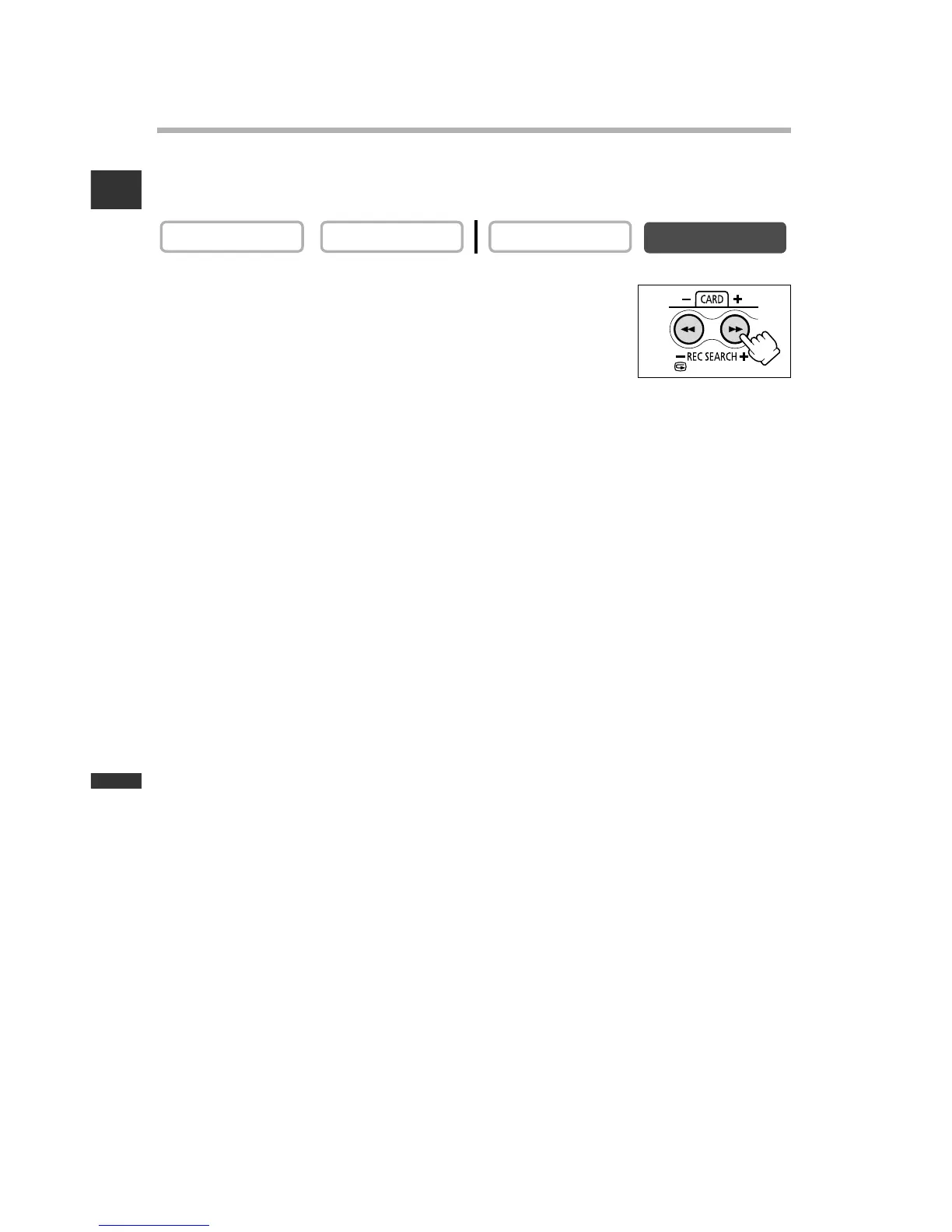
In single image display, press and hold the CARD + or
CARD – button.
•Press the CARD + button to jump forward and the CARD – button
to jump backward.
• When you release the button, the still image/movie of the
displayed image number appears.



 To Next Page