32
Mastering
the Basics
E
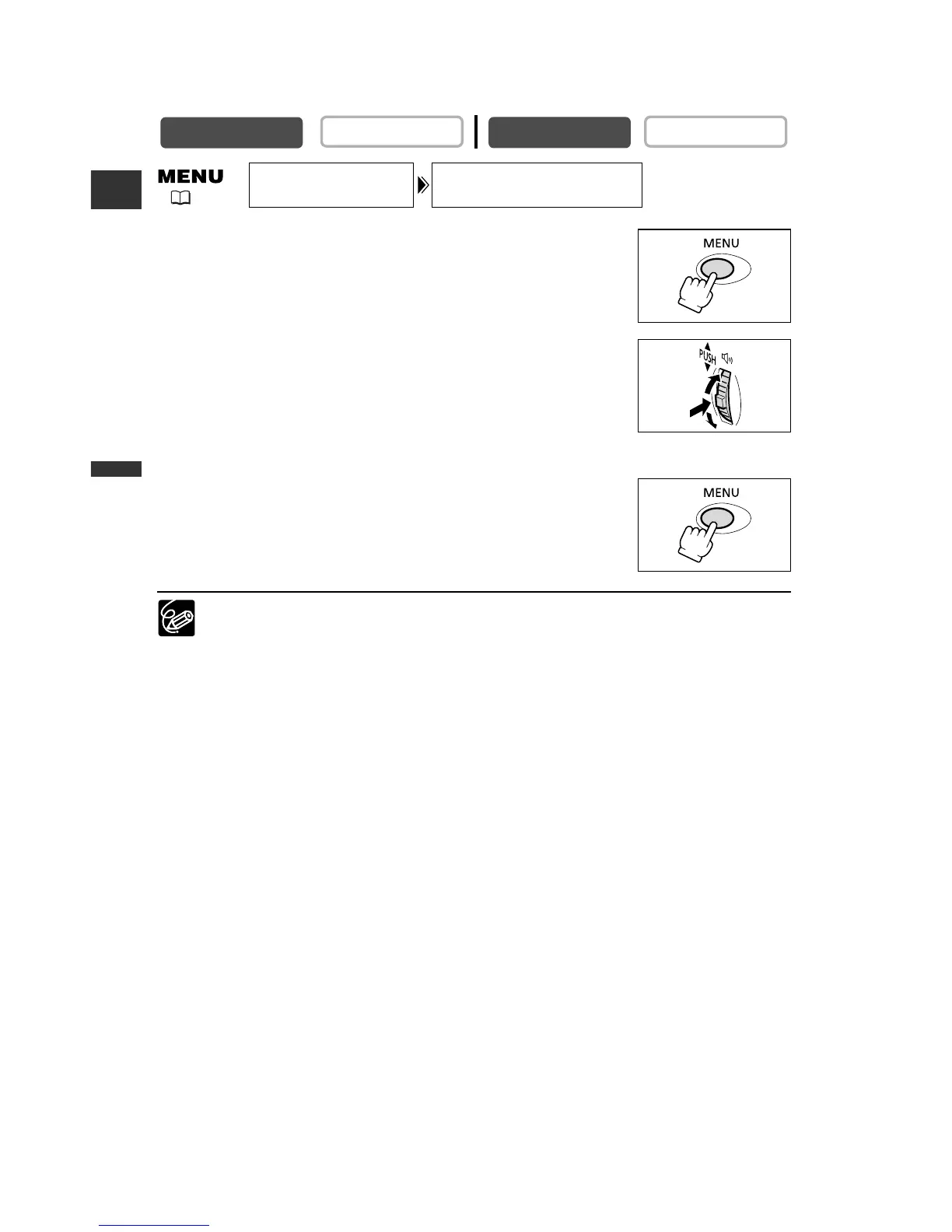
1. Press the MENU button to open the menu.
2. Turn the selector dial to select [DISPLAY SET UP] and
press the selector dial.
3. Turn the selector dial to select [LCD MIRROR] and
press the selector dial.
4. Turn the selector dial to select [OFF].
5. Press the MENU button to close the menu.
When [LCD MIRROR] is set to [ON], most screen displays appear mirror reversed.



 To Next Page