93
Editing
Turning On the Analog-Digital Converter
Press the AV \ DV button on the wireless controller.
OR
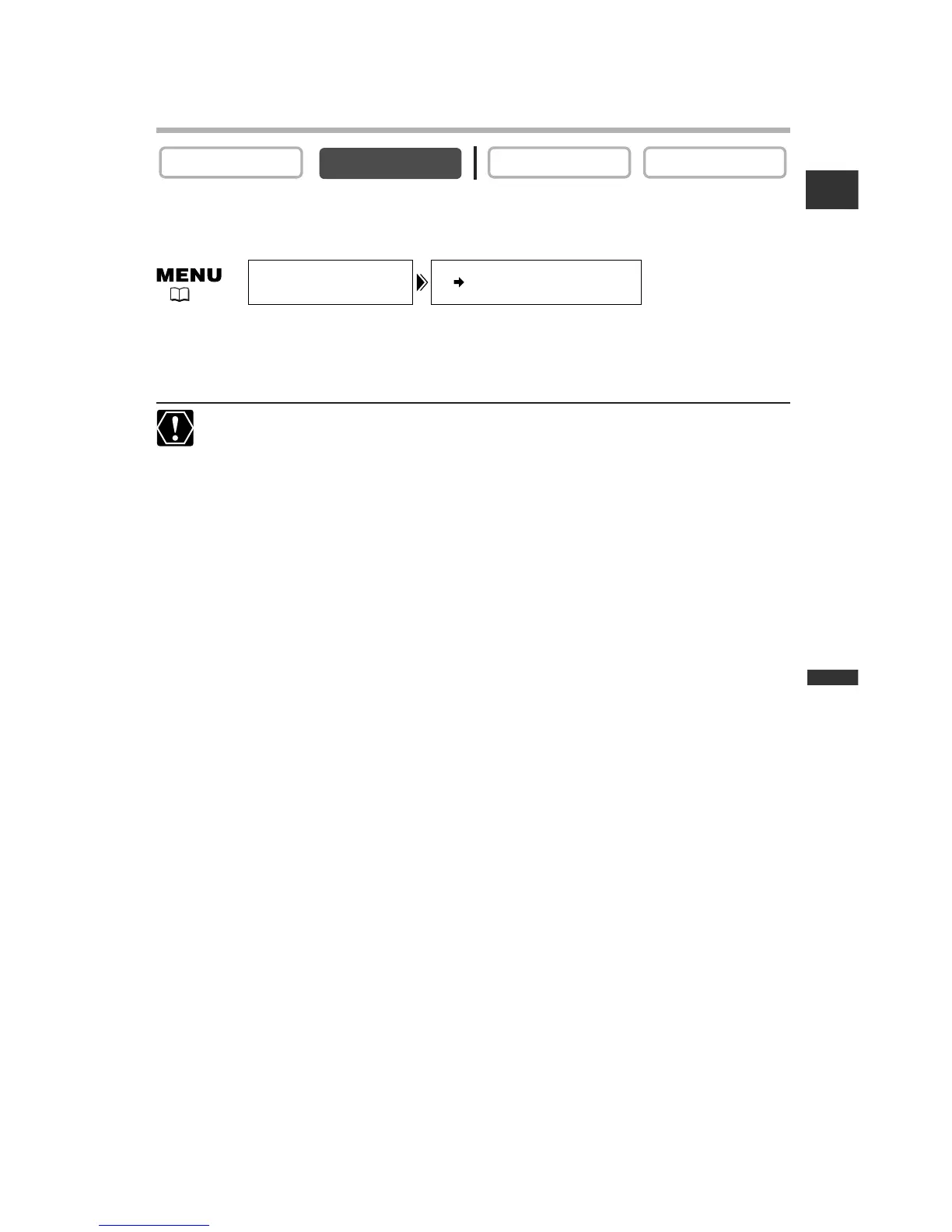
Open the menu and select [VCR SET UP]. Select [AV\DV OUT], set it to
[ON] and close the menu.
❍ For normal use, set [AV\DV OUT] to [OFF] (so that “AV\DV” does not
appear on the screen). If it is set to [ON], digital signals cannot be input via the
camcorder’s DV terminal.
❍ Depending on the software and the specifications of your computer, you may
not be able to transfer converted signals via the DV terminal.



 To Next Page