Note
See Notice for Unplugging the Power Cord for unplugging the power cord.
• The power cord has been unplugged and unsent/received docs in memory
have been lost.
A power failure has occurred or the power cord has been unplugged when the faxes are stored in the
machine's memory.
Important
If a power failure occurs or you unplug the power cord, all faxes stored in the machine's memory
are deleted.
For details on how to unplug the power cord, see Notice for Unplugging the Power Cord.
Press the OK button.
After pressing the OK button, the list of the faxes deleted from the machine's memory (MEMORY
CLEAR REPORT) will be printed.
For details, refer to Summary of Reports and Lists.
Error Regarding Automatic Duplex Printing Is Displayed
• Check: See Cannot Print Properly with Automatic Duplex Printing and take the
appropriate action.
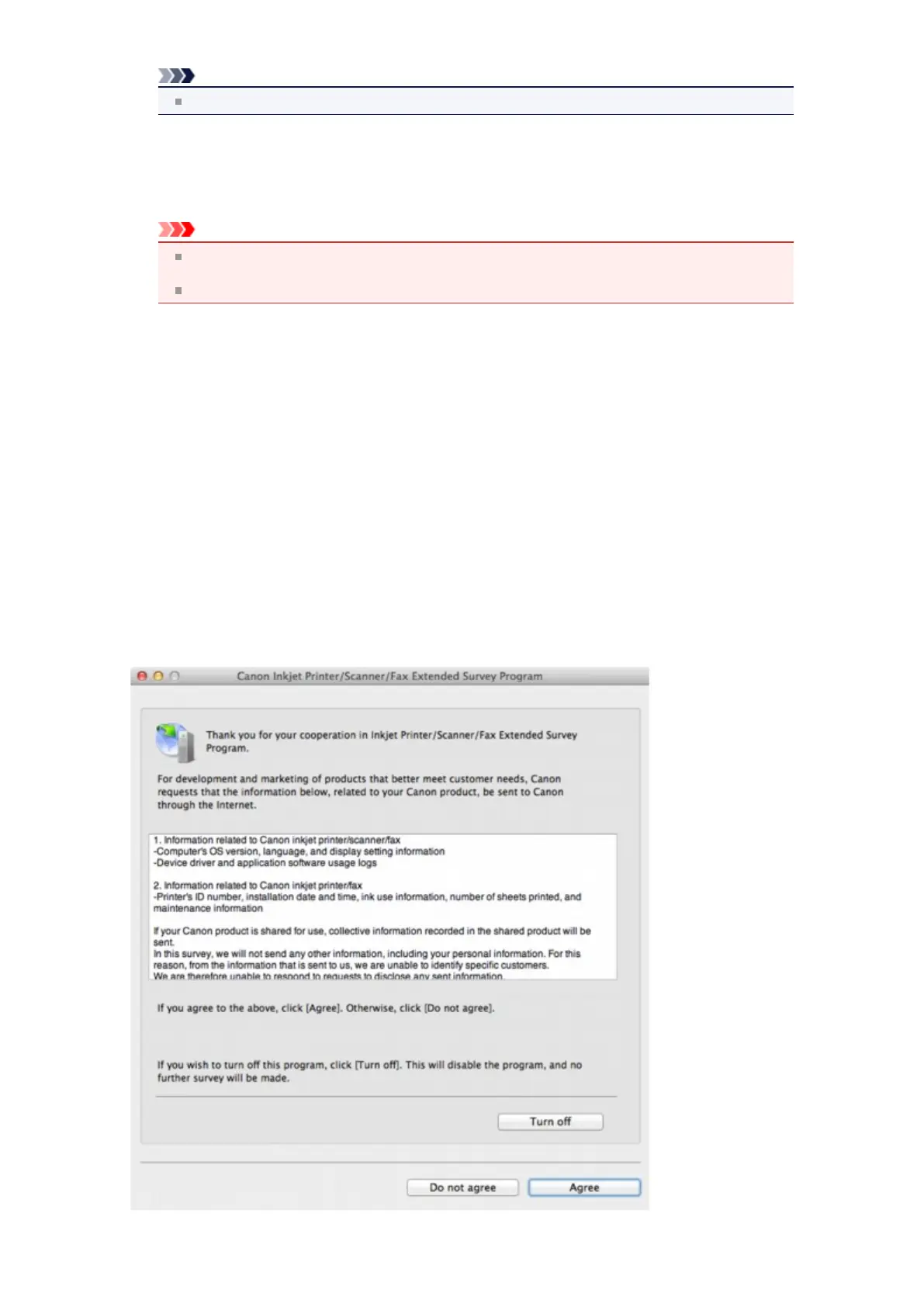
The Inkjet Printer/Scanner/Fax Extended Survey Program Icon Appears
If the Inkjet Printer/Scanner/Fax Extended Survey Program is installed, the printer and application software
usage information is scheduled to be sent every month for about ten years. The Inkjet Printer/
Scanner/Fax Extended Survey Program icon appears in the Dock when it is time to send the printer
usage information.
Read the instructions on the screen after clicking the icon, then follow the procedure below.













 To Next Page