The Message Is Displayed on the Computer Screen During
Setup
The Enter Password Screen Is Displayed During Setup
The Screen for Setting the Encryption Is Displayed After Selecting the Access Point in the Access
Points Screen
"You are connecting the machine to the non encrypted wireless network" Is Displayed
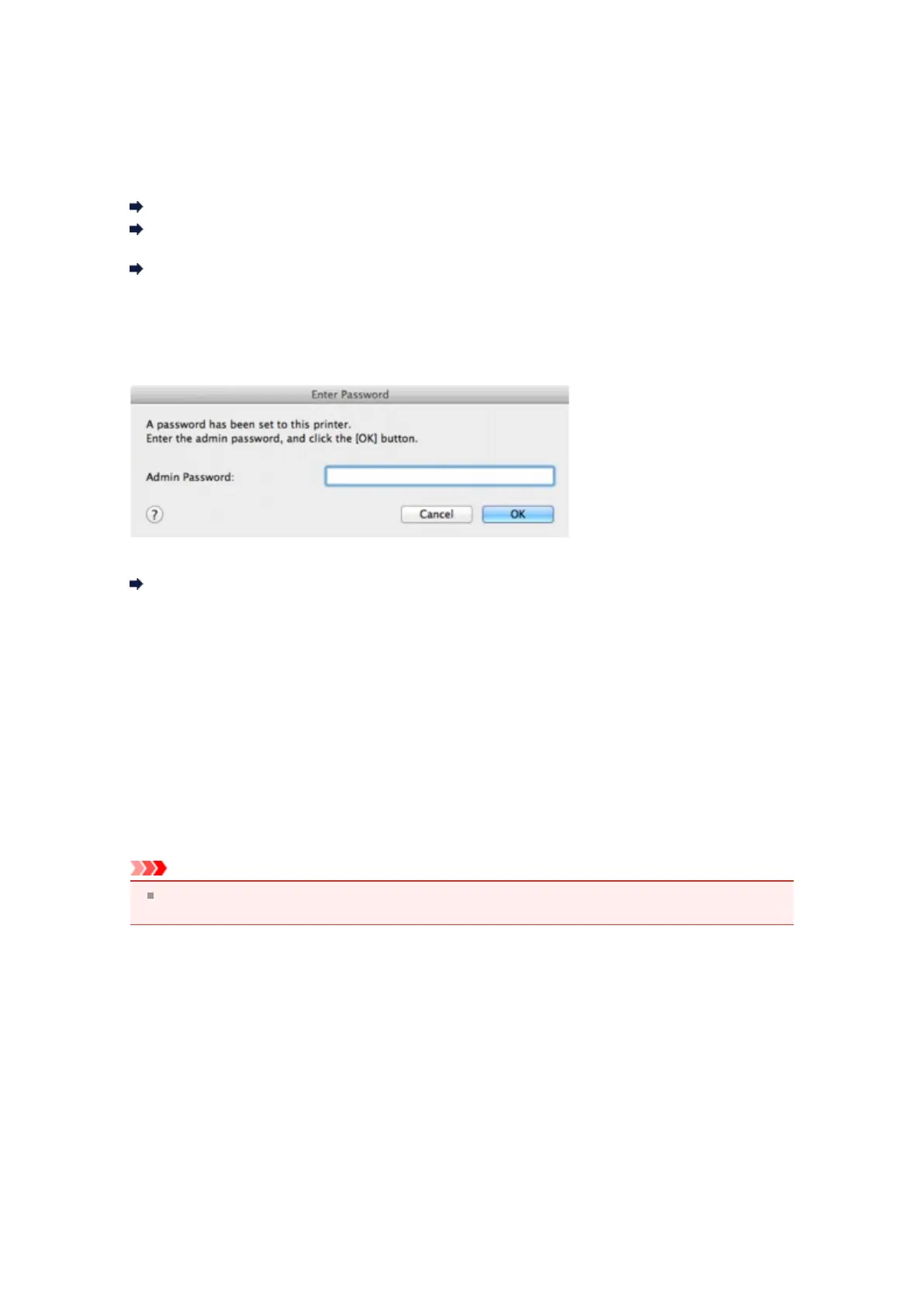
The Enter Password Screen Is Displayed During Setup
The following screen is displayed if an administrator password is set to the machine which has already
been set up.
Enter the administrator password you have set.
Changing the Settings in the Admin Password Sheet
The Screen for Setting the Encryption Is Displayed After Selecting the Access
Point in the Access Points Screen
This screen is displayed automatically if the selected access point is encrypted. In this case, configure the
details to use the same encryption settings set to the access point.
For information on the encryption settings, see Changing the Settings in the Wireless LAN Sheet.
"You are connecting the machine to the non encrypted wireless
network" Is Displayed
Security is not configured on the access point. The machine can still be used, so continue the setup
procedure to complete it.
Important
If you connect to a network that is not protected with security measures, there is a risk of disclosing
data such as your personal information to a third party.













 To Next Page