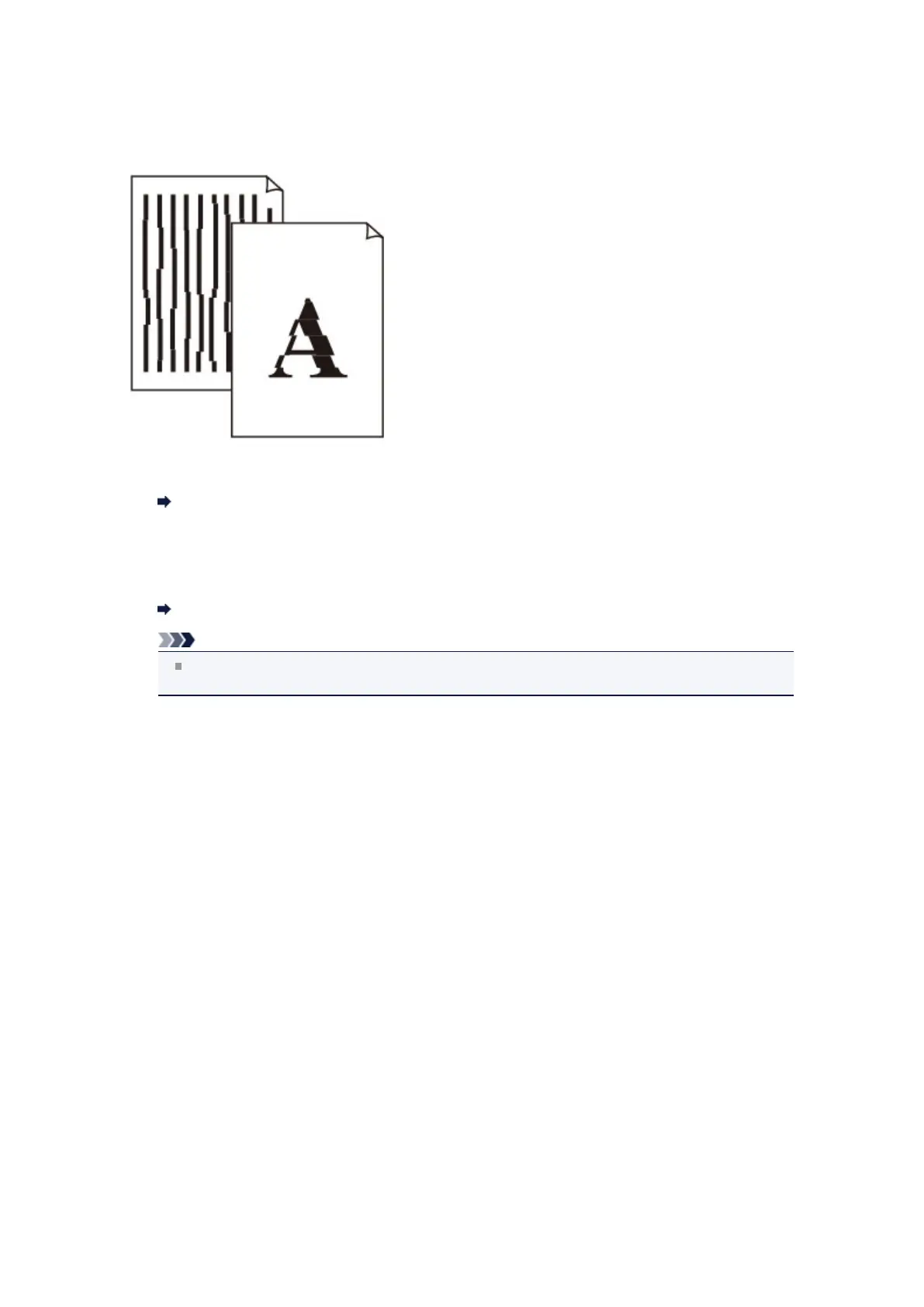
Lines Are Misaligned
•
Check 1: Did you confirm the paper and print quality settings?
Print Results Not Satisfactory
•
Check 2: Perform Print Head Alignment.
If printed lines are misaligned or print results are otherwise unsatisfactory, adjust the print head
position.
Aligning the Print Head
Note
If the problem is not resolved after performing the Print Head Alignment, perform Print Head
Alignment manually referring to Aligning the Print Head Manually.
•
Check 3: Increase the print quality and try printing again.
Increasing the print quality on the operation panel of the machine or in the printer driver may improve
the print result.













 To Next Page