If an Error Occurs
When an error occurs in printing such as the machine is out of paper or paper is jammed, a troubleshooting
message is displayed automatically. Take the appropriate action described in the message.
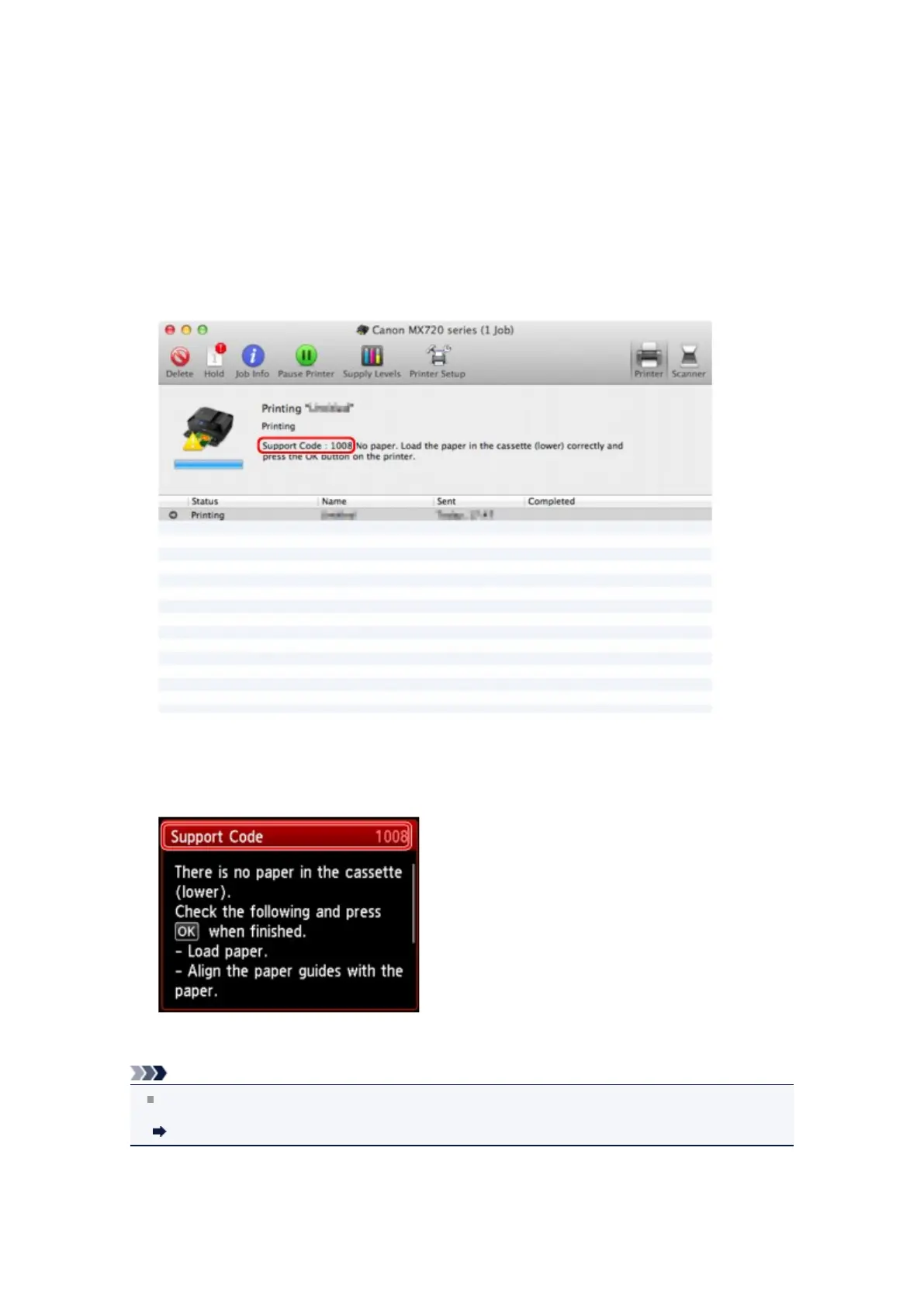
When an error occurs, a Support Code (error number) is displayed on the computer screen or the LCD.
•
When a Support Code and a message are displayed on the computer
screen:
The screen differs depending on the OS you are using.
•
When a Support Code and a message are displayed on the LCD:
For details on how to resolve errors with Support Codes, refer to Support Code List.
Note
You can confirm the actions against errors with Support Codes on your computer or on the LCD by
searching a Support Code.
Click Here to Search
For details on how to resolve errors without Support Codes, see A Message Is Displayed.













 To Next Page