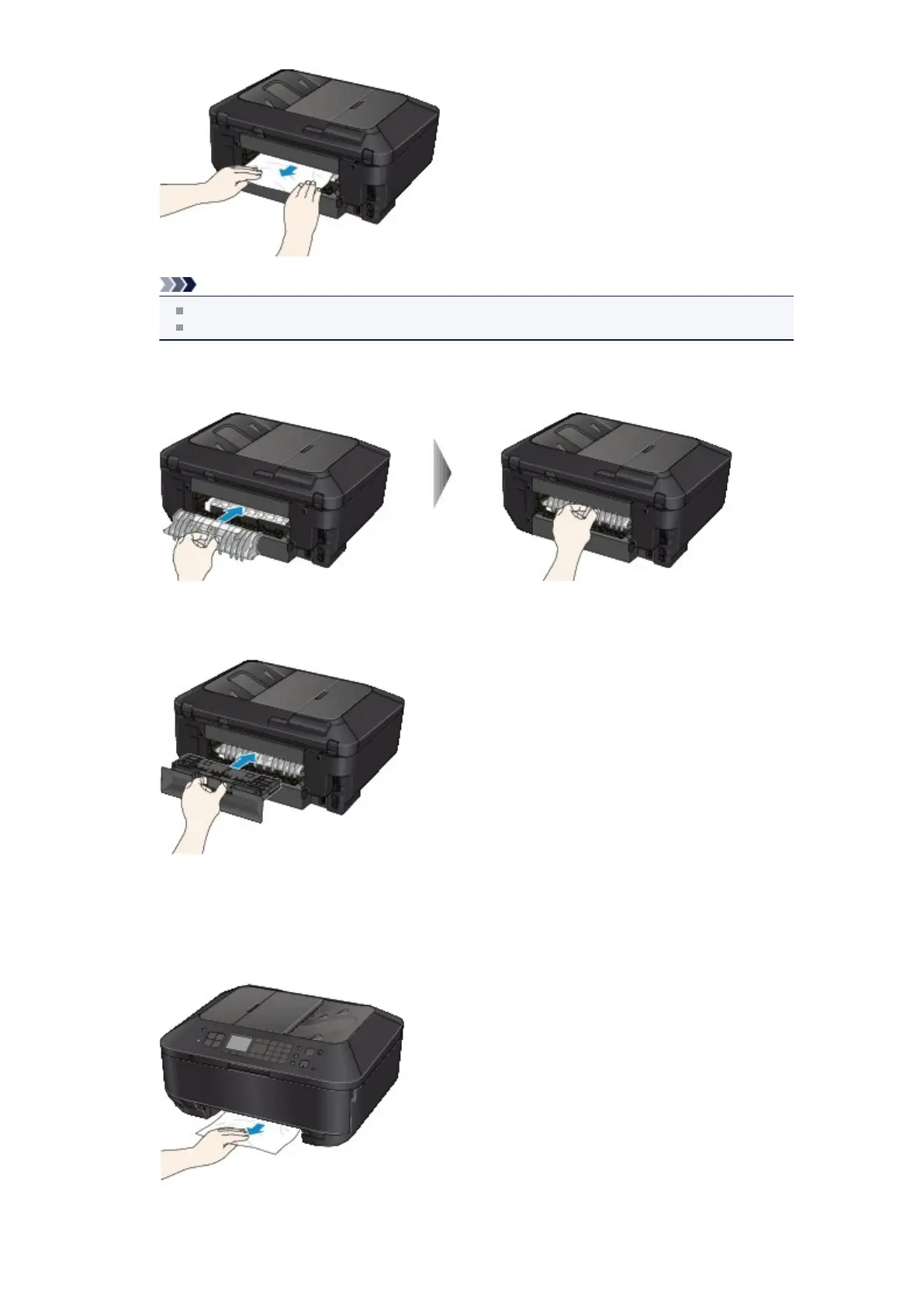
Note
Do not touch the inner parts of the machine.
If you cannot pull out the paper, open the paper output tray.
4.
Attach the transport unit cover.
Insert the transport unit cover to the back of the machine.
5. Attach the rear cover.
Insert the rear cover to the back of the machine.
If you were not able to remove the paper out in step 3:
6.
Detach the lower and upper cassettes.
7.
Pull out the paper slowly.













 To Next Page