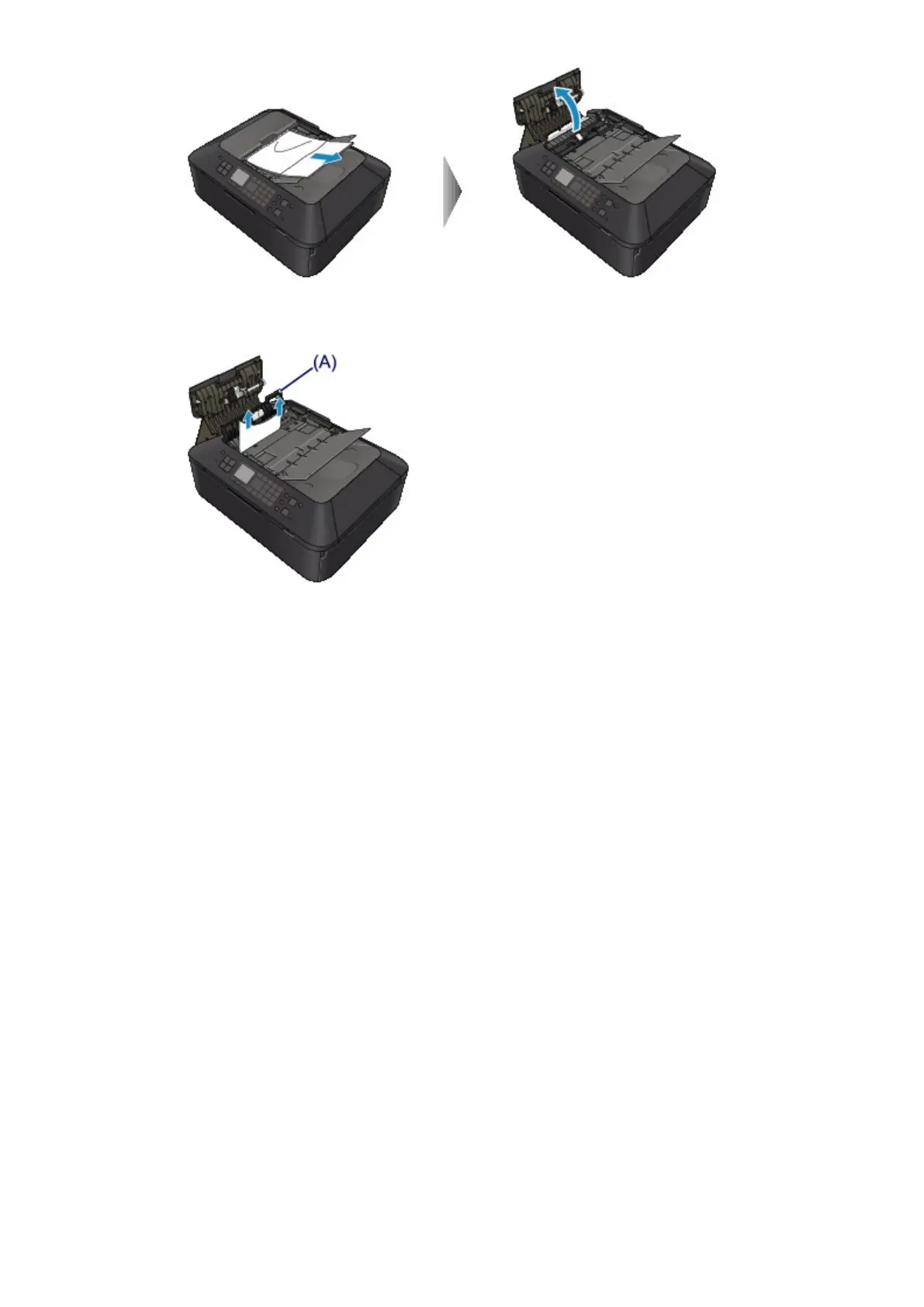
4.
Open the transport cover (A), then remove the jammed page or the piece of paper that remains
inside the ADF.
5. First close the transport cover, next close the document feeder cover, then turn on the machine.
When rescanning the document after clearing the error, rescan it from the first page.
If you cannot remove the document or the document tears inside the machine, or if the document jam
error continues after removing the document, contact the service center.













 To Next Page