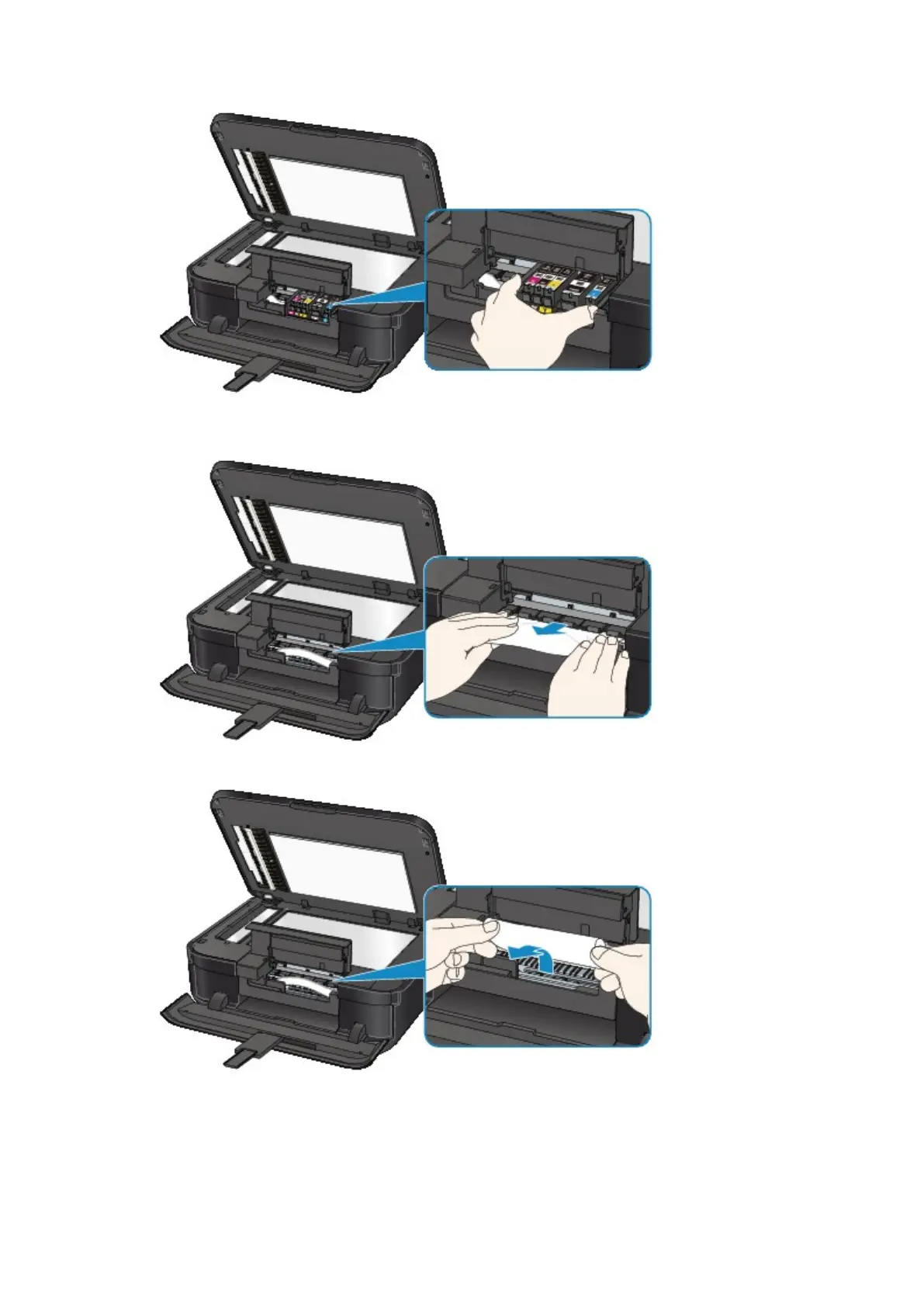
When you move the print head holder, hold the top of the print head holder and slide it slowly to the
right edge or the left edge.
4.
Hold the jammed paper with your hands.
If the paper is rolled up, pull it out.
5.
Pull the paper slowly not to tear it, then pull the paper out.
Keep an angle of the paper about 45 degrees and pull it slowly.













 To Next Page