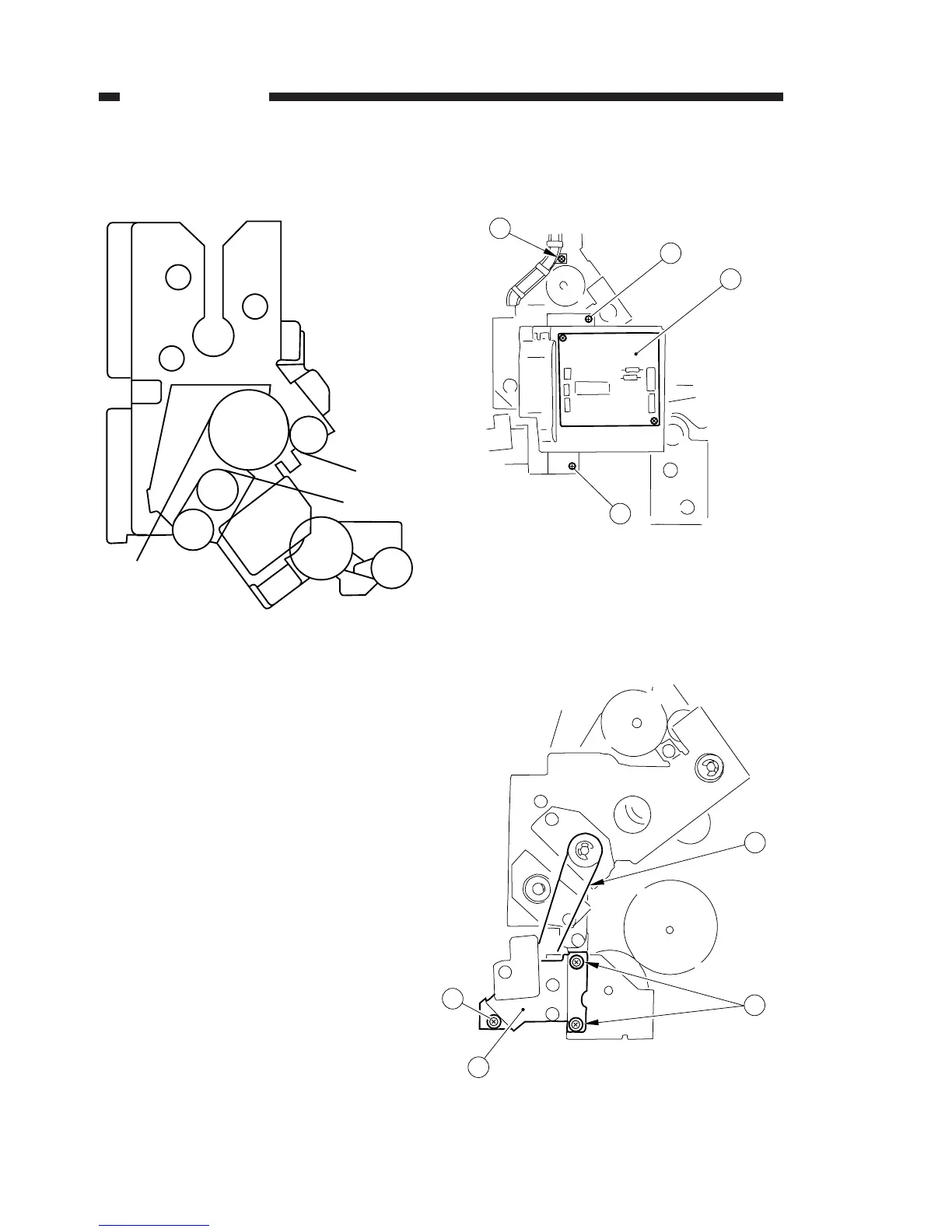
G. Pick-Up Drive Assembly
1. Construction
Figure 4-221
2. Removing the Pick-Up Drive Assembly
1) Remove the rear upper right cover and the
rear right cover.
2) Remove the two mounting screws, and dis-
connect the connector; then, remove the
exhaust fan. (p. 4-7)
3) Remove the pick-up motor. (p. 4-20)
4) Remove the DC controller PCB. (p. 4-95)
5) Remove the five mounting screws, and remove
the DC power supply unit. (p. 4-95)
6) Remove the mounting screw, and remove the
harness guide plate q.
7) Disconnect the five connectors, and remove
the two mounting screws w: then, remove the
scanner motor controller PCB e.
Figure 4-222
8) Remove the three mounting screws r, and
remove the clutch unit t; then, detach the
drive belt from the pulley y.
Figure 4-223
4. MECHANICAL SYSTEM
COPYRIGHT © 1996 CANON INC. CANON NP6085 REV.0 JULY 1996 PRINTED IN JAPAN (IMPRIME AU JAPON)
4-22




 To Next Page