4
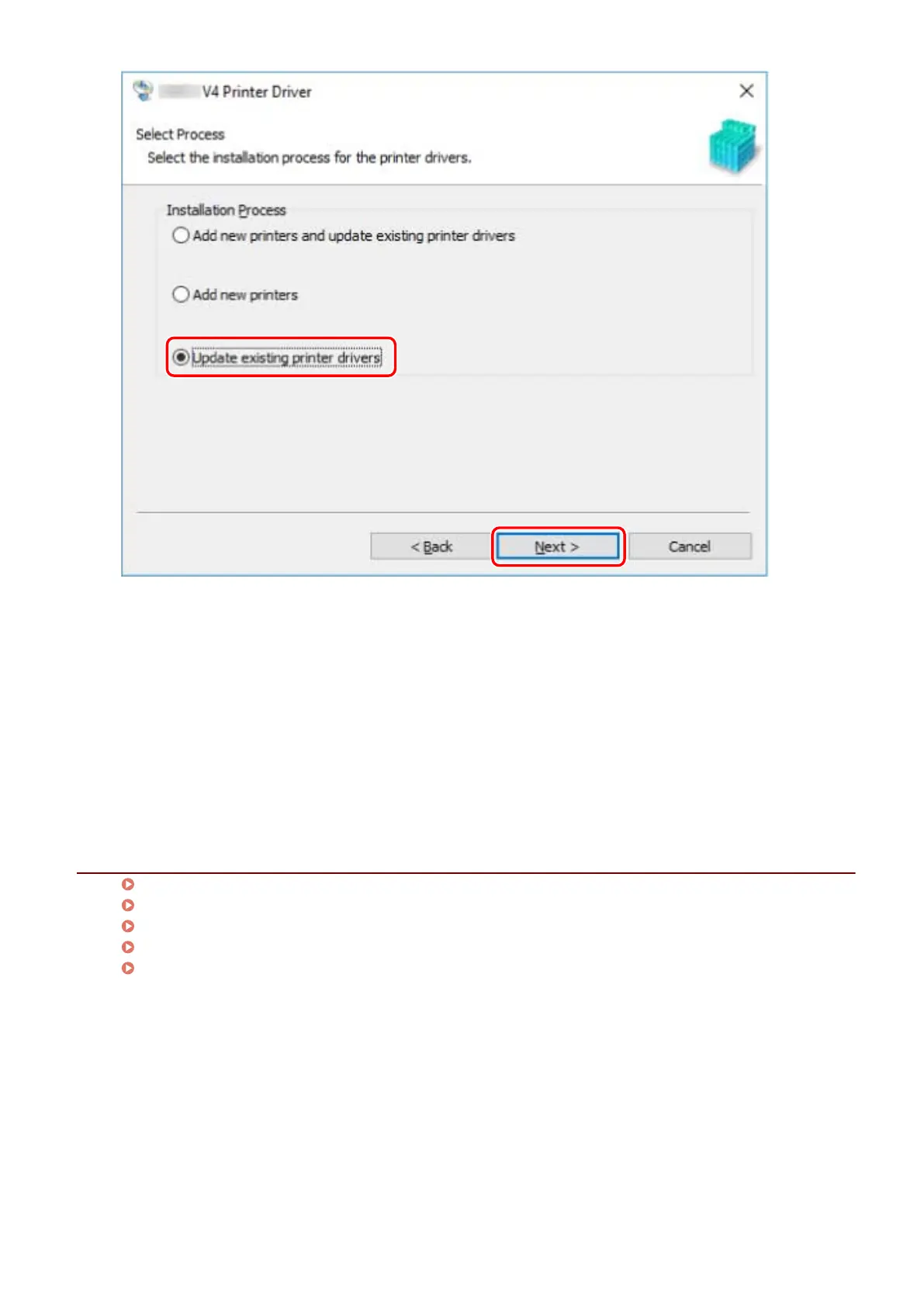
Check [List of Printers for Installation] → click [Start].
5
Click [Exit].
Restart your computer when a message is displayed prompting you to do so.
When updating a driver on a print server, update the drivers on clients as well, referring to the procedure for
setting computers as shared printer clients.
Related Topics
Installing by Discovering Devices on a Network(P. 19)
Installing by Specifying a Port or IP Address(P. 24)
Installing by USB Connection(P. 29)
Setting up Clients of a Shared Printer(P. 45)
Making the Device Functions Usable(P. 52)
Installing the Driver
36



 To Next Page