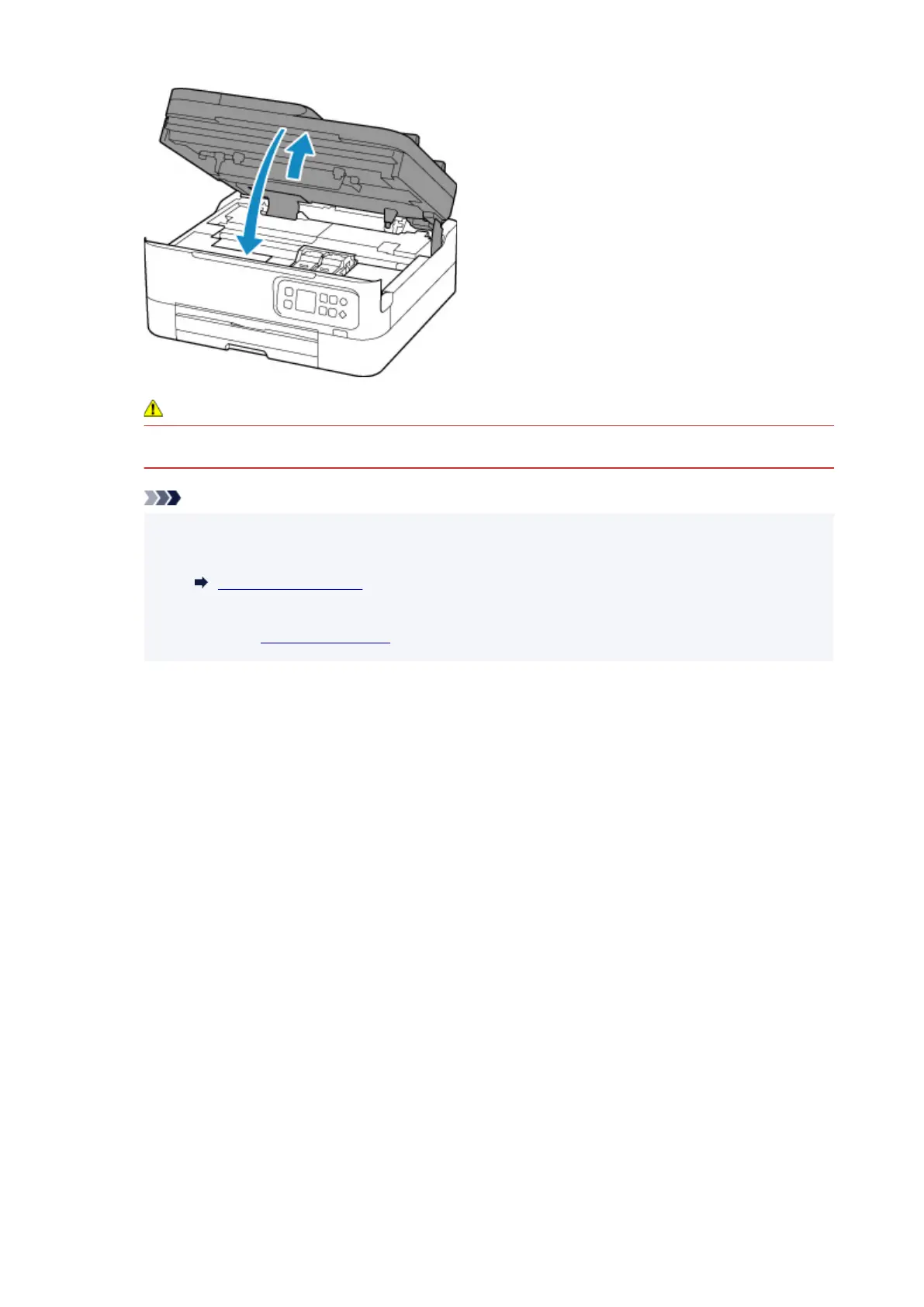
Caution
•
When closing the scanning unit / cover, be careful not to get your fingers caught.
Note
• If the error message appears on the LCD after the scanning unit / cover is closed, take
appropriate action.
When Error Occurred
• If the print head is out of alignment, as indicated by misaligned printed ruled lines or similar
symptoms, align the print head.
85











 To Next Page