Maintenance Procedure
If print results are blurred, colors are not printed correctly, or print results are unsatisfactory (e.g. misaligned
printed ruled lines), perform the maintenance procedure below.
Important
• Do not rinse or wipe the FINE cartridge. This can cause trouble with the FINE cartridge.
Note
• Check if ink remains in the FINE cartridge.
Checking the Ink Status on the LCD
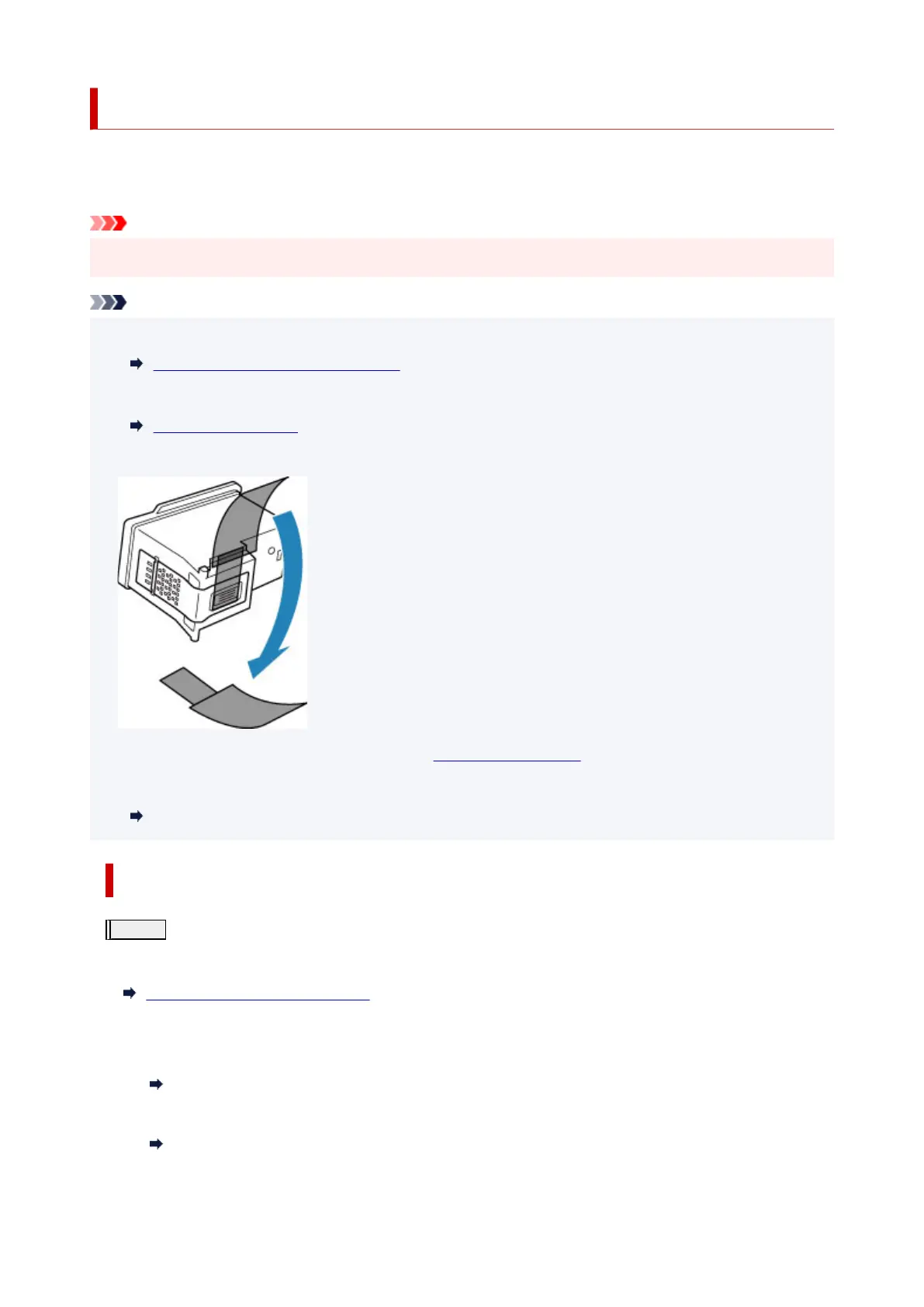
• Check if the FINE cartridge is installed correctly.
Replacing Procedure
Also check if the protective tape on the bottom of the FINE cartridge is removed.
• If an error message appears on the LCD, see When Error Occurred.
• For Windows, increasing the print quality in the printer driver settings may improve the print result.
Changing the Print Quality and Correcting Image Data
When the Print Results Are Blurred or Uneven:
Step1
Print the nozzle check pattern.
From the printer
Printing the Nozzle Check Pattern
From the computer
•
For Windows:
Printing a Nozzle Check Pattern
• For macOS:
Printing a Nozzle Check Pattern
89











 To Next Page