Aligning the Print Head
If printed ruled lines are misaligned or print results are otherwise unsatisfactory, adjust the print head
position.
Note
• If the remaining ink level is low, the print head alignment sheet will not be printed correctly.
Replace the FINE Cartridge whose ink is low.
• If ink runs out as the print head alignment sheet is printed, an error message appears on the LCD.
When Error Occurred
You need to prepare: two sheets of A4 or Letter-sized plain paper
1.
Check that printer is turned on.
2.
Load two sheets of A4 or Letter-sized plain paper in cassette.
Loading Plain Paper in Cassette
3.
Press the OK button.
4.
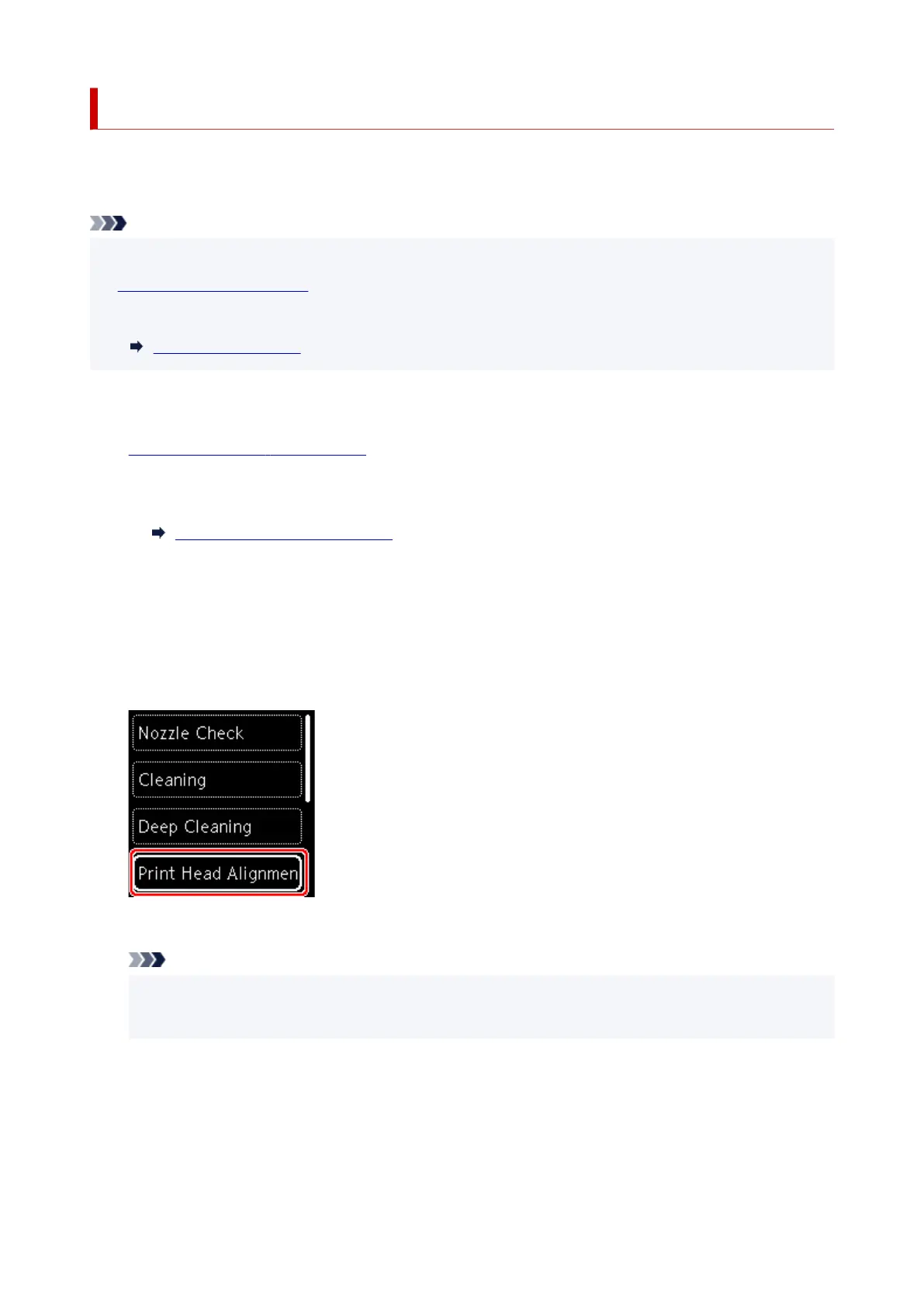
Select Maintenance.
5.
Select Print Head Alignment - Auto.
The confirmation screen will appear.
Note
•
To print and check the current head position alignment values, select Print the head alignment
value.
6. Select Yes.
7. Press the OK button.
The print head alignment sheet is printed, and the print head is aligned automatically.
99











 To Next Page