[Original] Settings - [Size]
Setting Values Description
[Size]
A4, A3, Letter, Ledg-
er, etc.
Original in the ADF or on the glass plate:
• Automatic size detection, or
• Enter the media format of the original.
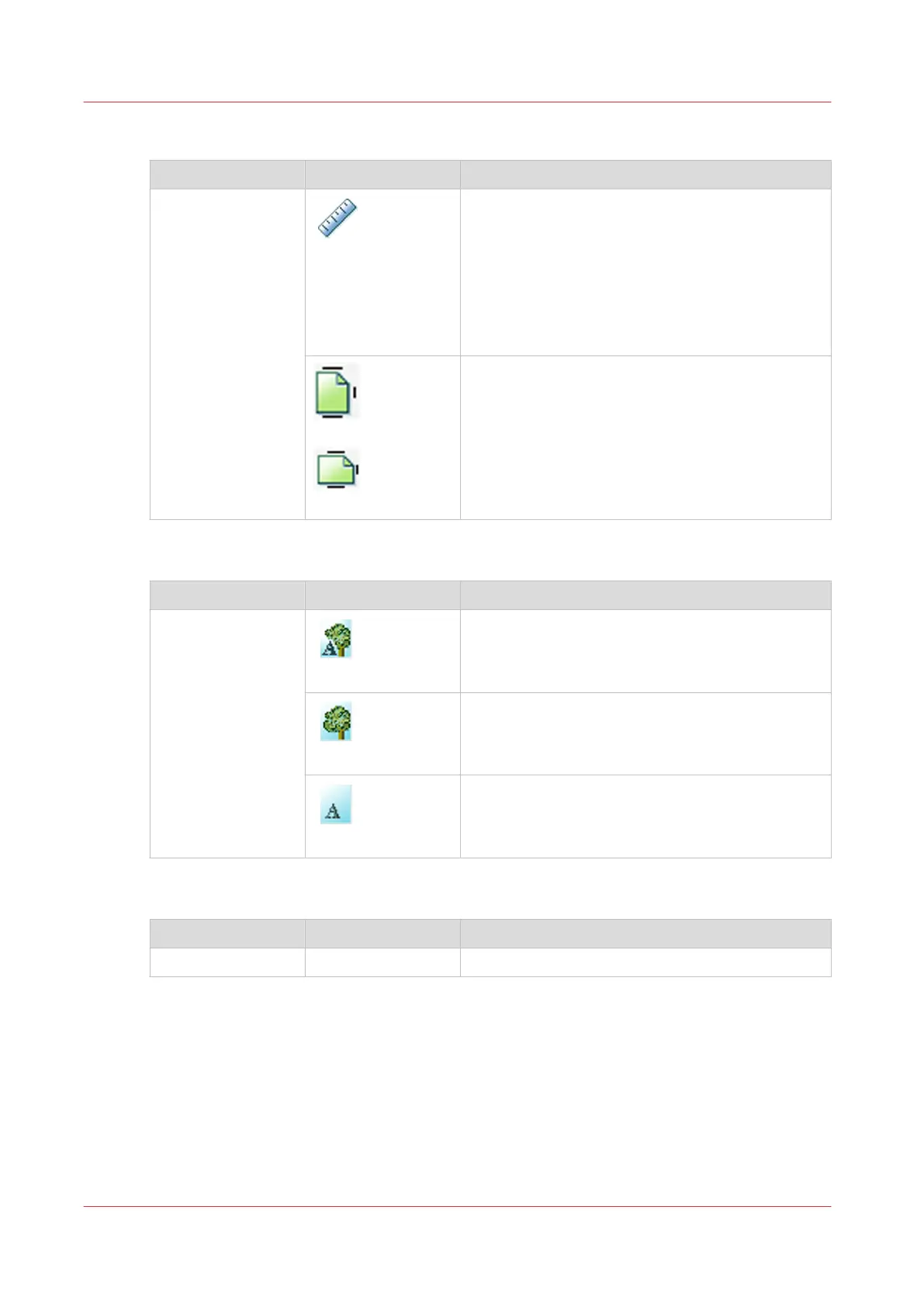
When your original has a non-standard size, you
can use the - and + buttons to enter the exact
measures. You can enter the measures in steps
of 1 mm / 0.01". The text of the[Size] button
changes into [Custom].
[Portrait]
[Landscape]
• Automatic orientation detection, or
• Indicate the orientation of nonstandard size me-
dia
[Original] Settings - [Image type]
Setting Values Description
[Image type]
[Mixed]
The original contains a combination of text and im-
ages.
[Photo]
The original contains mainly or only images.
[Text]
The original contains mainly or only text.
[Original] Settings - [Background]
Setting Values Description
[Background] Number Suppression of vague or yellowish background.
[File] Settings - [Type]
The default settings result in small files with an acceptable quality loss. When higher quality is
needed, set the quality factor higher.
Description of the Scan Job Settings
252
Chapter 11 - Carry Out Scan Jobs
Canon varioPRINT DP line


 To Next Page
 Loading...




