Setting Values Description
[Type] [Format] Select the required format.
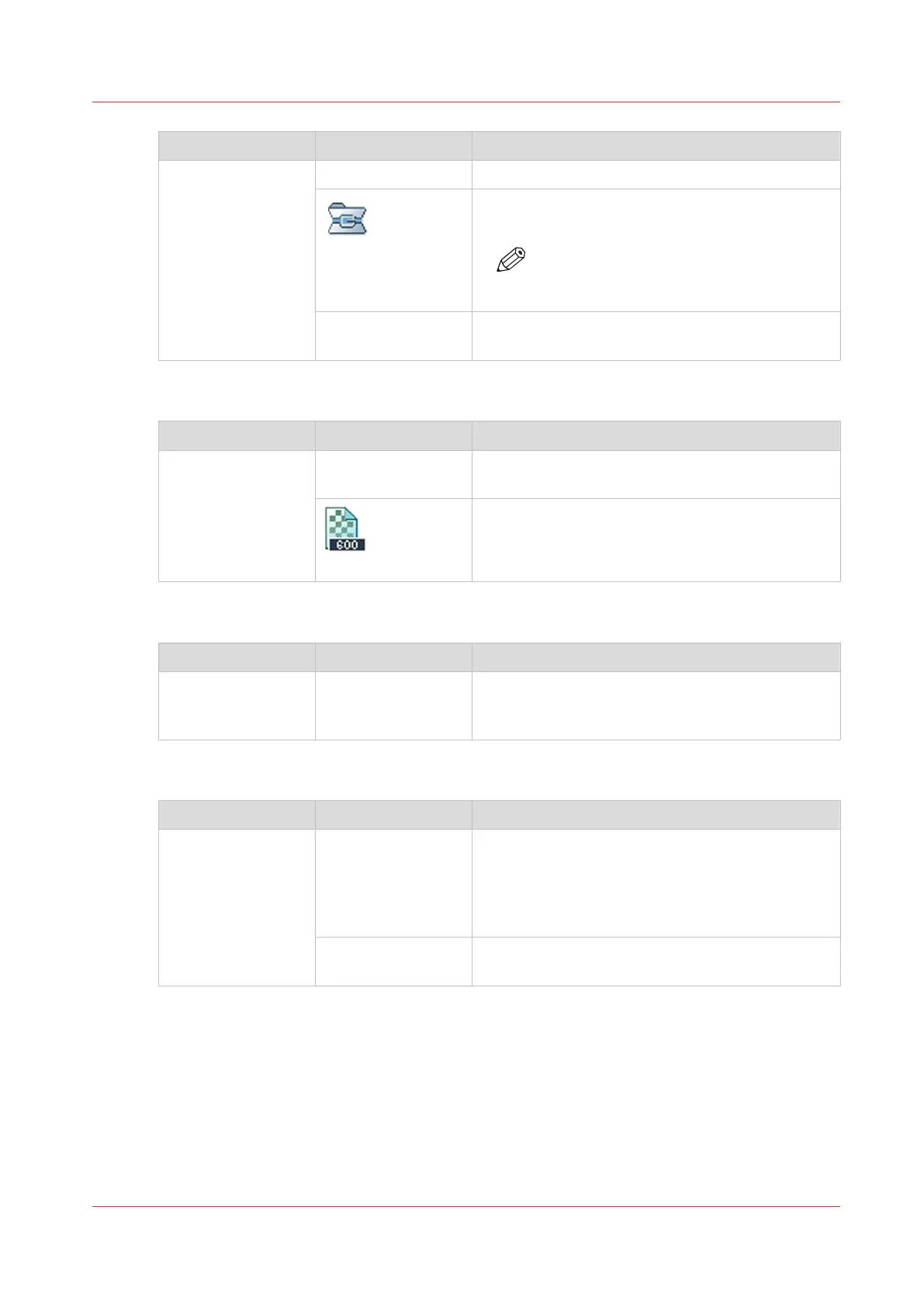
[Compression]
Define the compression factor to reduce the file
size.
NOTE
A higher compression factor results in a
scan with lower quality.
[Quality] When a higher quality is needed, you must set the
[Quality] higher.
[File] Settings - [Resolution]
Setting Values Description
[Resolution] [300 dpi] Select [300 dpi] when you want to view or archive
the generated file, for example.
[600 dpi]
Select [600 dpi] when you want to print or edit the
generated file, for example.
[File] Settings - [Size]
Setting Values Description
[Size] All media sizes that
the media catalog
supports
Select the media size of the resulting file.
[File] Settings - [Zoom]
Setting Values Description
[Zoom] [Fit to page] You can select a media size for the file that differs
from the media size of the original. When the [Fit
to page] setting is enabled, the system scales the
original in such a way that the image fits on the se-
lected media size of the file.
[Percent] Use this setting to change the zoom manually
within the range 25% to 400%.
Description of the Scan Job Settings
Chapter 11 - Carry Out Scan Jobs
253
Canon varioPRINT DP line






 To Next Page