4-44
q
w
Schedule Setting Tool
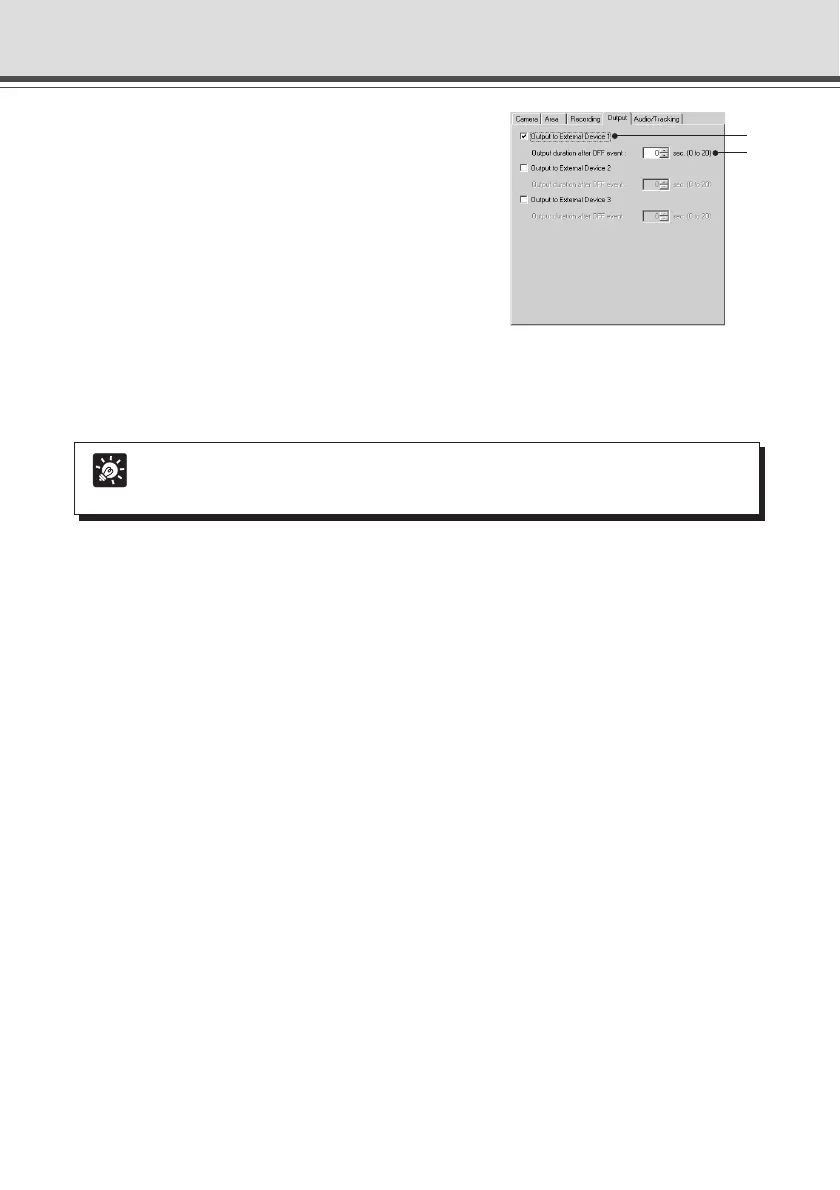
6. Enter the settings for output to an external
device when the device detects motion
(Output tab).
* The settings in these steps are optional.
Set output to an external device when the device has
detected motion (ON event) or when the device has
finished detecting motion (OFF event).
q Output to External Devices 1-3
Check for Output to External Devices 1-3.
w Output duration after OFF event (sec.)
When there is output to an external device, and it is necessary to continue with output ON after input is
OFF, sets the time, within a range of 0-20 seconds.
Tip
The Audio/Tracking tab cannot be used with the VB-C50Fi.



 To Next Page