3-23
Basic Settings
Mail
1
3
5
2
4
6
Setting Up Name Server Address and Mail etc. (Miscellaneous)
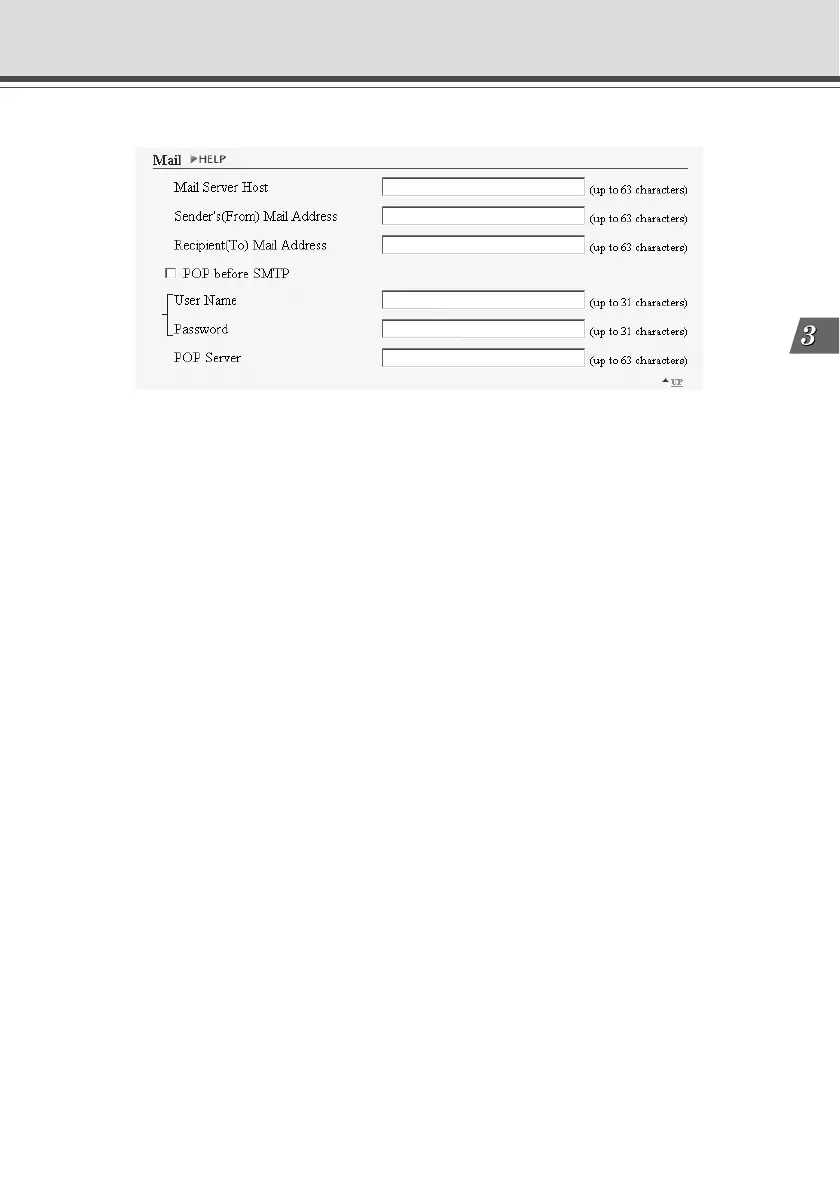
1 “Mail Server Host”
Specifies the SMTP server.
2 “Sender’s (From) Mail Address”
Specifies the mail sender.
3 “Recipient (To) Mail Address”
Specifies the mail recipient.
4 “POP before SMTP”
Set up if the mail host server requires POP user authentication.
5 “User Name” and “Password”
Specify the settings in “User Name” and “Password” necessary for authentication.
6 “POP Server”
Sets up the POP server.



 To Next Page