7-5
7
Admin Viewer/VB Viewer
Launching the Viewer
Refer to “User Authentication” in “Chapter 4 Top Page
of the Camera” (p. 4-2) for information on the user
name and password.
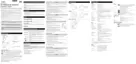
The viewer is launched.
Shutting Down the Viewer
Close the web browser in the viewer to shut down.
Connecting from Admin Tools
Only the administrator can connect to this viewer.
(Refer to “Launching the Admin Tools” (p. 6-4) for
information on launching the Admin Tools.)
Note
In environments without a proxy server, select [Internet options] >
[Connections] tab > [LAN settings] and clear the [Automatically
detect settings] checkbox in Internet Explorer.
Launching the Viewer
Important
• The Admin Tools Certificate must be installed on a PC that is
using the Admin Viewer. (p. 2-4)
• This Operation Guide explains relevant operations based on
the IP address “192.168.100.1” (factory default setting). You
must enter the actual IP address set for the camera when
following instructions.
1
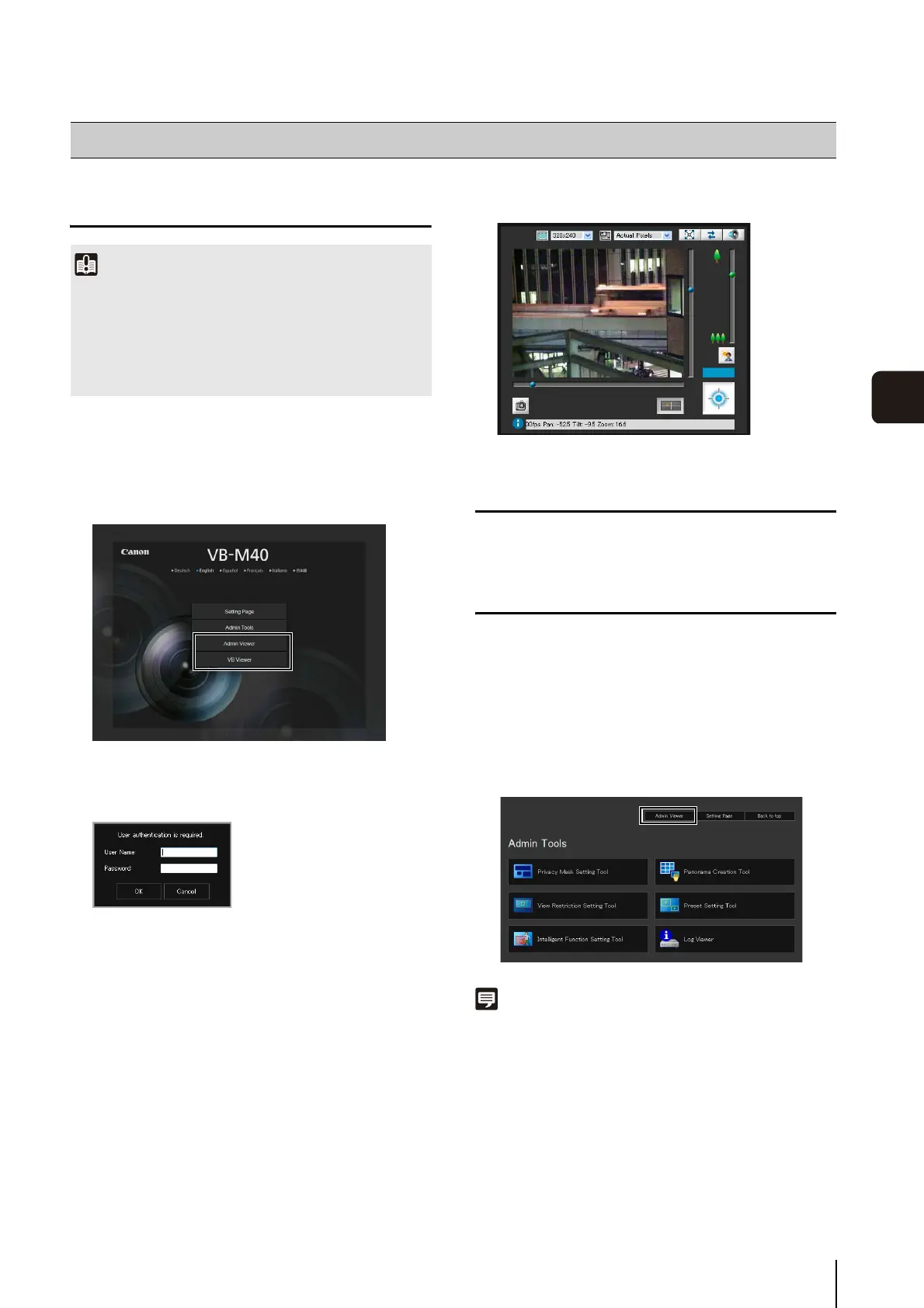
Access “http://192.168.100.1/” via the web browser.
2
Click [Admin Viewer] or [VB Viewer] according to the
user.
3
For [Admin Viewer], enter the user name and
password.
1
Launch Admin Tools.
2
Click [Admin Viewer].



 To Next Page