5-4
Returning to the Setting Menu
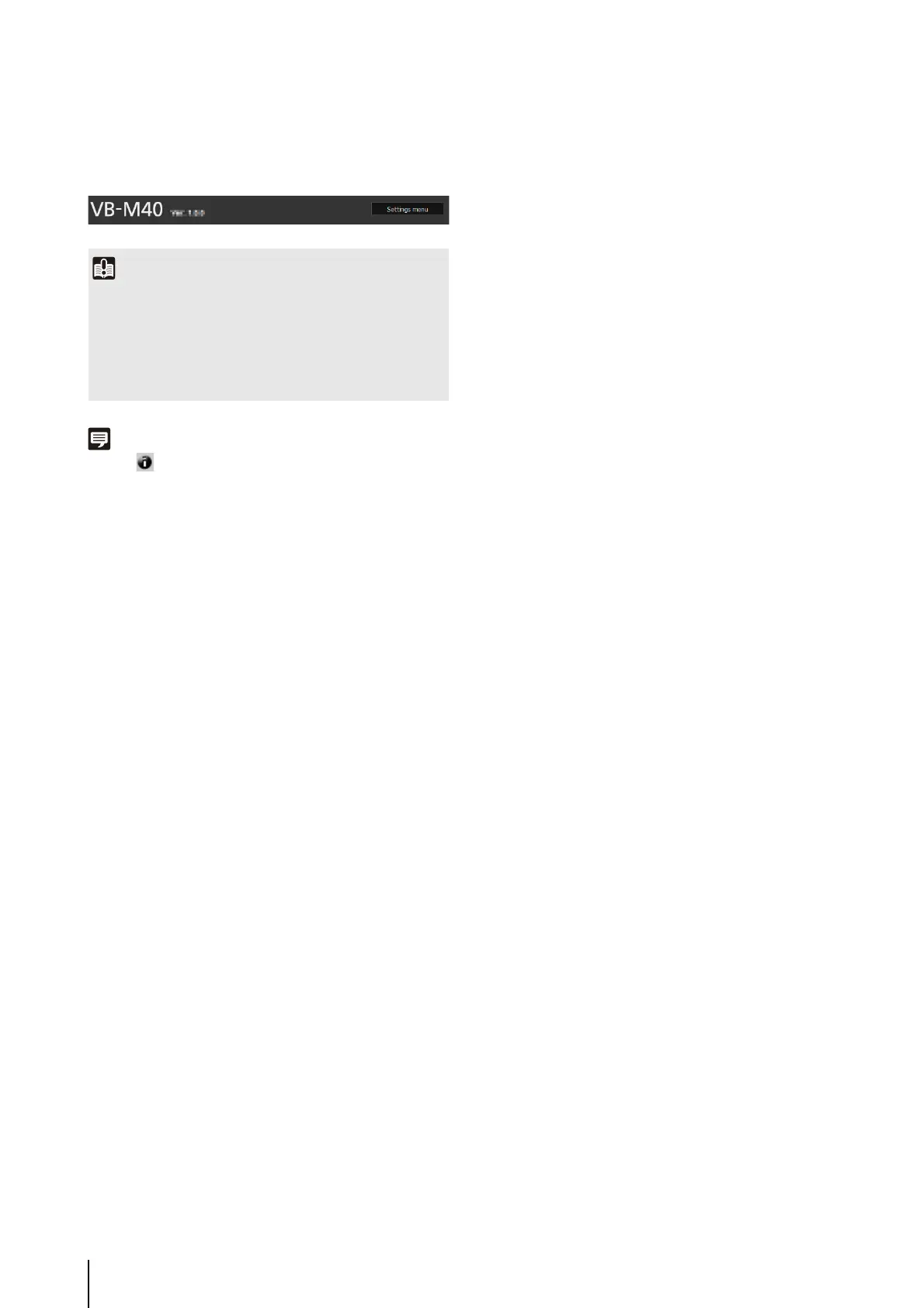
Click [Settings menu] at the top right of each setting page
to return to the Setting Menu.
Note
Click on [Help] at the beginning of any item to display a
detailed explanation of that setting item.
Important
• Do not open multiple setting pages at one time and try to
change the settings of a single camera.
• Do not use the [Back] or [Forward] buttons in the web
browser to navigate between setting pages. The changed
settings may return to the original settings or unwanted
setting changes may be applied.



 To Next Page