[SSL/TLS] Setting HTTP Communication Encryption
5-29
5
Setting Page
(8) [Backup]
Click [Exec] to perform a backup of the certificates
and private key. This operation can only be performed
via SSL communications.
(9) [Restore]
Installs the certificates and private key from
backup. Click [Browse] to select the backup file,
then click [Exec]. This operation can only be
performed via SSL communications, and will take
effect after rebooting.
Encrypted Communications
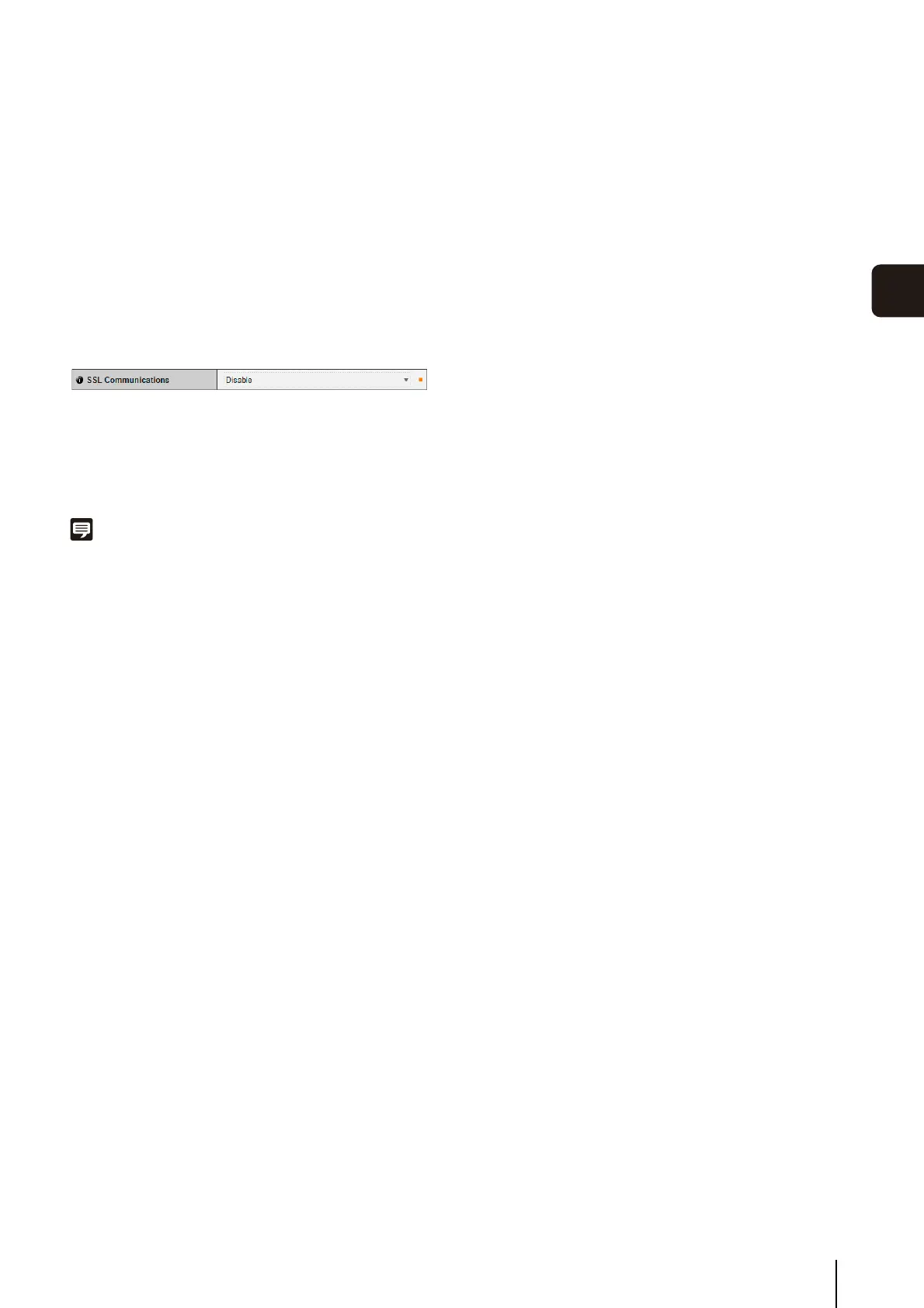
(1) [SSL Communications]
Set SSL communications to [Disable] or [Enable]. The
setting will take effect after rebooting.
However, if no certificate is installed, SSL
communications cannot be changed to [Enable].
Note
• It may take 15 minutes or more to generate an SSL key.
• If SSL communications are used, video transmission
performance drops.
• Depending on the type of the certificate being installed on the
camera, a dialog box may appear indicating that the web
browser has accepted the certificate and a connection can be
made.
If the dialog box does not appear, register the CA certificate in
the web browser.



 To Next Page