EasyManua.ls Logo

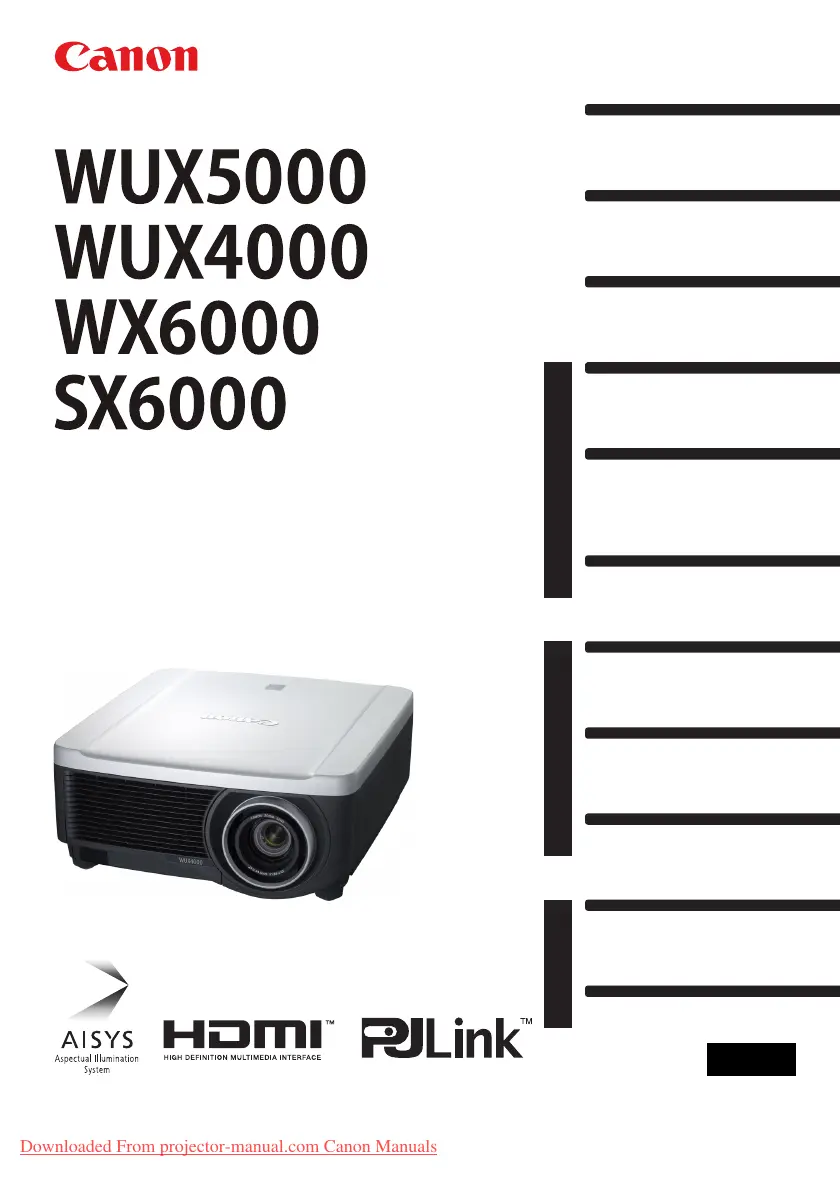
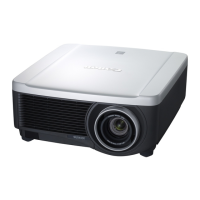
Canon WUX5000 - User Manual

Canon WUX5000
240 pages
Print Icon
To Next Page IconTo Next Page
Loading...
Installation
Connecting to a Network
Maintenance
Appendix
Index
AppendixInstallation Manual
Projecting an Image
Safety Instructions
Before Use
Table of Contents
Setting Functions from Menus
Useful Functions Available
During a Presentation
User’s Manual
ENG
MULTIMEDIA PROJECTOR
User’s Manual /
Installation
Manual
Downloaded From projector-manual.com Canon Manuals

Table of Contents

Other manuals for Canon WUX5000

Questions and Answers

Summary

Safety Instructions

Safety Precautions

Covers general warnings, grounding, exposure to elements, and installation space.

Precautions for Use

Provides essential safety guidelines for operating the projector correctly and safely.

Precautions for Installation

Outlines critical safety measures to follow during the projector's installation.

Projecting an Image

Steps for Connecting the Projector and Projecting an Image

Provides a flowchart for connecting equipment and starting image projection.

Connecting the Projector to Computer

Guides on connecting the projector to a computer via various output terminals.

Starting Projection

Provides the steps to power on the projector and initiate the projection process.

Selecting an Input Signal (INPUT)

Guides on how to select the appropriate input source for projecting images.

Adjusting the Image

Covers comprehensive image adjustment techniques for optimal display.

Installation Manual (Installation and Maintenance)

Installation Precautions

Covers critical safety measures and environmental considerations for installation.

Installation Procedure

Presents a step-by-step guide for the complete projector installation process.

Maintenance

Provides instructions for maintaining the projector's performance and longevity.

Cleaning and Replacing the Air Filter

Guides on cleaning and replacing the projector's air filter for optimal cooling.

Replacing the Lamp

Provides essential information and procedures for replacing the projector lamp.

Appendix

Troubleshooting

Offers solutions for common projector issues and error indicators.

Summary

Safety Instructions

Safety Precautions

Covers general warnings, grounding, exposure to elements, and installation space.

Precautions for Use

Provides essential safety guidelines for operating the projector correctly and safely.

Precautions for Installation

Outlines critical safety measures to follow during the projector's installation.

Projecting an Image

Steps for Connecting the Projector and Projecting an Image

Provides a flowchart for connecting equipment and starting image projection.

Connecting the Projector to Computer

Guides on connecting the projector to a computer via various output terminals.

Starting Projection

Provides the steps to power on the projector and initiate the projection process.

Selecting an Input Signal (INPUT)

Guides on how to select the appropriate input source for projecting images.

Adjusting the Image

Covers comprehensive image adjustment techniques for optimal display.

Installation Manual (Installation and Maintenance)

Installation Precautions

Covers critical safety measures and environmental considerations for installation.

Installation Procedure

Presents a step-by-step guide for the complete projector installation process.

Maintenance

Provides instructions for maintaining the projector's performance and longevity.

Cleaning and Replacing the Air Filter

Guides on cleaning and replacing the projector's air filter for optimal cooling.

Replacing the Lamp

Provides essential information and procedures for replacing the projector lamp.

Appendix

Troubleshooting

Offers solutions for common projector issues and error indicators.

Canon WUX5000 Specifications

General IconGeneral
BrandCanon
ModelWUX5000
CategoryProjector
LanguageEnglish

Related product manuals