EasyManua.ls Logo

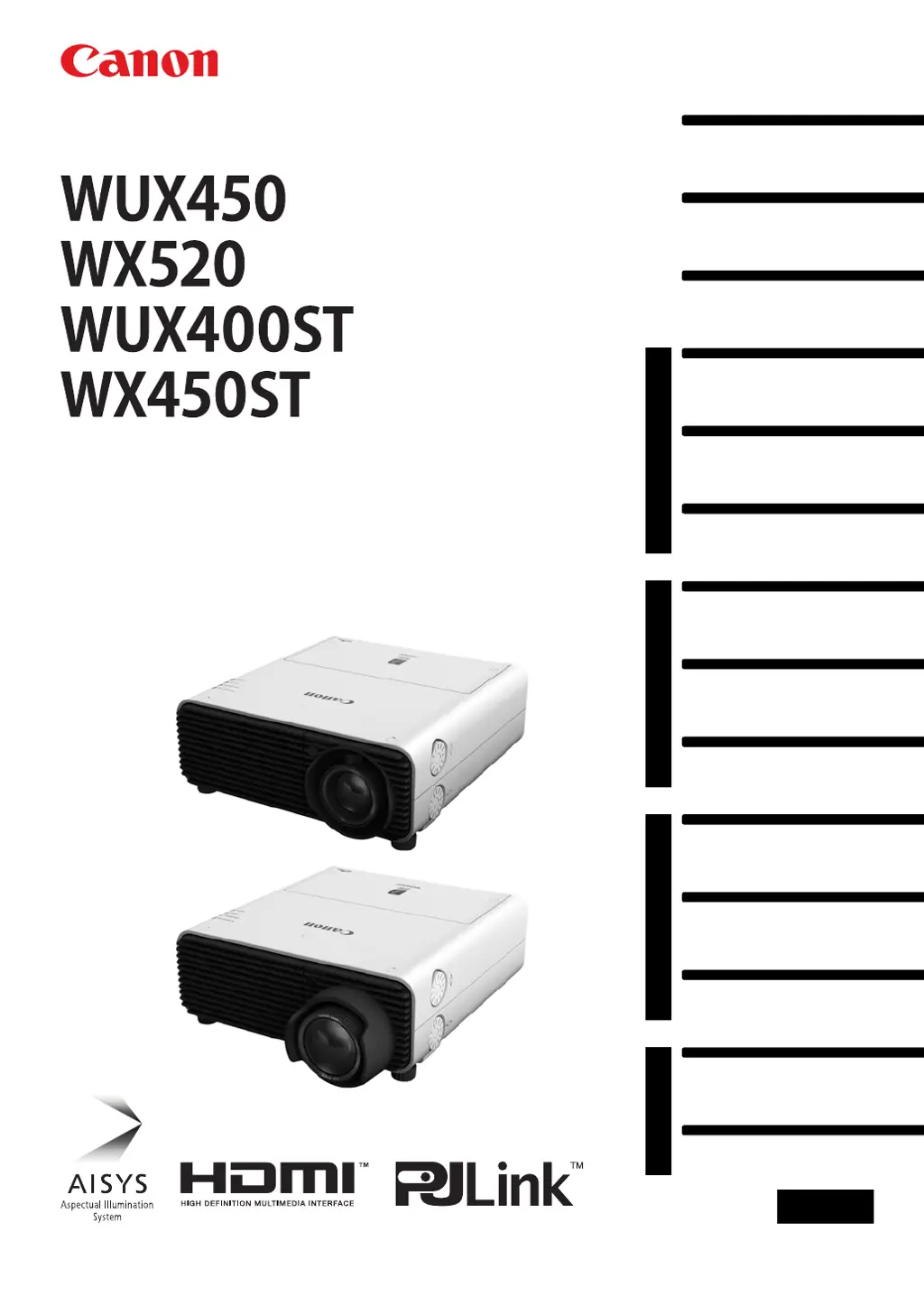
Canon WUX450 - User Manual

Canon WUX450
314 pages
Print Icon
To Next Page IconTo Next Page
Loading...
Table of Contents
Safety Instructions
Before Use
Operation
Projecting an Image
Useful Functions Available
During a Presentation
Setting Functions from
Menus
Installation and Maintenance
Installation
Connecting to a Network
Maintenance
Networked Multi-Projection
Overview
Operation in Each Mode
Functions in All Modes
Appendix
Other Information
Index
Users Manual
ENG
MULTIMEDIA PROJECTOR

Table of Contents

Other manuals for Canon WUX450

Questions and Answers

  • M
    Mark MitchellAug 18, 2025
    Why won't my Canon WUX450 Projector turn on?
    • N
      nicholas16Aug 18, 2025
      Several factors can prevent your Canon Projector from turning on. Ensure the power cord is correctly connected. If it was just connected, wait at least one second before pressing the power button. Check that the lamp cover is correctly installed. If the air intake or exhaust vent is blocked, remove the obstacle. Also, verify that the air filter is correctly installed and that the key lock is not enabled.
  • A
    Alicia SimpsonAug 21, 2025
    What to do if my Canon Projector has no sound?
    • P
      Paula JimenezAug 21, 2025
      If your Canon Projector has no sound, first check the audio cable connection. Ensure the MUTE function is not enabled by pressing the MUTE button on the remote control. Increase the volume level using the VOL button on the remote or the VOL+ button on the side control. Make sure you are using an audio cable without a built-in resistor. Finally, verify that the Audio In terminal is set appropriately.
  • E
    eric94Aug 23, 2025
    Why is my Canon WUX450 Projector image blurred?
    • S
      Sarah BellAug 23, 2025
      A blurred image on your Canon Projector can be due to several reasons. Try adjusting the focus. Ensure the distance to the screen is appropriate and that the projector is placed straight in front of the screen; use keystone adjustment to correct slight angle errors. If the projector has been moved from a cold to a warm place, condensation may have formed on the lens. Clean the lens if it is stained. Try adjusting the tracking with the [Auto PC] or [Tracking] function. You may also want to activate motion blur reduction.
  • J
    James SolisAug 26, 2025
    What to do if the Canon Projector power turns off?
    • P
      parkerthomasAug 26, 2025
      If your Canon Projector turns off unexpectedly, check whether the air intake or exhaust vent is blocked. If blocked, the projector may overheat and shut down automatically. Wait for the projector to cool down, clear any blockages, and then turn it back on. Also, inspect the air filter for dust; clean or replace it if necessary.
  • M
    Mark AndradeAug 27, 2025
    How to fix a faulty lamp on Canon WUX450?
    • H
      heatherfieldsAug 27, 2025
      If your Canon Projector lamp is faulty, try turning the power off and then back on to see if the lamp illuminates. Check for any blockages in the air intake or exhaust vent, and inspect the air filter for clogs. Clean or replace the air filter if needed. If the lamp still doesn't illuminate, replace it.
  • R
    Richard RussellAug 30, 2025
    Why can't I project an image from my Canon WUX450?
    • E
      Elizabeth BurkeAug 30, 2025
      If you cannot project an image from your Canon Projector, make sure the cable is correctly connected to your computer or AV equipment. If the projector was just turned on, wait about 20 seconds or press the OK button. Ensure the connected video camcorder or DVD player is playing an image. Verify that the AV equipment is connected to the correct input terminal on the projector and that the correct input signal has been selected. Also, confirm that the BLANK function is not enabled. If using a computer, try turning both the projector and computer off and on again. Finally, ensure that the external monitor output is correctly set on your notebook computer.
  • W
    William HamiltonSep 1, 2025
    What to do if my Canon WUX450 Projector remote control is not working?
    • M
      melissa24Sep 1, 2025
      If you cannot operate the remote control for your Canon Projector, first check the batteries to ensure they are installed correctly and not depleted; replace them if necessary. Make sure you are within the remote control's operating range and that there are no obstacles between the remote and the projector. Avoid direct sunlight or strong light on the projector's infrared receiver. Verify that the remote control channel matches the projector's setting and that the key lock function is disabled.
  • K
    Kimberly PrinceSep 3, 2025
    What to do if my Canon WUX450 Projector image is not projecting appropriately?
    • N
      Nicholas AllisonSep 3, 2025
      If your Canon Projector image is not projecting appropriately, and the image is inverted, check the [Image flip H/V] setting in the [Install settings] menu. If using a BNC cable, ensure the signal dot clock is 162 MHz or less on your computer. Also, make sure you are using a computer cable in which all pins are connected.
  • W
    Wendy TaylorSep 6, 2025
    What causes a temperature abnormality in Canon WUX450 Projector?
    • S
      Stephanie HarrisSep 6, 2025
      A temperature abnormality in your Canon Projector can occur if the internal temperature is too high or the external air temperature exceeds the operating range. Ensure the projector is installed and operating normally. Unplug the projector to cool it down, then restart. Check and clear any blockage of the air intake or exhaust vent. If the issue persists, there may be a malfunction.
  • J
    Jason BrownSep 8, 2025
    What to do if Canon WUX450 Projector shows a faulty lamp cover?
    • C
      chunterSep 8, 2025
      If your Canon Projector indicates a faulty lamp cover, unplug the projector, correctly install the lamp cover, and then turn the projector back on. If the issue persists after proper installation, there may be a malfunction in the lamp cover detection switch.

Summary

Safety Instructions

Safety Precautions

General safety measures and warnings for projector operation.

Precautions for Use

Important safety information for correct and safe projector usage.

Precautions for Installation

Safety guidelines related to projector installation and handling.

Operation

Projecting an Image

Step-by-step guide on how to turn on the projector and display an image.

Installation and Maintenance

Projector Installation Procedures

Procedures and guidelines for setting up the projector in its operating environment.

Network Connectivity Setup

Instructions for establishing network connectivity for remote control and management.

Projector Maintenance Guide

Procedures for cleaning the projector and replacing consumable parts like filters and lamps.

Networked Multi-Projection (NMPJ)

Appendix

Troubleshooting Projector Issues

Guide to identifying and resolving common projector issues and error indicators.

Canon WUX450 Specifications

General IconGeneral
BrandCanon
ModelWUX450
CategoryProjector
LanguageEnglish

Related product manuals