EasyManua.ls Logo

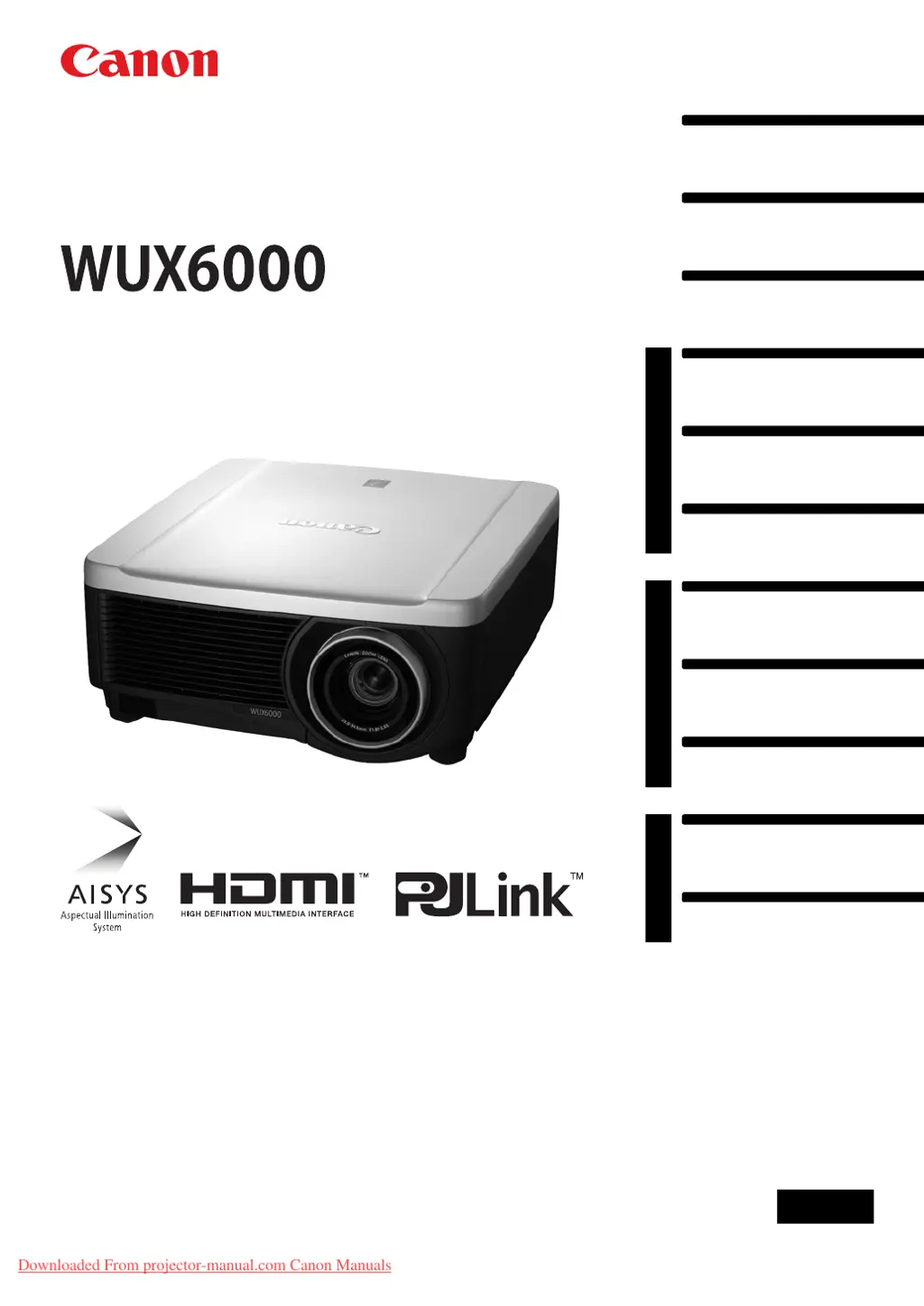
Canon WUX6000 - User Manual

Canon WUX6000
236 pages
Print Icon
To Next Page IconTo Next Page
Loading...
Table of Contents
Safety Instructions
Before Use
Operation
Projecting an Image
Useful Functions Available
During a Presentation
Setting Functions from
Menus
Installation and Maintenance
Installation
Connecting to a Network
Maintenance
Appendix
Other Information
Index
ENG
MULTIMEDIA PROJECTOR
Users Manual
Downloaded From projector-manual.com Canon Manuals

Table of Contents

Other manuals for Canon WUX6000

Questions and Answers

Summary

Safety Instructions

General Safety Precautions

Covers essential warnings, electrical safety, ventilation, and environmental considerations for safe operation.

Lamp Safety Precautions

Warnings and precautions related to the high-pressure mercury lamp, including replacement.

Operation

Projecting an Image

Step-by-step guide on powering on, selecting inputs, and adjusting the image for projection.

Installation and Maintenance

Installation Procedures and Precautions

Covers essential precautions, mounting, positioning, and lens unit handling for installation.

Connecting to a Network

Instructions for connecting the projector to a network and configuring network settings.

Maintenance Procedures

Procedures for cleaning the projector, air filter, and replacing the lamp.

Appendix

Troubleshooting Common Issues

Helps diagnose and resolve problems using LED indicators and symptom solutions.

Summary

Safety Instructions

General Safety Precautions

Covers essential warnings, electrical safety, ventilation, and environmental considerations for safe operation.

Lamp Safety Precautions

Warnings and precautions related to the high-pressure mercury lamp, including replacement.

Operation

Projecting an Image

Step-by-step guide on powering on, selecting inputs, and adjusting the image for projection.

Installation and Maintenance

Installation Procedures and Precautions

Covers essential precautions, mounting, positioning, and lens unit handling for installation.

Connecting to a Network

Instructions for connecting the projector to a network and configuring network settings.

Maintenance Procedures

Procedures for cleaning the projector, air filter, and replacing the lamp.

Appendix

Troubleshooting Common Issues

Helps diagnose and resolve problems using LED indicators and symptom solutions.

Canon WUX6000 Specifications

General IconGeneral
Brightness6000 lumens
ResolutionWUXGA (1920 x 1200)
Contrast Ratio1000:1
Light SourceLamp
Dimensions15.2 x 12.4 x 5.5 inches
Lens OptionsOptional lenses available
Zoom Ratio1.6x
Lens ShiftVertical: ±60%, Horizontal: ±10%
Lens Zoom Ratio1.6x
ConnectivityHDMI, DVI-D, VGA, USB, RS-232
Lamp TypeUHP
Input ConnectorsHDMI, DVI-D, VGA, USB, RS-232
Lamp LifeUp to 3000 hours (Normal mode), up to 4000 hours (Eco mode)

Related product manuals