43
E
Recording
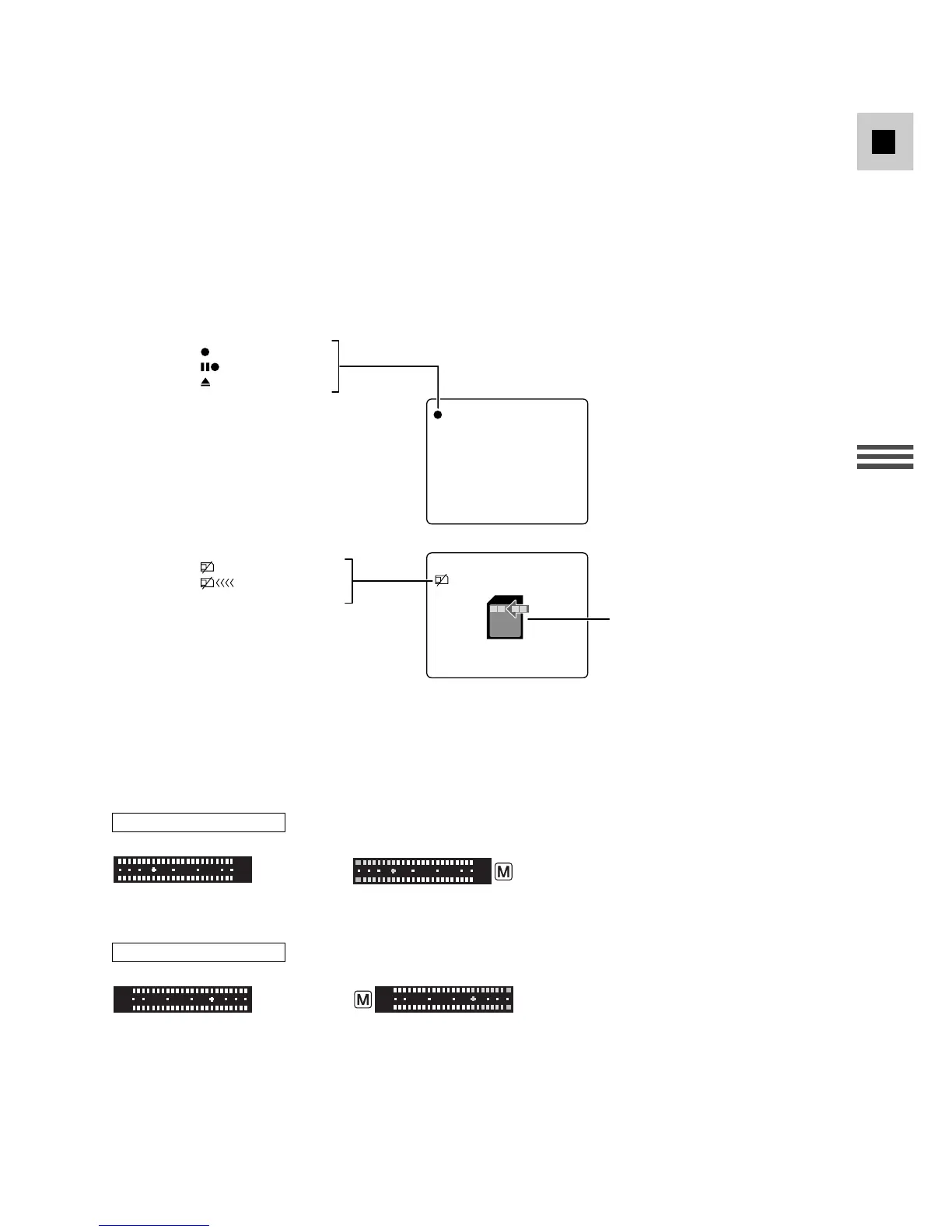
Indicators that appear on the LCD screen when MIRROR is turned on:
The audio level indicator will be displayed as follows:
On the LCD Screen:
Automatic Manual
On the Viewfinder:
Automatic Manual
To turn the mirror mode off, open the menu and select DISP.SET UP.
Then select MIRROR, set it to OFF and close the menu.
• LCD MIRROR ON: The picture appears reversed like in a mirror.
• LCD MIRROR OFF: The picture appears the same as the recording.
• If you turn the LCD MIRROR ON, the recording itself is unaffected.



 To Next Page