page 20 of 28
4.5 Software Update
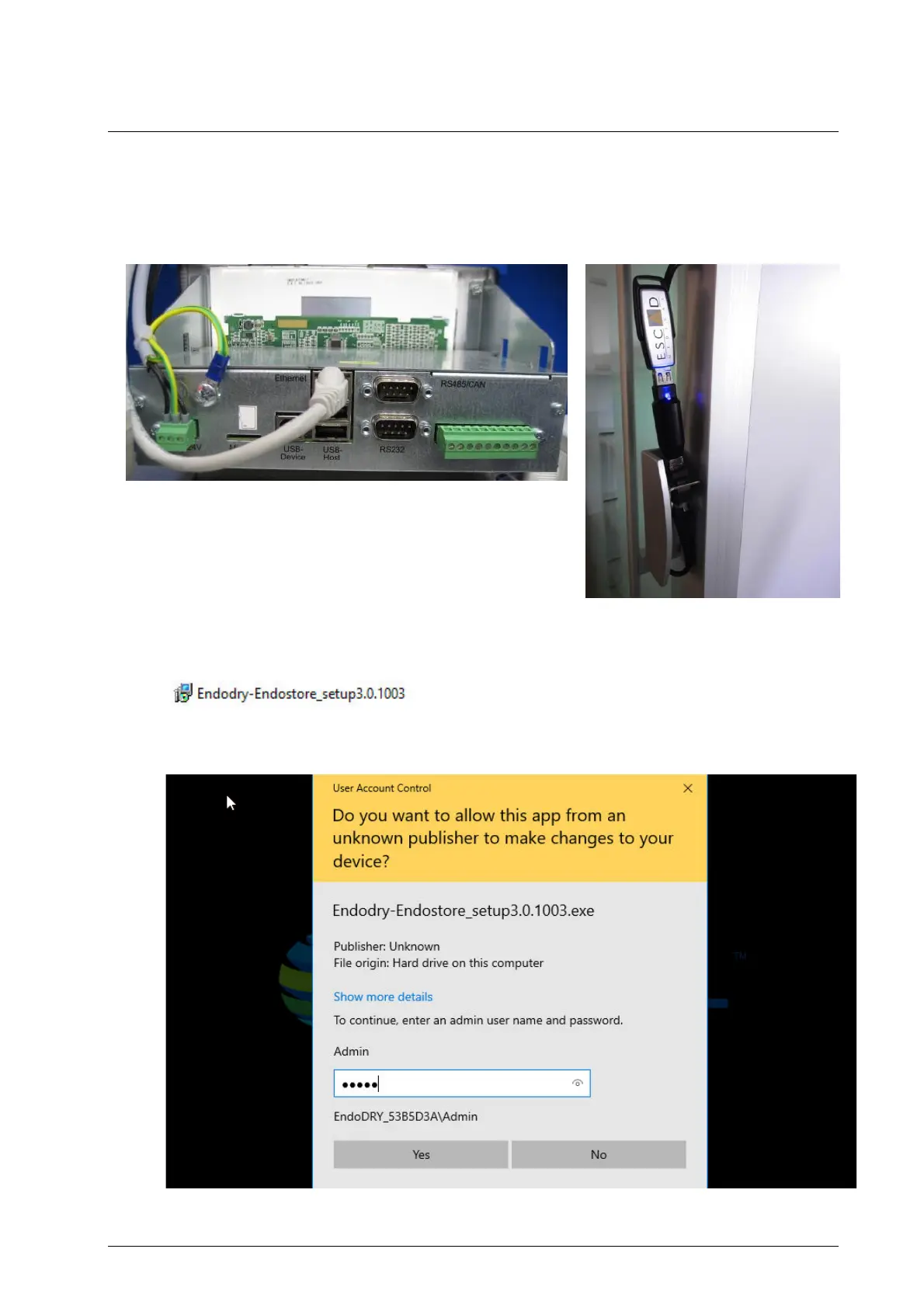
1. Connect a USB memory stick with the installer file (Endodry-Endostore_setup3.X.XXXX.exe) to
one of the available USB ports on the cabinet.
2. On the USB memory stick, double-click on the installer file (Endodry-
Endostore_setup3.X.XXXX.exe).
3. Enter the password of Admin and press the Yes button to continue.


 To Next Page