page 8 of 28
2.5.2.1 Deactivate key lock
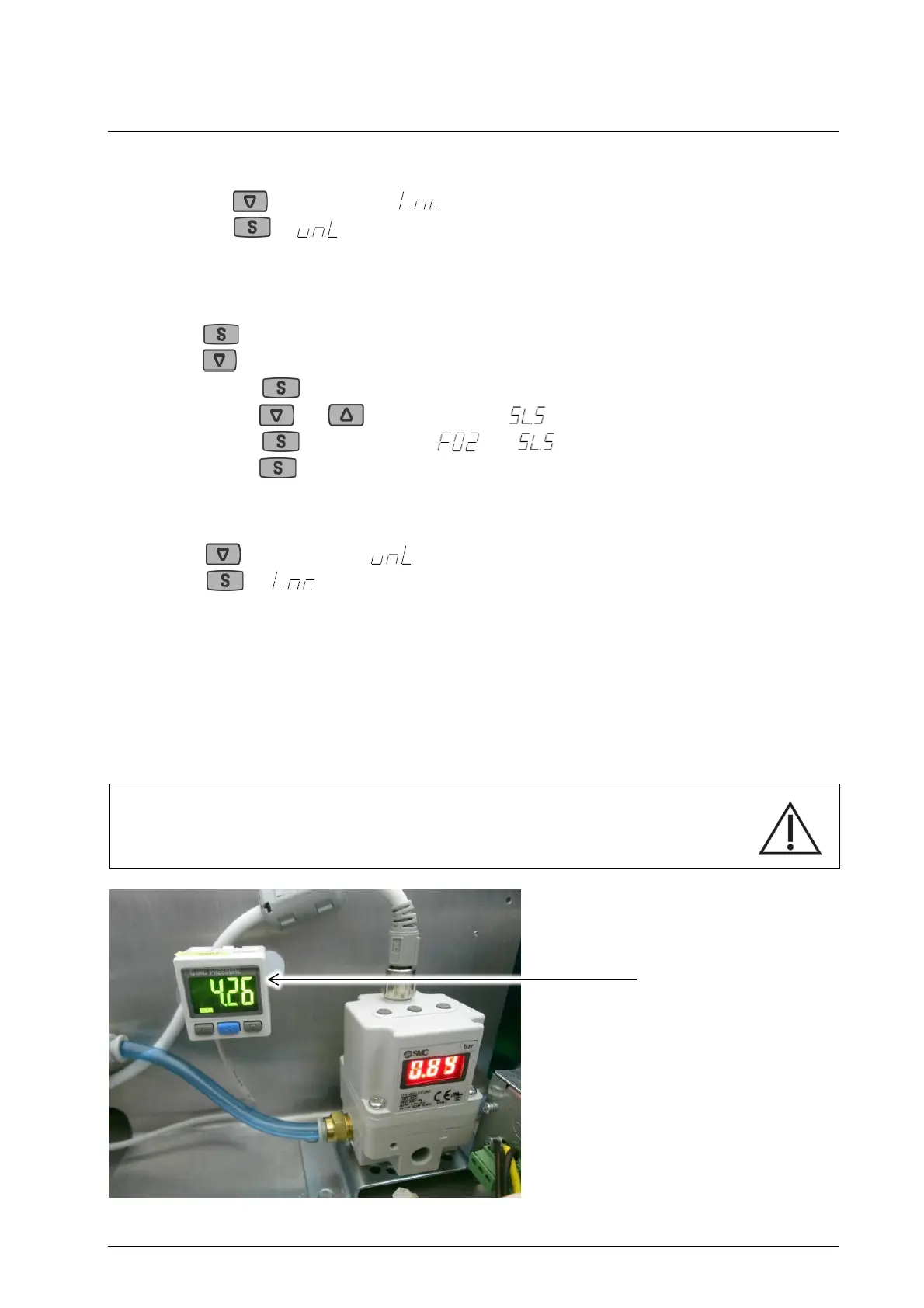
Press min. 2 seconds is displayed and indicates.
Press is displayed for ca. 1 second.
Now button lock is deactivated, current pressure is displayed
2.5.2.2 Adjust sensitivity
Press min. 2 seconds Changing to settingsmode (F01)
Press F02 (sensitivity)
Press
With and adjust sensitivity to
Press switch between and
Press min. 2 seconds leave settingsmode
2.5.2.3 Activate key lock
Press min. 2 seconds is displayed and indicates.
Press is displayed for ca. 1 second.
Now key lock is activated, current pressure is displayed
2.5.3 Pressure controller
The pressure controller monitors the set minimum and maximum pressures (see 2.5.1). If the pressure
exceeds or falls below the set pressures, the current pressure is displayed in red on the pressure
control’s display. In addition, a signal is sent to the control system, which indicates the error on the
touch display. Pressure values within the specified range will be displayed in green.
Caution!
Attention should be paid to operation manual of the pressure controller.


 To Next Page