EasyManua.ls Logo

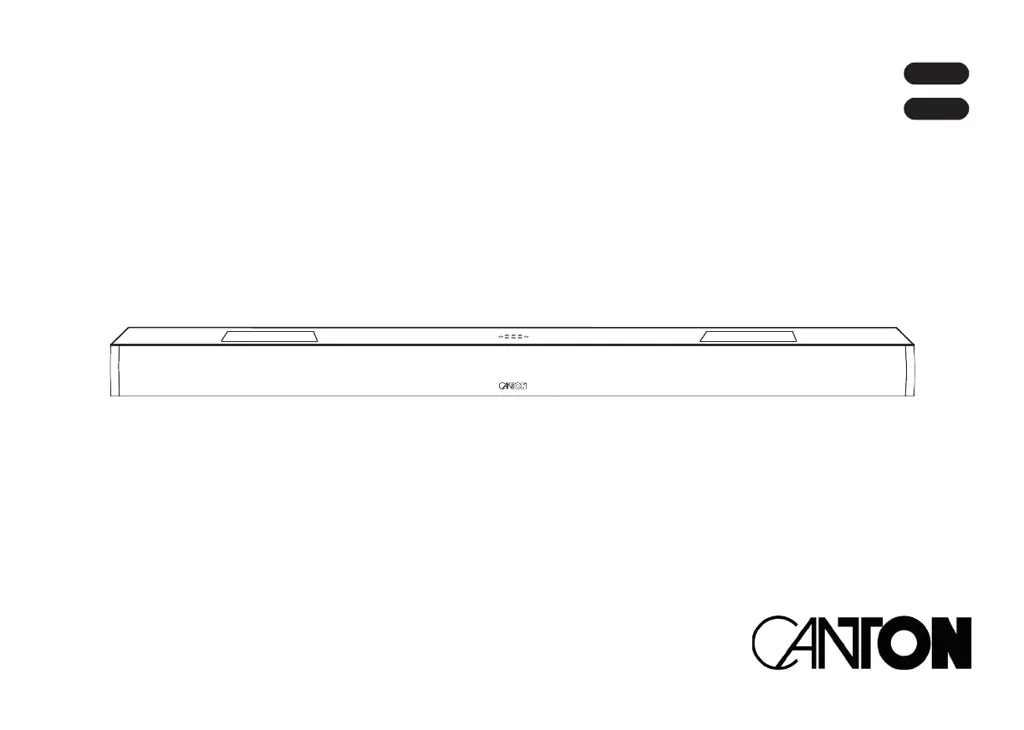
Canton Smart Soundbar 10 - User Manual

Canton Smart Soundbar 10
127 pages
Go to English
Print Icon
To Next Page IconTo Next Page
Loading...
BEDIENUNGSANLEITUNG
BEDIENUNGSanleitung
Smart Soundbar 10
OPERATING INSTRUCTIONS
Deutsch
English

Table of Contents

Other manuals for Canton Smart Soundbar 10

Questions and Answers

  • J
    Jennifer ReyesSep 8, 2025
    Why does a speaker show WLS in the display of my Canton Speaker System?
    • A
      aaron41Sep 8, 2025
      If a speaker shows WLS in the display of your Canton Speaker System, it means the slave speaker is being operated without the Soundbar. Turn on the Soundbar. If that's not the case, the slave speaker is not paired yet, pair the slave speaker with the Soundbar.
  • T
    terrancebrownAug 25, 2025
    How to fix a Canton Smart Soundbar 10 Speaker System Soundbar 9 that doesn't respond to the remote?
    • S
      Sierra SimmonsAug 25, 2025
      If your Canton Soundbar 9 isn't responding to the remote control, first, ensure you've removed the protective film from the remote. If that doesn't work, replace the battery, making sure to insert it with the correct polarity.
  • J
    Jessica McdonaldAug 25, 2025
    Why is there no playback via Bluetooth on my Canton Smart Soundbar 10 Speaker System?
    • B
      bateslindaAug 26, 2025
      If you're experiencing no playback via Bluetooth on your Canton Speaker System, there could be several reasons: * Ensure there is a connection between the Soundbar 9 and your mobile device. * If the device is paired but not playing, try reconnecting it. * Set the volume on your mobile device to the maximum. * Increase the volume on the Soundbar 9. * Ensure that there are no sources of interference (such as a WiFi router or laptop) near the Soundbar 9. * If you're using both WiFi and Bluetooth from a mobile device, disable WiFi or reduce the distance between the Soundbar and the mobile device.
  • M
    Mrs. Rachel LewisSep 18, 2025
    Why don't paired Canton wireless speakers turn on with the Soundbar?
    • J
      James KellySep 18, 2025
      If paired wireless speakers don't turn on together with the Soundbar, ensure all slave speakers are paired according to chapter WSP (Wireless Speaker Pairing). Also, if the parameter Standby [STB] is set to ECO, each speaker must be switched on separately with the remote control. If you want to switch all speakers on together, set the parameter to NSB, MAN, or AUT.
  • J
    Jacob WrightSep 9, 2025
    Why does the subwoofer not reproduce sound in my Canton Smart Soundbar 10 Speaker System?
    • B
      Brian BarrSep 9, 2025
      If the subwoofer in your Canton Speaker System isn't producing sound, it may not be paired yet. Pair the slave speaker with the Soundbar. Also, if the subwoofer is connected to the Soundbar using an RCA cable, ensure that Sub Out is activated (ON) in the Sub Out menu.
  • P
    Paul LongSep 13, 2025
    Why does my Canton Soundbar 10 switch off automatically?
    • B
      Brandon MillerSep 13, 2025
      If your Canton Soundbar 10 is automatically switching off, it could be due to the standby function ECO, AUT, or NSB being activated. Try selecting the standby function MAN. Also, the infrared command for Standby might have been learned incorrectly; relearn the infrared command for Standby.
  • L
    Lorraine MillerSep 3, 2025
    What to do if the BT input cannot be selected via the “Input” buttons on my Canton Speaker System?
    • M
      Melissa BlanchardSep 3, 2025
      If the BT input cannot be selected via the “Input” buttons on your Canton Speaker System, it's likely that the function BT Select [BTS] is activated. In this case, switching happens automatically when the Soundbar 9 detects an audio signal from the device. If this is unwanted, set BT Select (BTS) to manual.
  • R
    Raymond JohnsonSep 4, 2025
    How to make my Canton Speaker System Soundbar 9 automatically switch to the BT input?
    • W
      Wayne RodriguezSep 4, 2025
      If your Canton Soundbar 9 isn't automatically switching to the BT input, the BT Select function is likely deactivated (MAN). Activate the BTS function (AUT) to enable automatic switching. Also, ensure that Bluetooth® is enabled on your device, that the Soundbar 9 isn't connected to another device (disable Bluetooth® on other devices), and that your device is paired with the Soundbar 9.
  • T
    Thomas JimenezDec 1, 2025
    How to stop a Canton Speaker System Soundbar 9 from buzzing?
    • C
      Connor MooreDec 1, 2025
      If your Canton Soundbar 9 is buzzing, there are several potential causes. First, the signal cables from the source device to the Soundbar 9 might be too long. Try using shorter or higher quality signal cables. Second, the signal cable might not be shielded or the shield is defective. Replace the cable with a shielded and/or higher quality cable. Third, a ground loop may be present. Connect all devices connected to the Soundbar 9 with a safety plug to a power strip. Finally, a non-interference suppressed consumer (e.g. fridge) on the same mains phase could be the cause. Turn off any possible sources of interference for testing purposes, have the relevant device suppressed for interference, or connect the source of interference to another mains phase. You can also insert a special “sheath cu...
  • W
    Willie MurphyAug 29, 2025
    How to increase the volume on my Canton Smart Soundbar 10 Soundbar 9 if the sound reproduction is too soft?
    • V
      Veronica JonesAug 29, 2025
      If the sound reproduction on your Canton Speaker System Soundbar 9 is too soft, increase the volume using the “Volume” button, and also increase the volume of the source device. Also, ensure that the maximum possible volume hasn't been limited by the “Volume” function (VOL); if it has, increase the maximum possible volume according to the instructions.

Summary

Safety Instructions

General Safety Precautions

Visual guidelines for safe operation and placement of the soundbar.

Important Safety Warnings

Critical cautions regarding electric shock, battery hazards, and device operation.

Battery Safety and Symbols

Information on battery handling, disposal, and warning symbol meanings.

Initial Setup and Connection

Unpacking and Delivery Content

Steps for unboxing the soundbar and verifying all included parts.

Remote Control Setup

Instructions for activating and using the remote control with battery installation.

Connection Terminal Overview

Description of the soundbar's physical input and output ports.

Device Controls and Indicators

Touch Key Operation

Explanation of the physical touch buttons on the soundbar and their functions.

Remote Control Functions

Detailed guide to all buttons and features of the infrared remote control.

LED and Display Indicators

Meaning of status lights (LEDs) and on-screen display messages.

Connectivity and Streaming Features

Chromecast Built-in Usage

How to set up and use the Chromecast built-in feature for streaming.

Bluetooth Wireless Playback

Instructions for pairing and playing audio via Bluetooth wireless technology.

AirPlay 2 Technology

Guide to connecting and streaming audio using Apple's AirPlay 2.

Preset Button Configuration

How to store and recall custom sound settings or playlists using preset buttons.

Speaker Setup

Channel Level Adjustment

Adjusting the volume level for individual speakers using a test tone generator.

Speaker Distance Settings

Configuring speaker distance for optimal spatial audio effects.

Voice Clarity and EQ Settings

Enhancing dialogue intelligibility and applying equalizer settings for sound.

Subwoofer and Crossover Settings

Configuring subwoofer phase, stereo modes, and crossover frequencies.

Sound and Room Adjustments

Adjusting tone controls, room height, and device height for sound optimization.

System Setup

Sleep Timer and IR Settings

Setting automatic shutdown timers and configuring infrared remote control functions.

Standby Mode and Input Configuration

Managing power-saving standby modes and customizing input names.

Lip Sync and Volume Limits

Adjusting audio-video sync and setting maximum volume levels.

Display and LED Settings

Customizing display brightness, language, LED behavior, and input stream display.

Network Setup

Network Connection Configuration

Configuring wired or wireless network connections for the soundbar.

Network Reset Procedure

Deleting stored network settings and resetting the soundbar's network module.

Wireless Setup

Wireless Pairing Procedure

Steps for pairing wireless speakers and subwoofers with the soundbar.

Bluetooth Settings and RF Configuration

Configuring Bluetooth pairing modes, RF power, and channel selection.

Bluetooth Reset and Autoplay

Resetting Bluetooth settings and enabling/disabling automatic playback.

System Information

Firmware and Network Information

Checking installed firmware versions and viewing network connection details.

USB Logging Function

Activating and deactivating the USB logging function for diagnostics.

Troubleshooting Common Issues

Technical Data and Compliance

Technical Specifications

Detailed technical data including power, dimensions, weight, and operating conditions.

EU Declaration of Conformity

Manufacturer's declaration of compliance with EU directives and regulations.

Important Information and Warranty

Notes on intended use, environmental operation, firmware, CE marking, and warranty terms.

Canton Smart Soundbar 10 Specifications

General IconGeneral
Audio decodersDTS Digital Surround, DTS TruSurround, Dolby Digital
RMS rated power300 W
Audio output channels2.1.2 channels
Audio Return Channel (ARC)Yes
Woofer diameter79 mm
Tweeter diameter19 mm
Mid-range driver diameter50 mm
Woofer diameter (imperial)3.1 \
Tweeter diameter (imperial)0.75 \
Mid-range driver diameter (imperial)2 \
HDMI in3
Bluetooth version4.0
HDMI ports quantity4
Number of HDMI outputs1
Connectivity technologyWired & Wireless
Cables includedAC, Audio (3.5mm), Coaxial, HDMI, Optical
Receiver included-
FM radioNo
Display typeLED
CertificationCE
Product colorSilver
Bluetooth range10 m
Transmission frequency2.4 GHz
Apple docking compatibilityNot supported
AC input voltage100 - 240 V
AC input frequency50 / 60 Hz
Soundbar power consumption150 W
Power consumption (standby)0.4 W
Weight and Dimensions IconWeight and Dimensions
Depth100 mm
Width990 mm
Height70 mm
Soundbar weight5300 g

Related product manuals