7.7.2 Spark Plug
Inspection
1. Remove the spark plug cap.
Do not pull on the cable when removing the
spark plug cap. Always hold the cap body.
– 38 –
7
MAINTENANCE
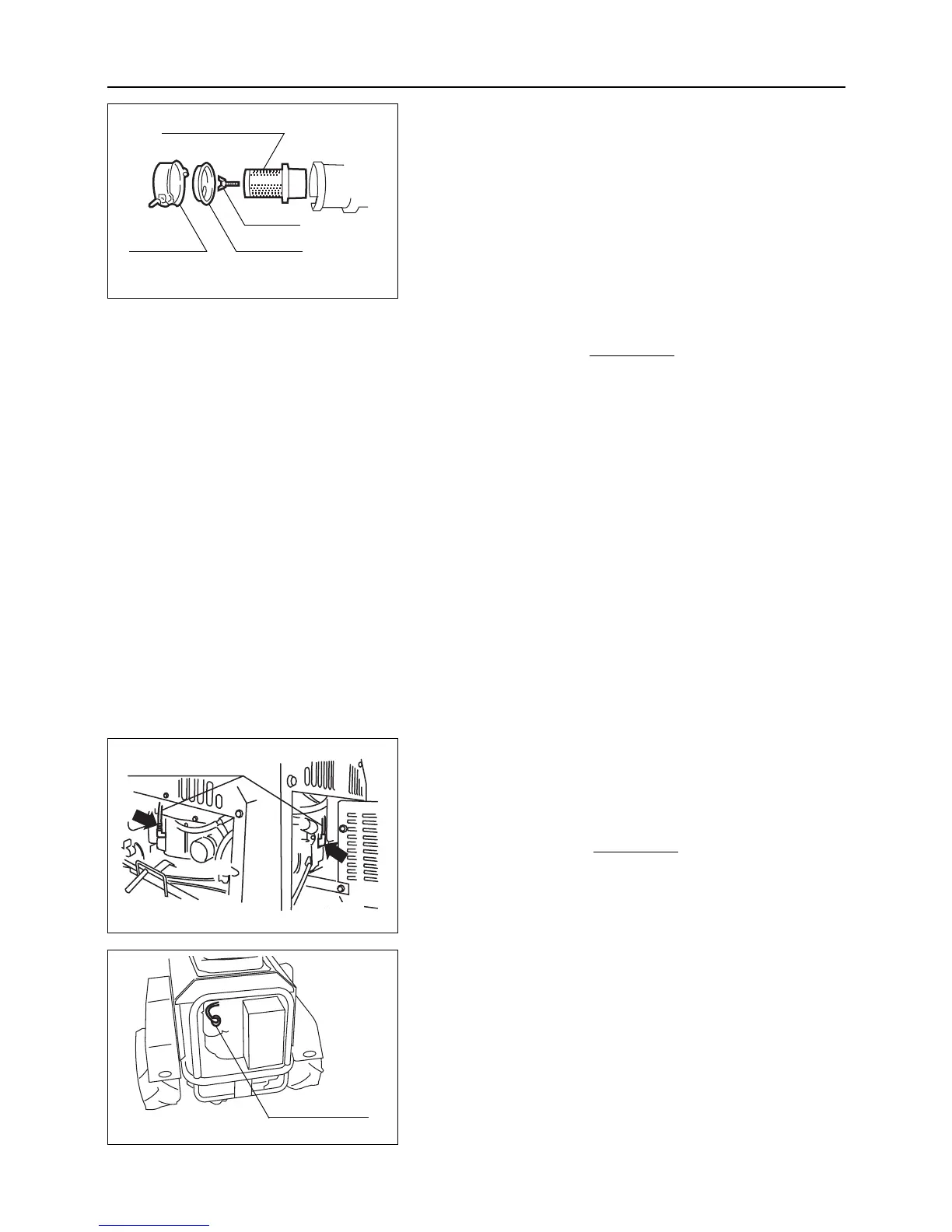
In the case of CM1305:
1.
Remove the air cleaner cover.
2. Remove the wing bolt.
3. Remove the dust cover and air cleaner element.
4. Remove dirt by allowing air (airpressure : 2.1 kg/cm
2
or less) to blow from the inside of the element or
shaking the element slightly by hand.
Never allow the air cleaner to contain oil. When
the air cleaner is very dirty or damaged,
replace it.
5.
Install the air cleaner element and dust cover.
6. Install the wing bolt.
7. Install the air cleaner cover.
Replacing
Inspect air cleaner every 50 hours (every week) and replace if
necessary.



 To Next Page