9
TROUBLESHOOTING
– 48 –
9. TROUBLESHOOTING
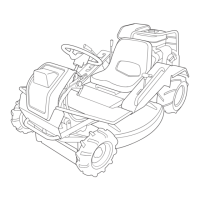
• If any malfunction or abnormal operation is found, immediately stop using the machine and make an
appropriate repair referring to the troubleshooting chart shown below. If the malfunction is not listed in
the chart or the suggested repair does not solve the problem, consult your dealer or one of our service
centers.
• Some repair contents require specialized service knowledge. Request your dealer or one of our service
centers for such repairs.
9.1 TROUBLESHOOTING CHART
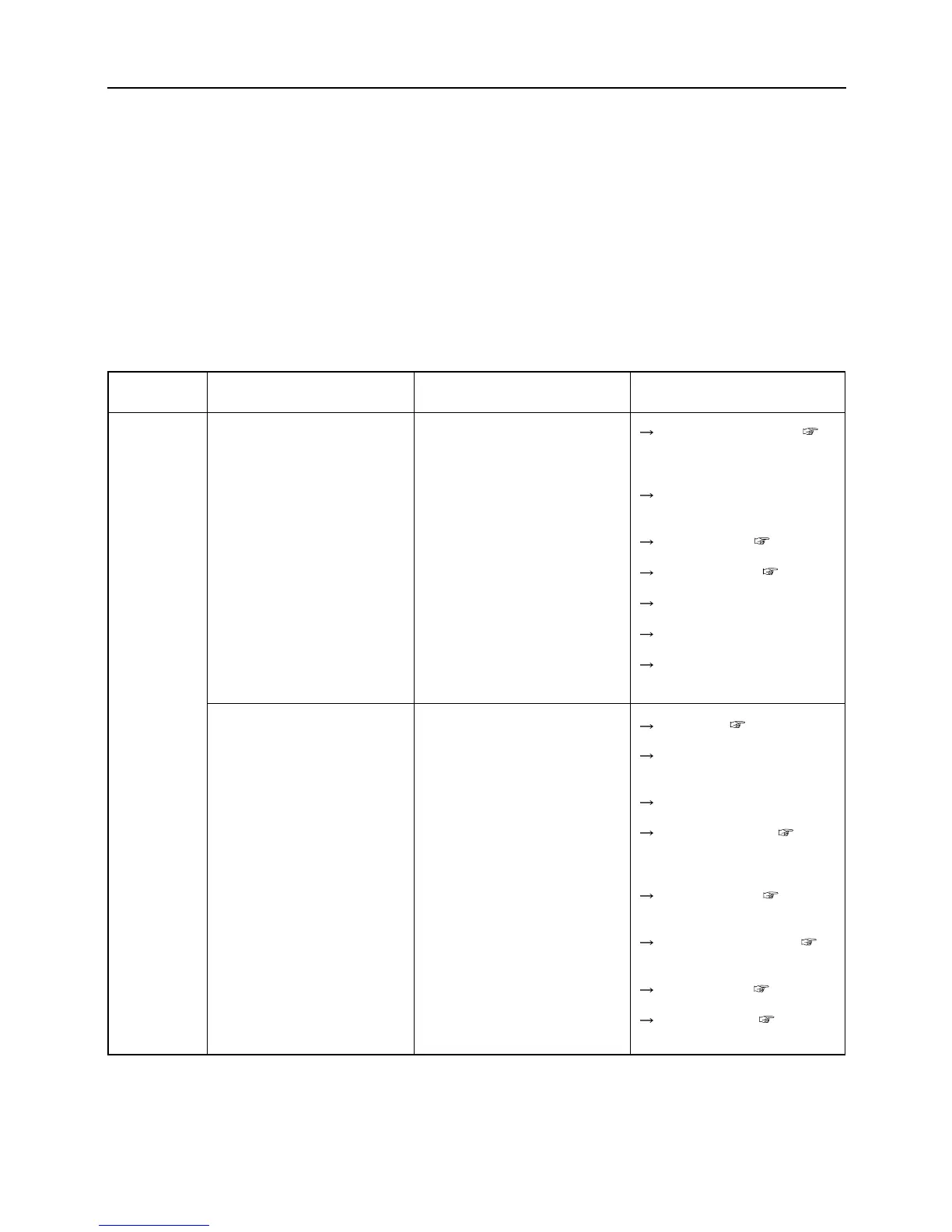
Area
Engine
Malfunction
Engine does not start
Hard to start (Difficult in start-
ing)
Possible cause
• Blade clutch lever is not in the
"OFF" position. (Safety device
is actuated.)
• Brake pedal is not depressed.
(Safety device is working.)
• Battery is over-discharged.
• Battery cable is disconnected.
• Fuse is blow.
• Open circuit or contact failure
of wiring
• Lack of fuel
• Air or water in fuel
• Excessive intake of fuel
• Engine oil insufficiency or
poor quality (High oil viscosi-
ty)
• Poor ignition due to dirt on
spark plug or poor sparking
• Insufficient capacity of battery
(Poor electric starting)
• Impurities in fuel circuit
Corrective action
Put the lever to "OFF". (
Page 15)
Depress brake pedal.
Charge battery.( Page 35)
Replace battery. ( Page 36)
Connect cable.
Replace.
Repair. (Consult dealer.)
Replenish. ( Page 13)
Check pipe and tightening
band. Repair or replace.
Start after interval.
Replenish or replace. ( Page
30)
Clean or replace.( Page 38)
Replenish battery fluid.(
Page 35)
Charge battery.( Page 35)
Clean fuel cock.( Page 39)



 To Next Page