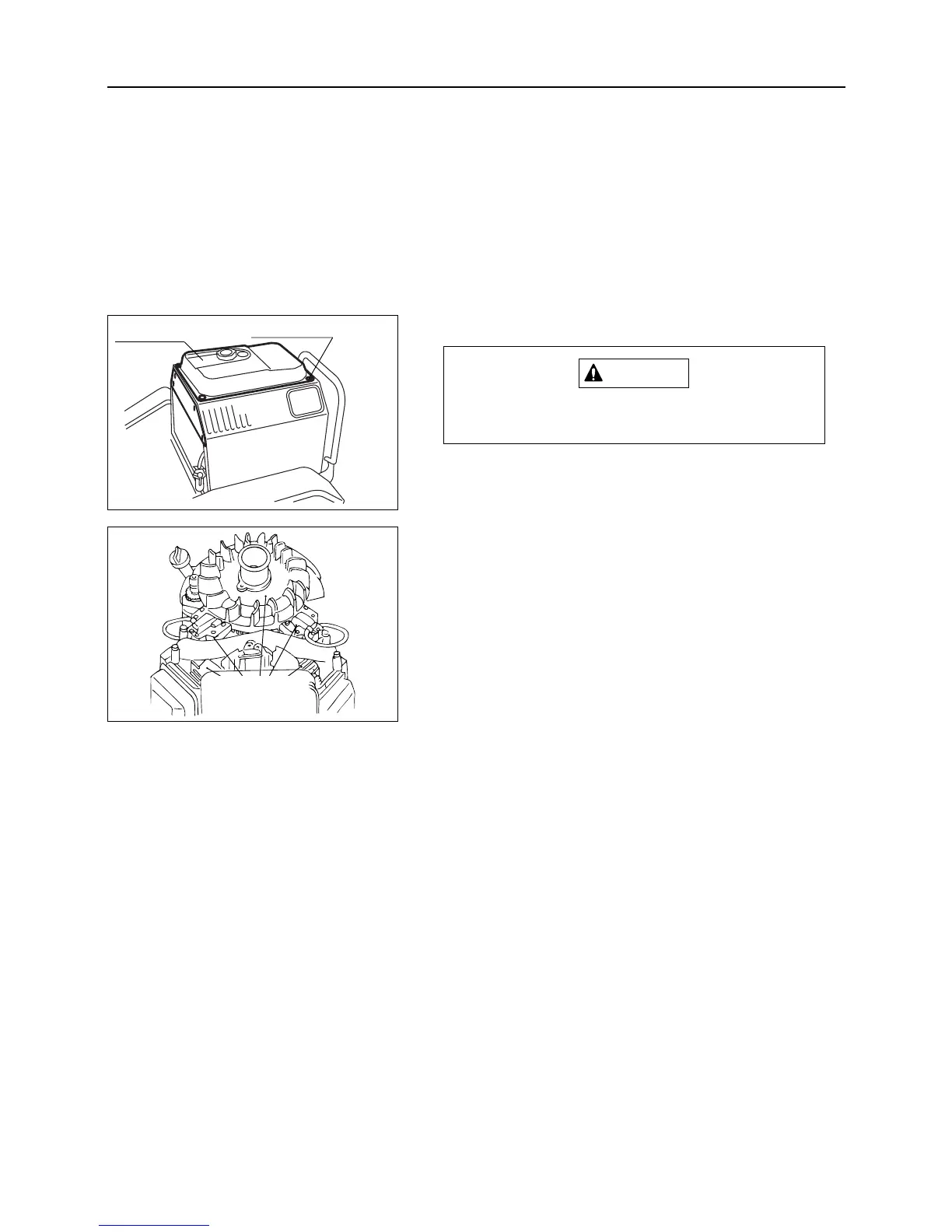
7.7.4 Blower Housing and Cooling Fan
Remove the blower housing after engine
becomes cool.
1. Remove all the fuel completely from fuel tank.
2. Remove cover in front part of fuel tank.
3. Remove attaching bolts (4 pcs.) for fuel tank.
4. Move fuel tank to forward position and fix it.
5. Remove blower housing fixing bolts and detach the
shroud.
6. Inspect cooling fins for dirt or dust. Clean with com-
pressed air.
– 40 –
7
MAINTENANCE
4. Clean inside of filter pot, oil seal,fuel filter in clean
kerosene.
5. Attach filter pot, oil seal and fuel filter.
Fuel tank
Attaching bolt
Remove dirt
or dust around
these areas



 To Next Page