Maintenance
-72-
5
Filling
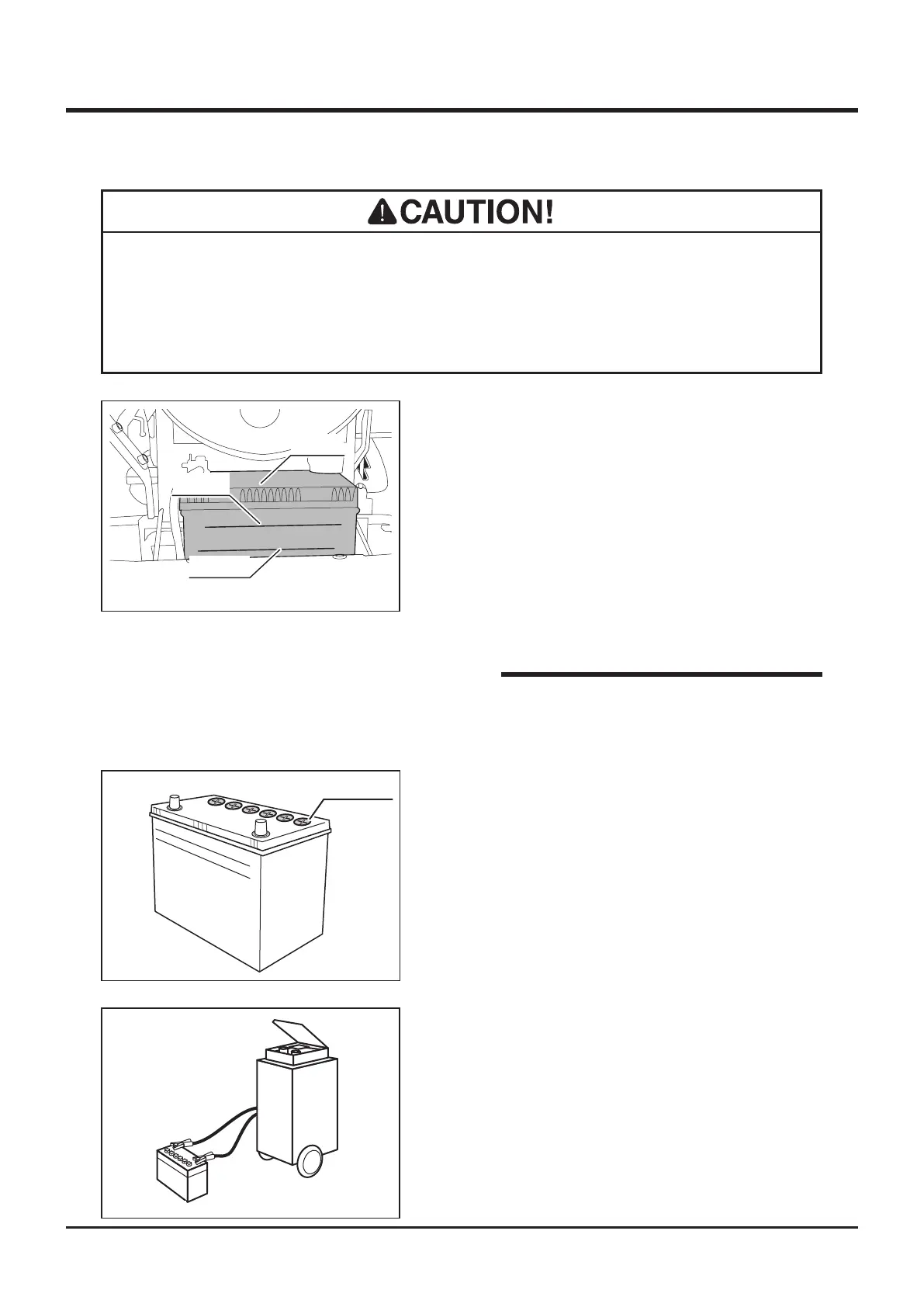
UPPER LEVEL
LOWER LEVEL
Filler Cap
5321M-0510-020E
1. Remove front cover.
2. Remove battery.
3. Remove ller cap.
4. Fill distilled water to "UPPER LEVEL" line.
5. Install ller cap.
6. Install battery.
7. Install front cover.
5116M-0509-040E
1. Remove front cover.
2. Remove battery from machine.
3. Follow instructions in battery charger user's
manual to charge battery.
4. When battery is fully charged, install battery
back in place.
5. Install front cover back in palce.
Charging
Inspecting
5332M-0509-010E
Battery
UPPER
LOWER
1. Park machine on level ground.
2. Remove front cover.
3. Visually inspect that battery fluid level is
between "UPPER" level and "LOWER" level
lines.
4. If uid level is near or below "LOWER" level
line, ll.
5. Install front cover back in place.
• Instruction of removing head lamp and
battery is indicated back of the front cover.
NOTE
• Always remove battery from machine before charging. Failure to do so causes
damage to electrical components and wiring.
• Follow battery charger user's manual when charging.



 To Next Page