EasyManua.ls Logo

CanyCom CMX222 - User Manual

CanyCom CMX222
94 pages
Print Icon
To Next Page IconTo Next Page
Loading...
Read this manual completely before operating or maintaining this machine.
Failure to follow safety precautions could result in serious injury or death.
Keep this manual for future reference by you and by all those who operate
and maintain this machine.
CHIKUSUI CANYCOM, INC.
90-1 Fukumasu, Yoshii-machi,
Ukiha-shi, Fukuoka, Japan 839-1396
Tel.+81-(0)943-75-2195 Fax.+81-(0)943-75-4396
Original Instructions
(in English)
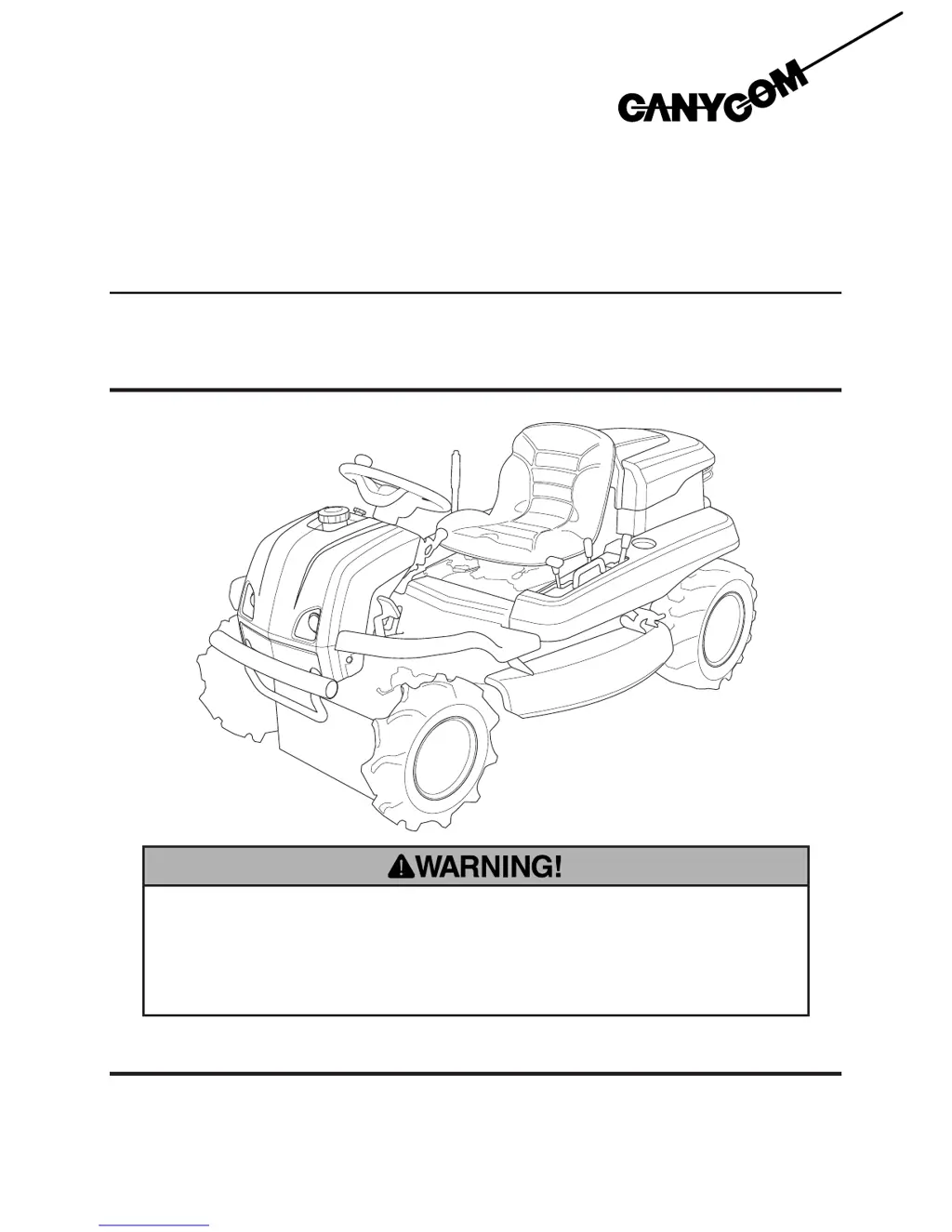
Ride-on Brushcutter
CMX222/CM223
Operator's Manual
5323 5321 004

Table of Contents

Questions and Answers

  • W
    William NelsonSep 9, 2025
    Why is my CanyCom CMX222 not turning smoothly?
    • S
      shepherdtiffanySep 9, 2025
      If the CanyCom Brush Cutter does not turn smoothly, check the tire pressure. Adjust the tire pressure to the correct level to ensure smooth turning.
  • M
    Michael CannonAug 23, 2025
    Why does my CanyCom CMX222 Brush Cutter engine overheat?
    • A
      Ashley MurrayAug 23, 2025
      If the CanyCom Brush Cutter's engine overheats, it might be due to an insufficient amount of engine oil. Make sure to fill the oil to the correct level. Another possible cause is clogged or blocked rotating screen or cooling fins, which require cleaning.
  • K
    Kevin DouglasAug 25, 2025
    What to do if my CanyCom CMX222 Brush Cutter engine stalls?
    • B
      Brittany MooreAug 25, 2025
      If the CanyCom Brush Cutter's engine stalls, the most likely cause is that it's out of fuel. Refill the fuel tank to resolve this issue.
  • B
    Bryan PerezAug 27, 2025
    Why is my CanyCom Brush Cutter not discharging grass properly?
    • J
      James HodgesAug 27, 2025
      If the CanyCom Brush Cutter is not discharging cut grass properly, consider these factors: * The grass might be wet, so try cutting when it's dry. * The grass could be too long; cut in multiple steps at different heights. * The cutting height might be too low; raise it accordingly. * The engine speed could be too low; increase it. * The driving speed might be too high; slow down.
  • A
    Ashley GarciaAug 27, 2025
    Why does my CanyCom CMX222 engine stop abruptly?
    • Z
      zperezAug 27, 2025
      If the CanyCom Brush Cutter's engine stops abruptly, it is likely due to a lack of fuel. Make sure to fill the fuel tank.
  • T
    Todd RobertsSep 22, 2025
    Why is my CanyCom Brush Cutter vibrating when the blade rotates?
    • T
      teresa27Sep 22, 2025
      If abnormal vibration occurs when the cutting blade is rotated on your CanyCom Brush Cutter, the cutting blade may be damaged or lost. Replace the cutting blades to resolve the vibration.
  • J
    John WoodSep 16, 2025
    Why won't the cutting blade on my CanyCom Brush Cutter stop?
    • A
      April HoodSep 16, 2025
      If the cutting blade on your CanyCom Brush Cutter does not stop, the brake lining is likely worn. Replace the brake lining to resolve this issue.
  • T
    Tammy WyattSep 18, 2025
    Why is the cutting belt slipping on my CanyCom CMX222 Brush Cutter?
    • P
      Patricia WilliamsSep 18, 2025
      If the cutting rotary drive belt on your CanyCom Brush Cutter is slipping, the belt may be loose, so adjust the belt tension. Alternatively, the belt might be worn, so replace it if necessary.
  • C
    Catherine BlairSep 7, 2025
    How to fix unstable idling on my CanyCom CMX222?
    • A
      Anthony SmithSep 7, 2025
      If your CanyCom Brush Cutter's idling is not stable, it might be due to insufficient intake air caused by a clogged air cleaner. Clean or replace the air cleaner to resolve this issue.
  • B
    Bruce HamptonSep 4, 2025
    Why won't my CanyCom CMX222 move when I use the drive lever?
    • B
      brownjackSep 4, 2025
      If the CanyCom Brush Cutter is not moving when you operate the drive lever or pedal, the issue could be due to insufficient or deteriorated HST fluid; add or change the fluid. Also, make sure the parking brake is released. A loose V-belt could also be the cause; adjust the V-belt accordingly.

Summary

Safety and Operation

Safety Information and Precautions

Details warning labels, safety features, and general safety guidelines for safe machine use.

Operational Procedures

Covers preparation, starting, driving, working, cutting, and parking.

Machine Information and Maintenance

Controls, Specifications, and Tool Kit

Identifies controls, lists technical specs, and tool bag contents.

Maintenance Schedule and Servicing

Outlines maintenance schedule, fluids, component servicing, and storage.

Troubleshooting, Transport, and Data

Troubleshooting Guide

Lists common malfunctions, causes, and corrective measures for machine systems.

Transport, Hoisting, and Specifications

Guidelines for transport, hoisting, noise, and vibration specifications.

CanyCom CMX222 Specifications

General IconGeneral
BrandCanyCom
ModelCMX222
CategoryBrush Cutter
LanguageEnglish

Related product manuals